Free B2B email templates
The main barriers in email production are building, designing, and testing. Tabular enables you to design compelling B2B email templates that foster strong relationships, saving you time, money, and effort so you can focus on your business. Customise them in our email template builder.
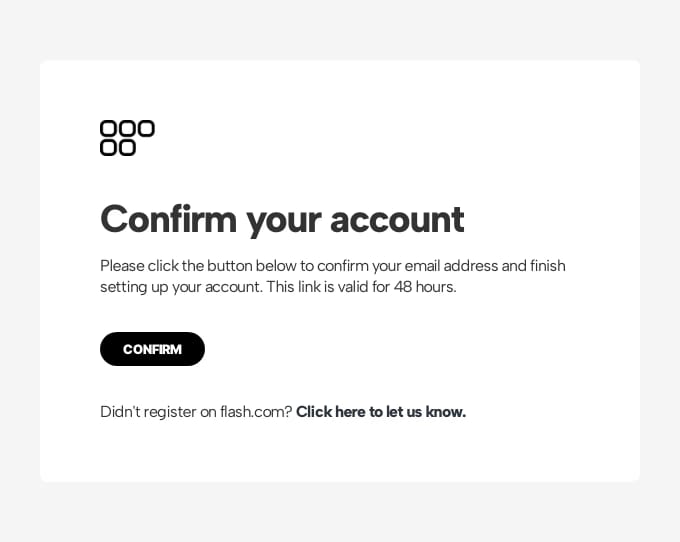 PreviewSimple password reset
 PreviewTechnology Black Friday - kern
 PreviewSaaS Cyber Monday Extended - Ghost.ai
 PreviewSaaS Black Friday - Authen
 PreviewWelcome message
 PreviewSaaS Black Friday Reminder - Ghost.ai
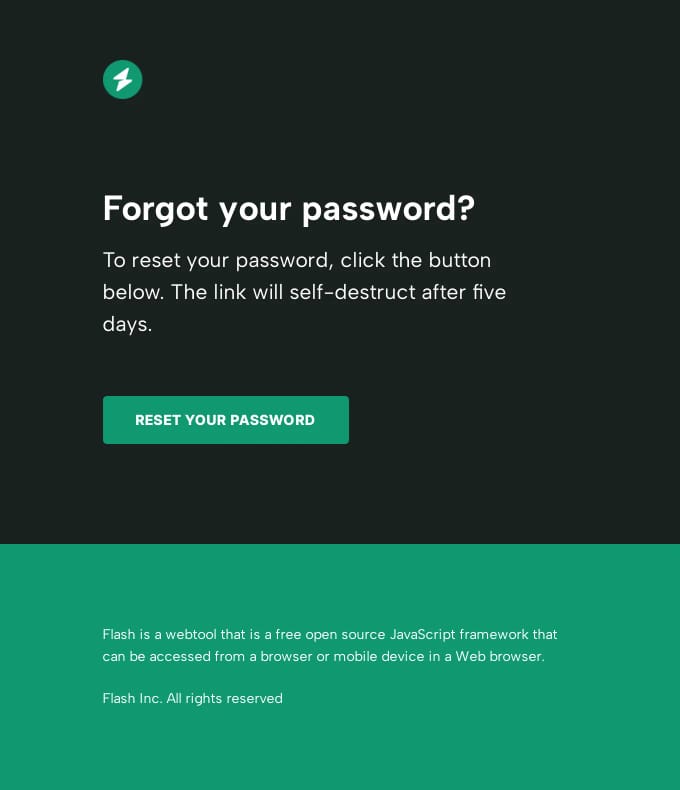 PreviewPassword forgot notification
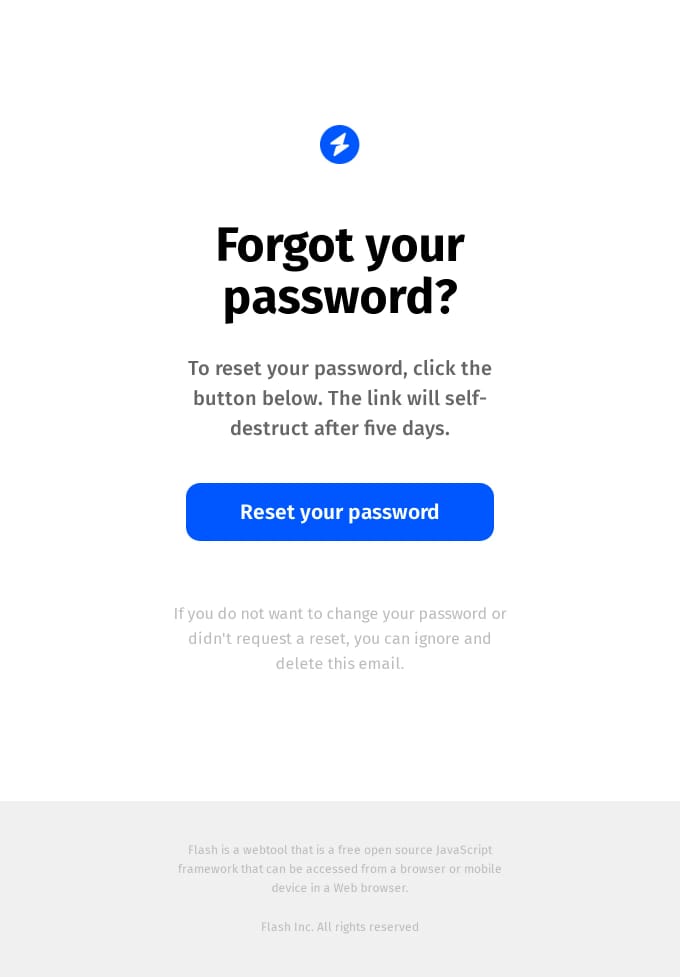 PreviewPassword reset notification
 PreviewTechnology Cyber Monday Reminder - kern
 PreviewTechnology Cyber Monday - kern
 PreviewTechnology Black Friday Reminder - kern
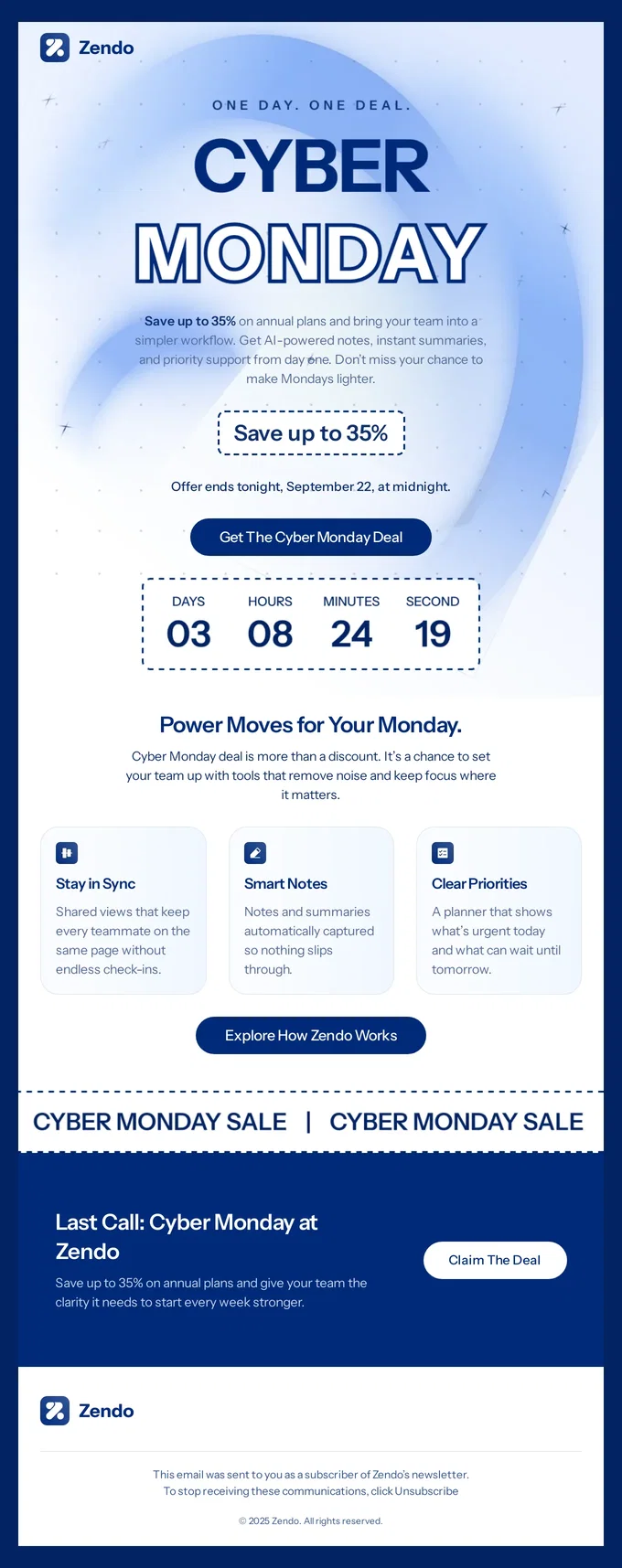 PreviewSaaS Cyber Monday - Zendo
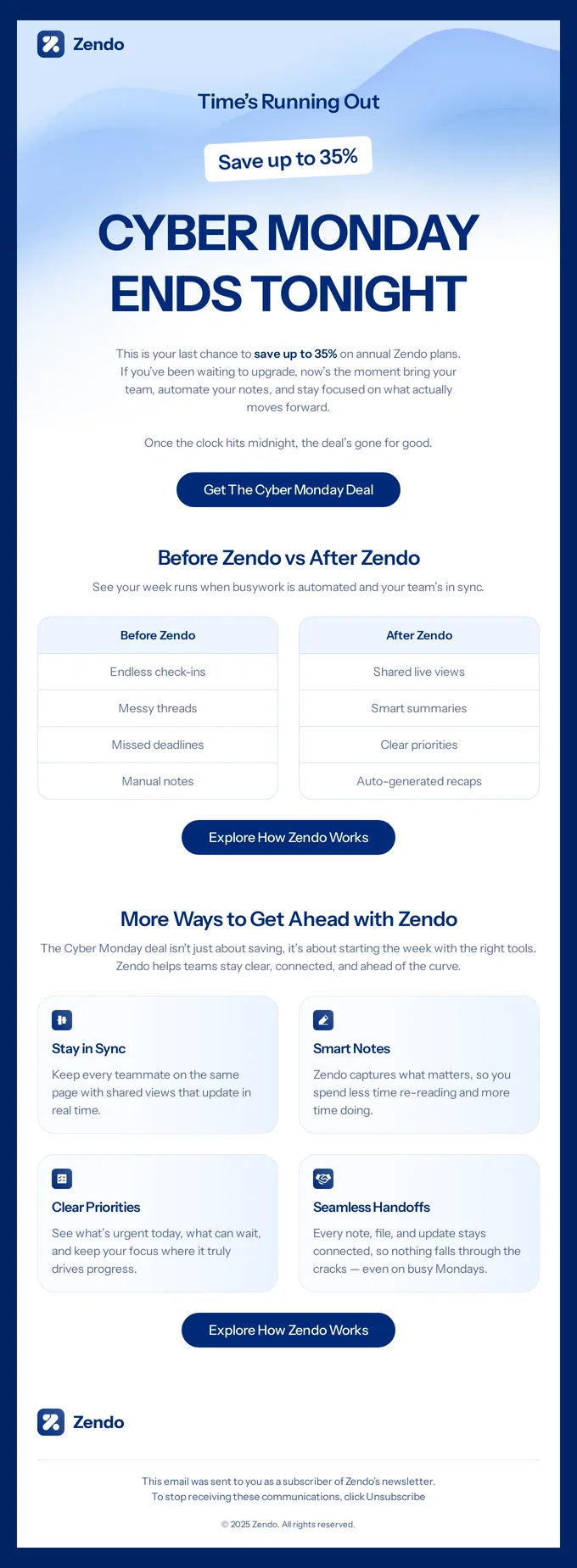 PreviewSaaS Cyber Monday Reminder - Zendo
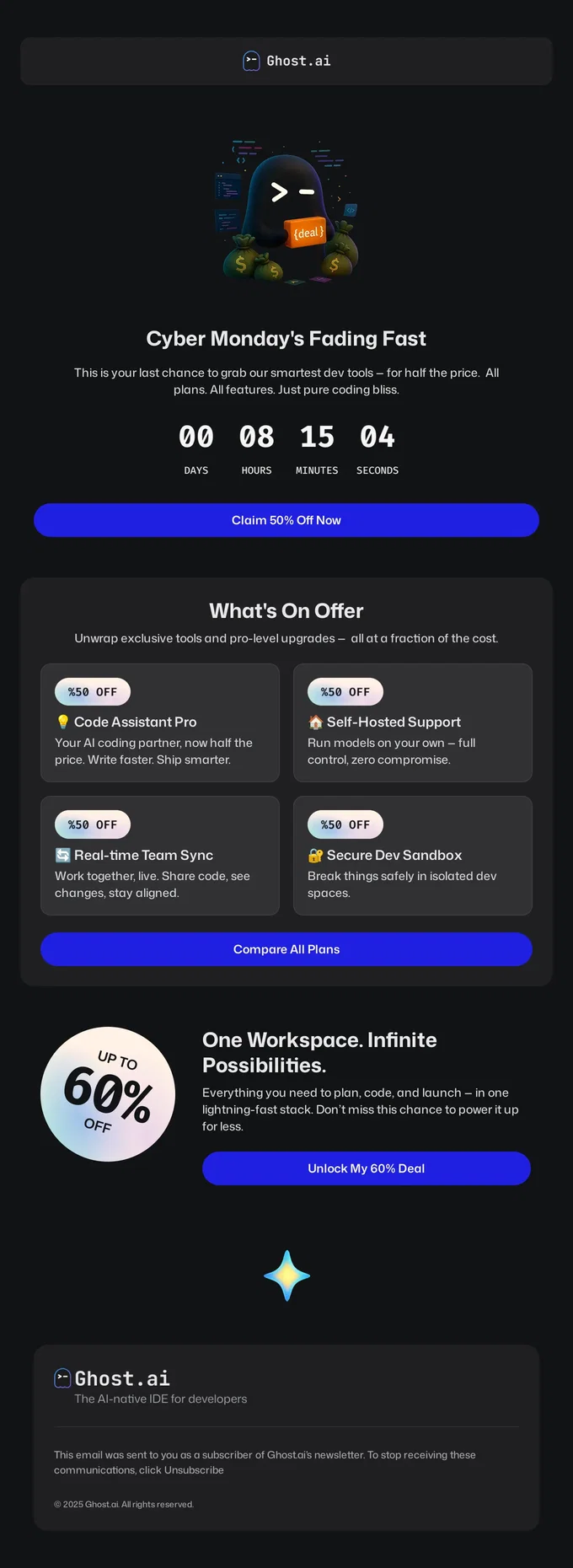 PreviewSaaS Cyber Monday Reminder - Ghost.ai
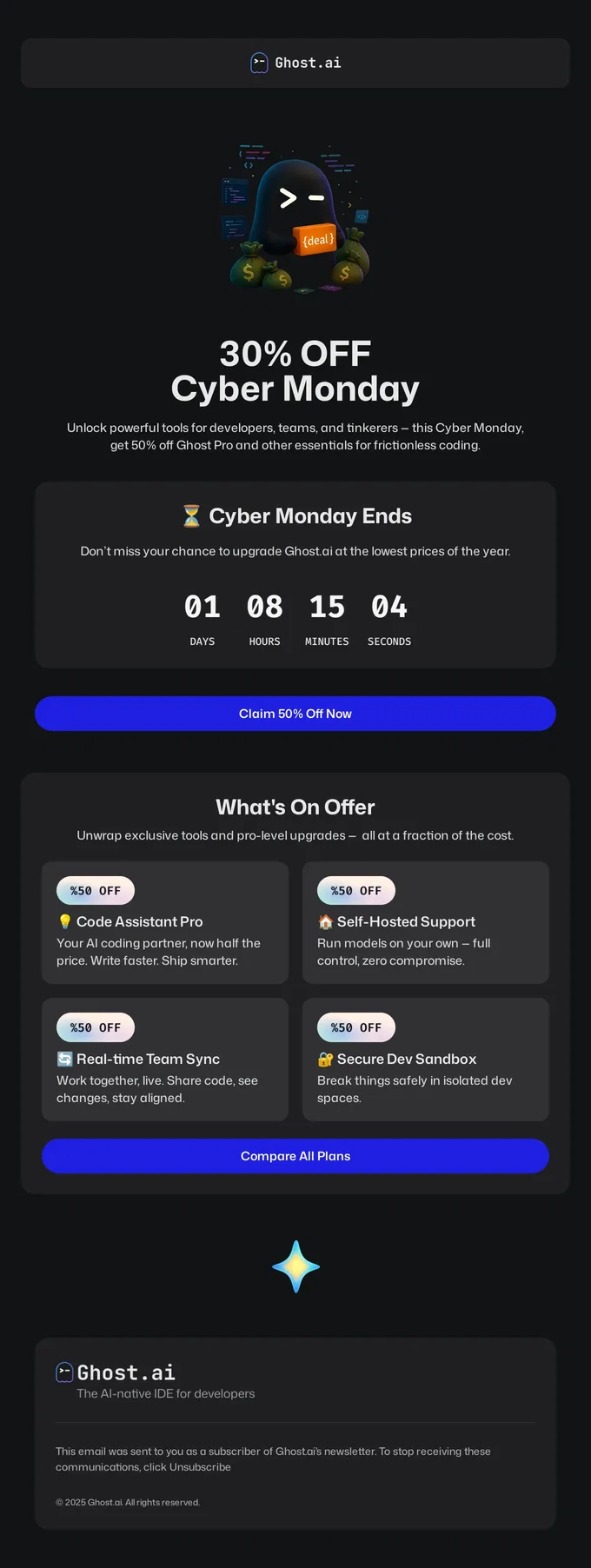 PreviewSaaS Cyber Monday - Ghost.ai
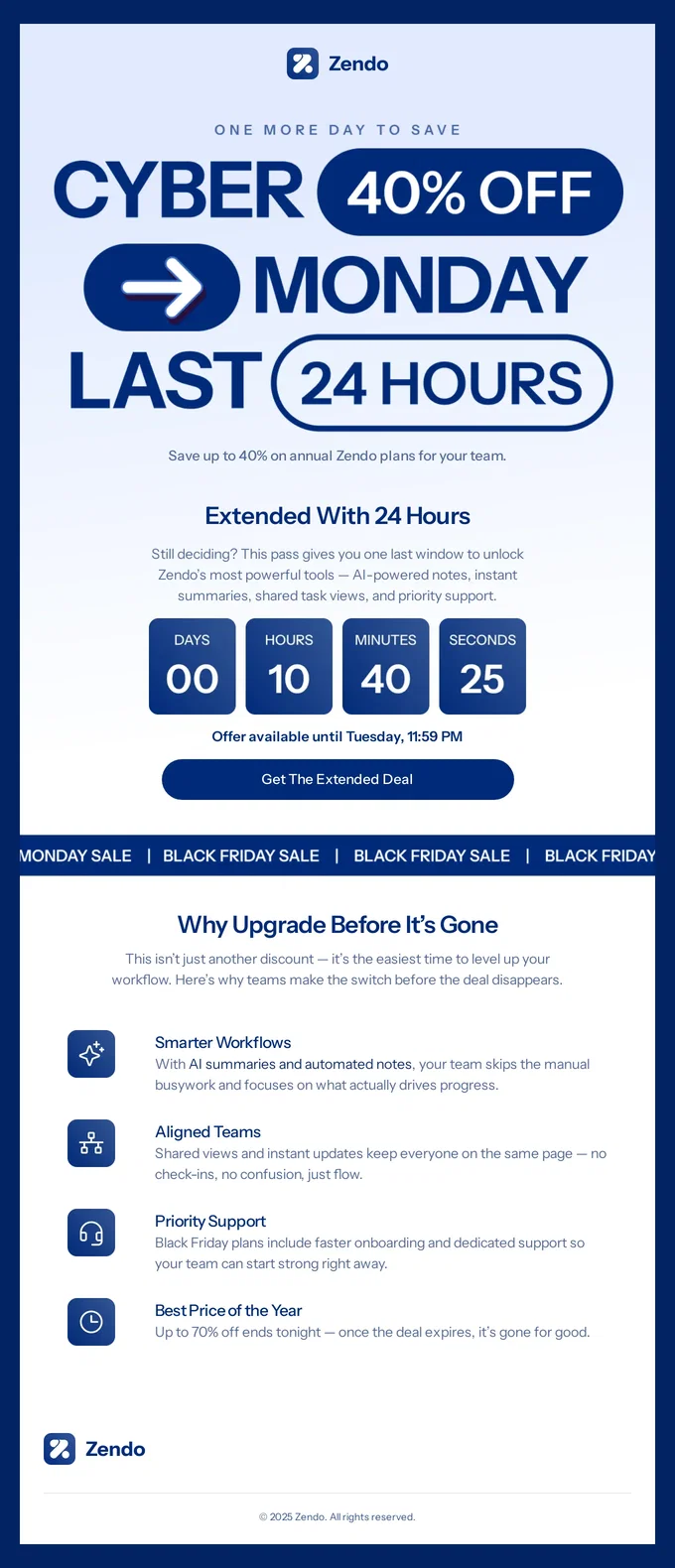 PreviewSaaS Cyber Monday Extended - Zendo
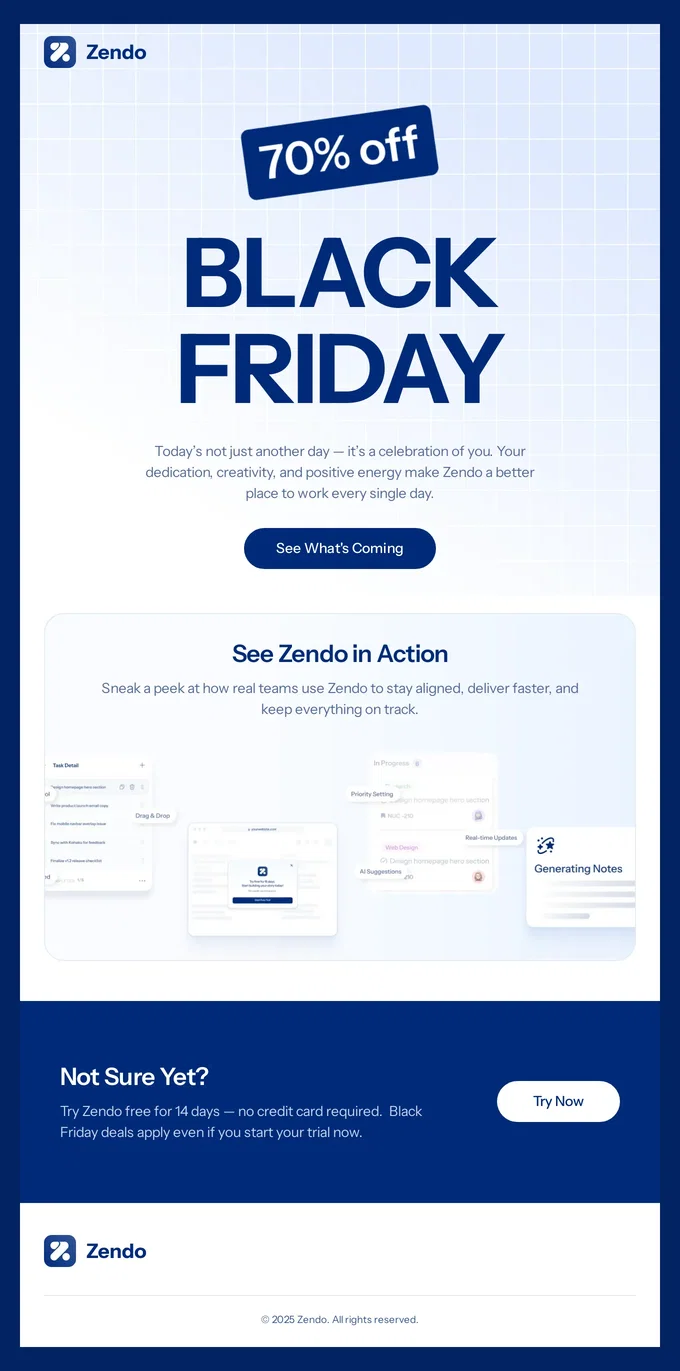 PreviewSaaS Black Friday - Zendo
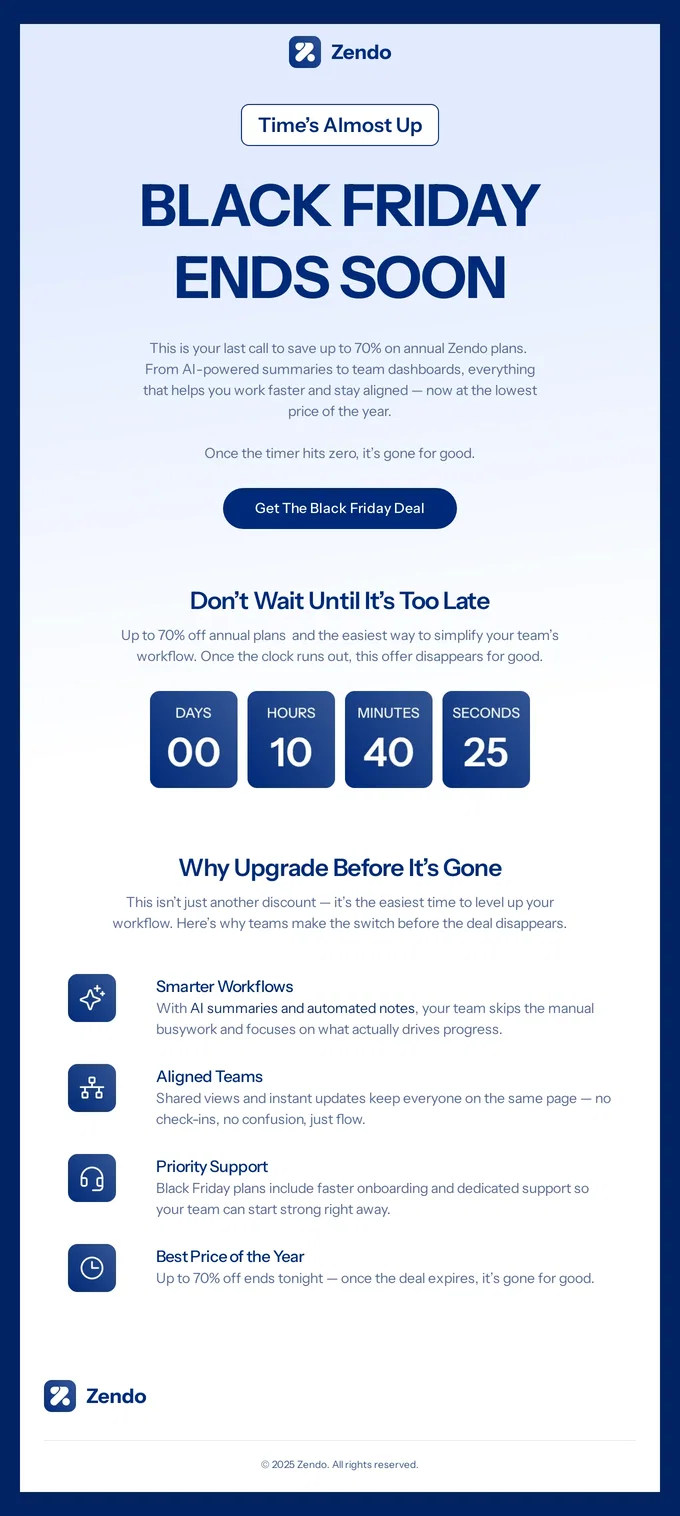 PreviewSaaS Black Friday Reminder - Zendo
 PreviewSaaS Black Friday - Ghost.ai
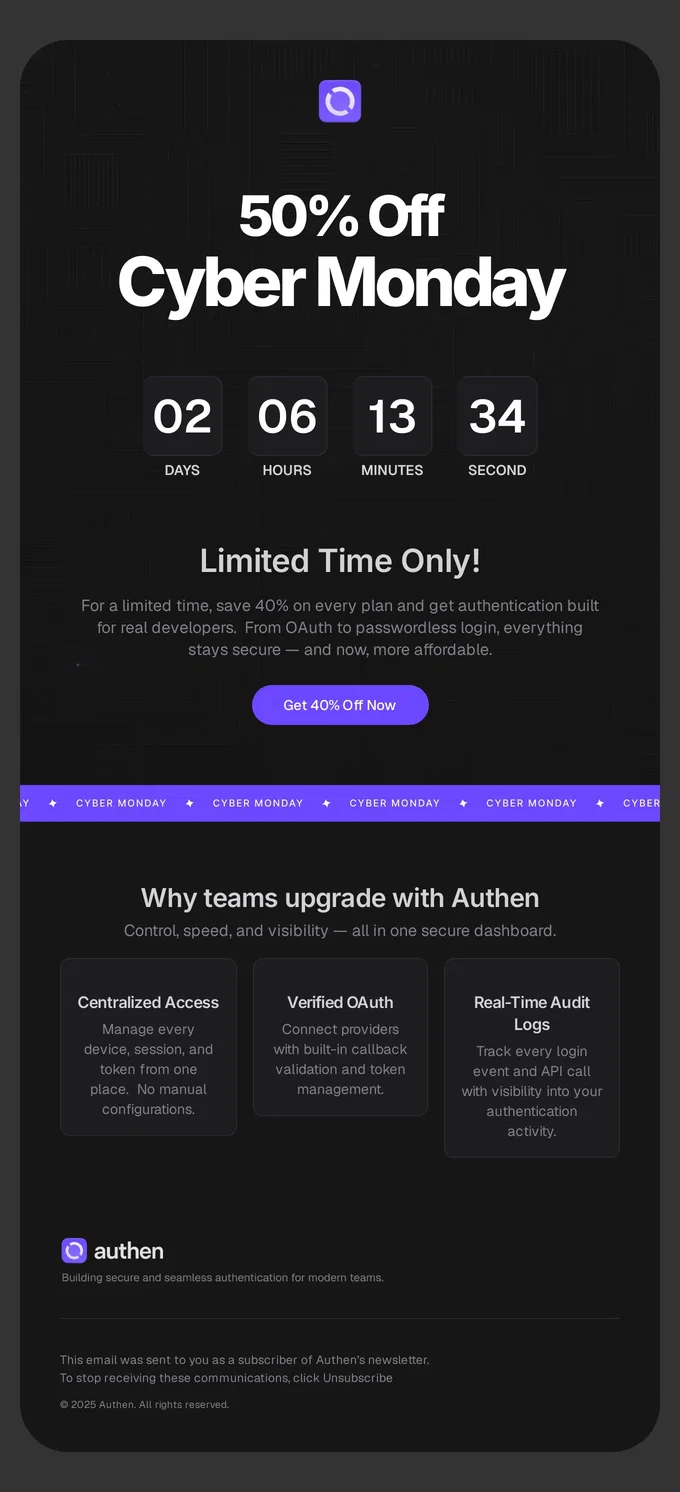 PreviewSaaS Cyber Monday Reminder - Authen
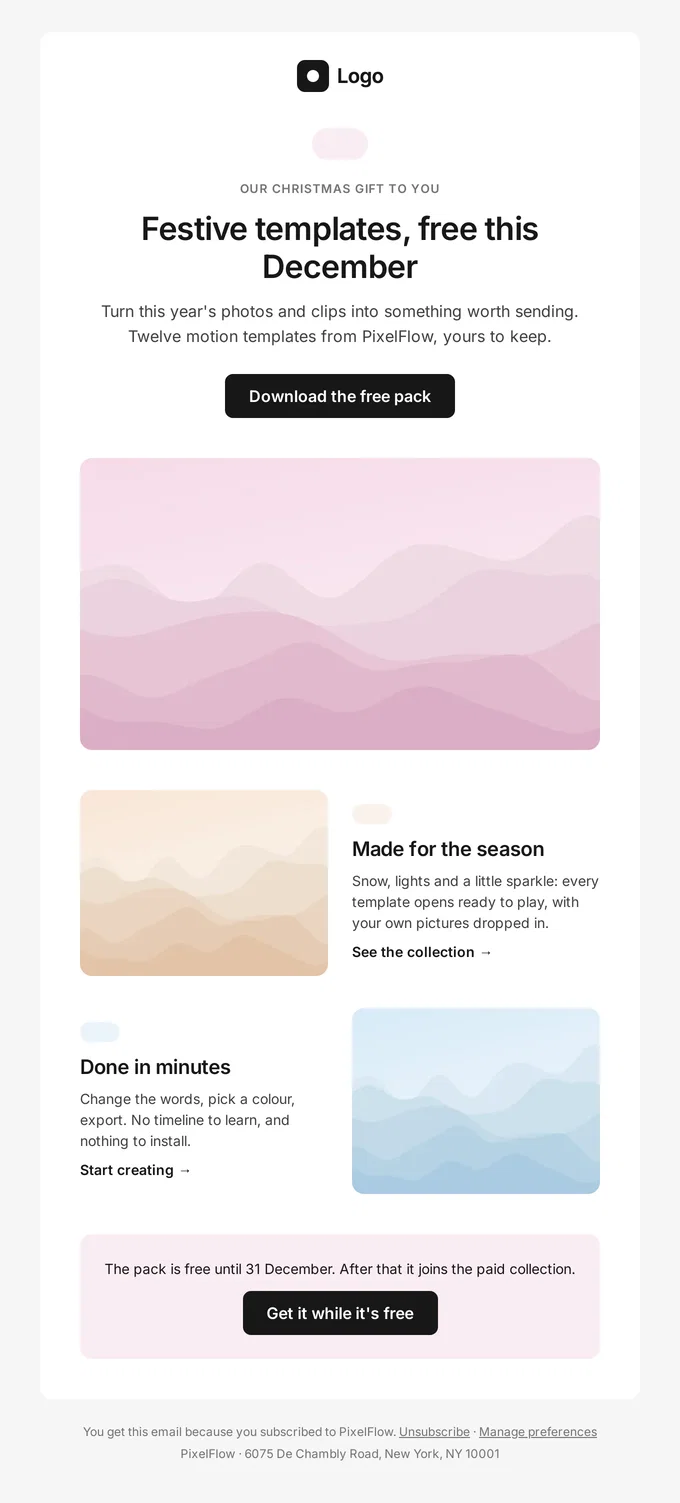 PreviewFree Christmas Holiday Offer
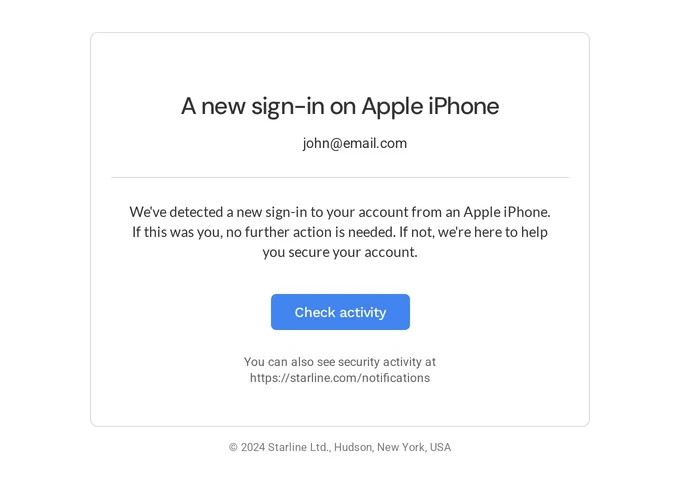 PreviewUser sign-in activity notification
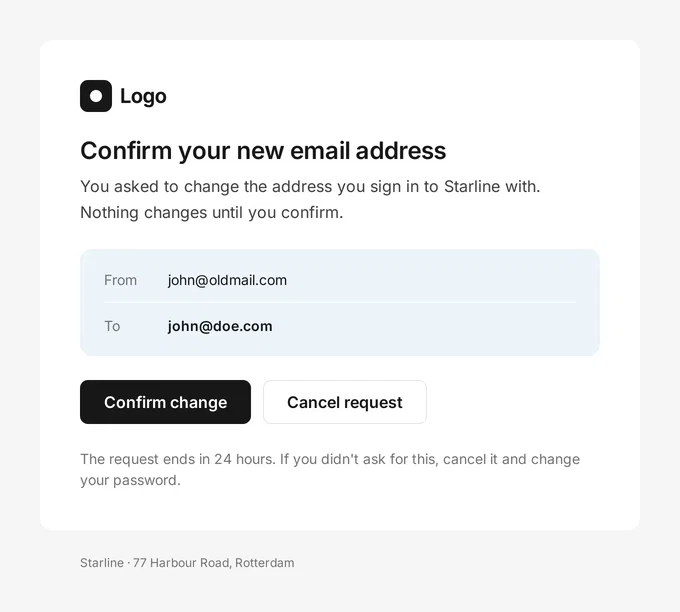 PreviewSimple confirmation
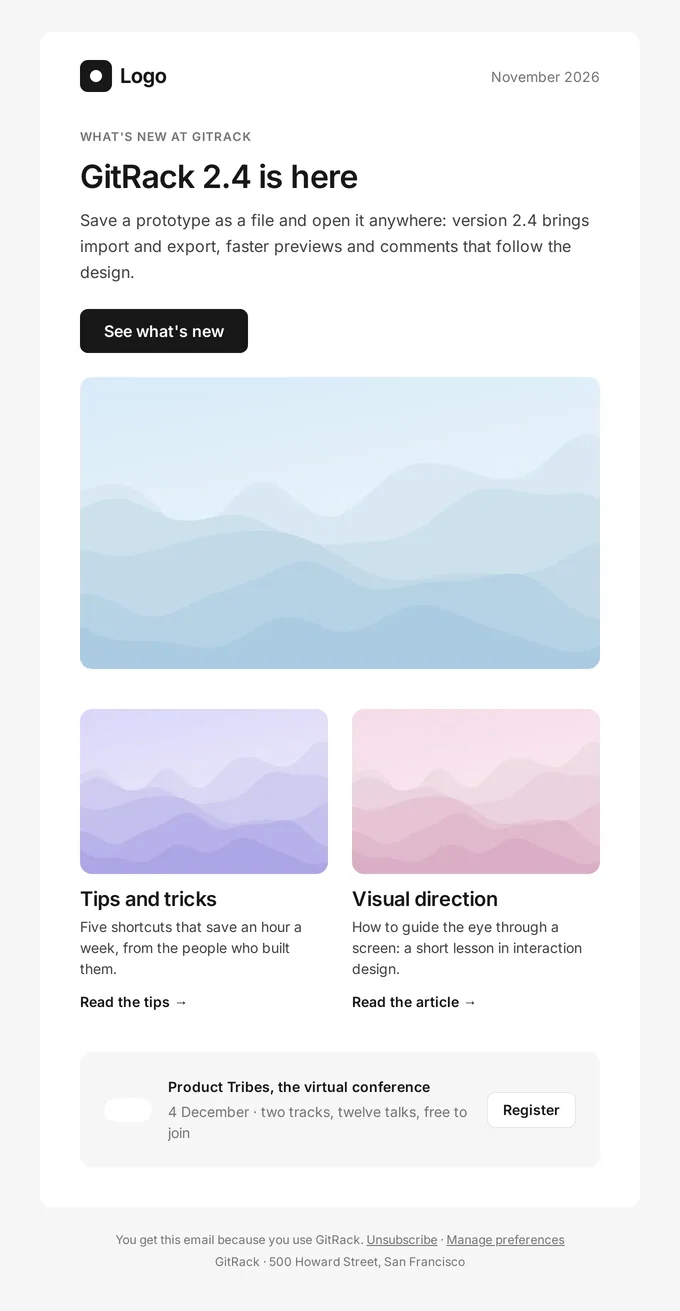 PreviewMonthly newsletter
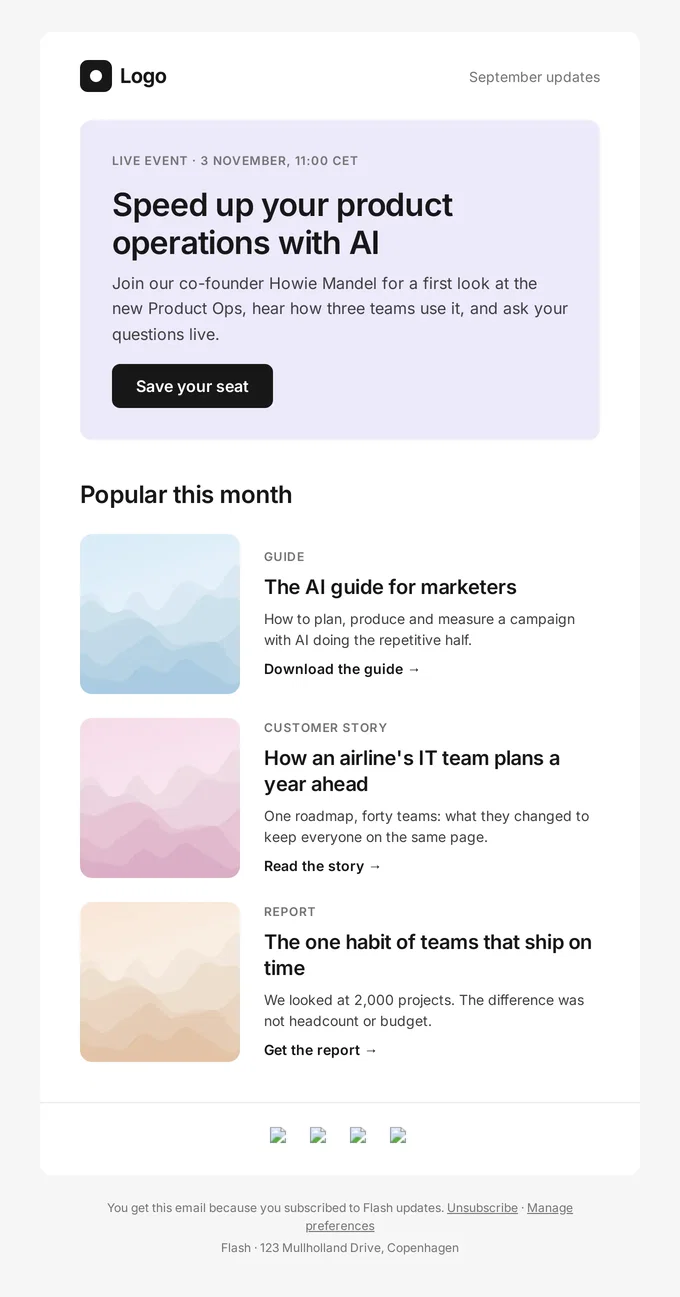 PreviewMonthly newsletter
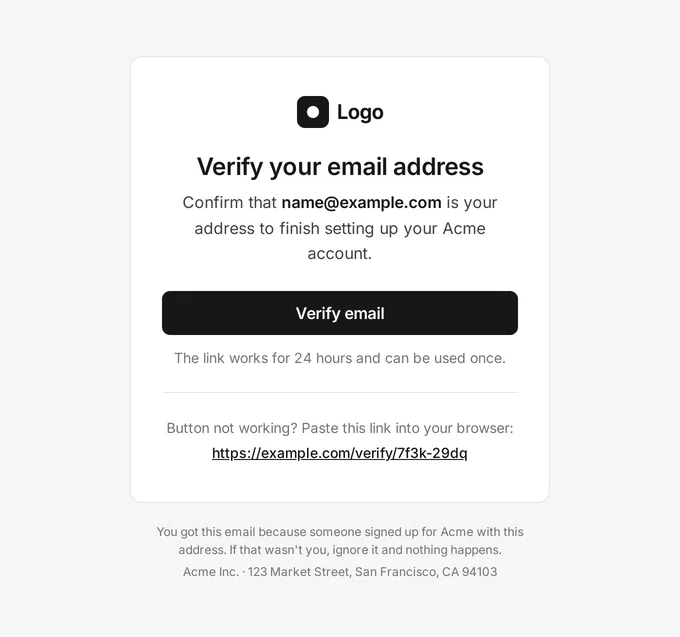 PreviewEmail verification
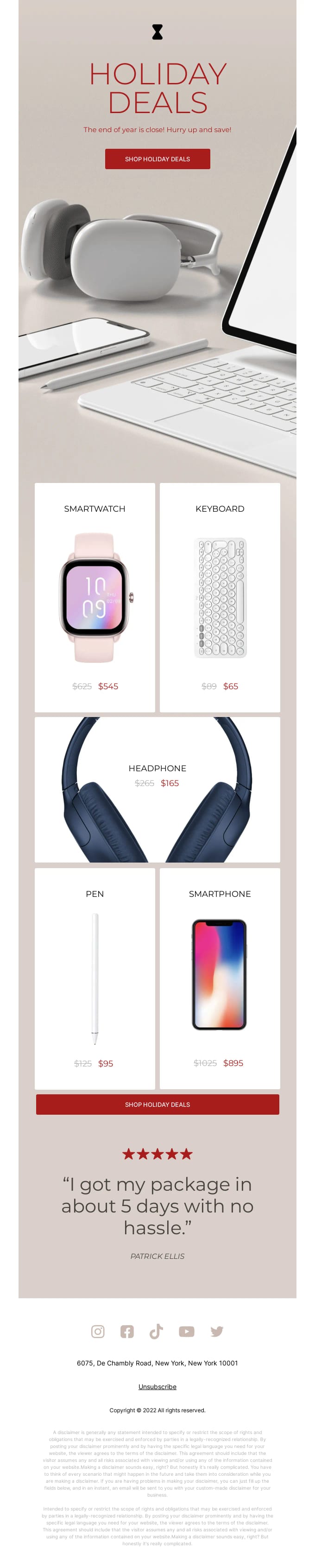 PreviewHoliday Product Deals
 PreviewTech products
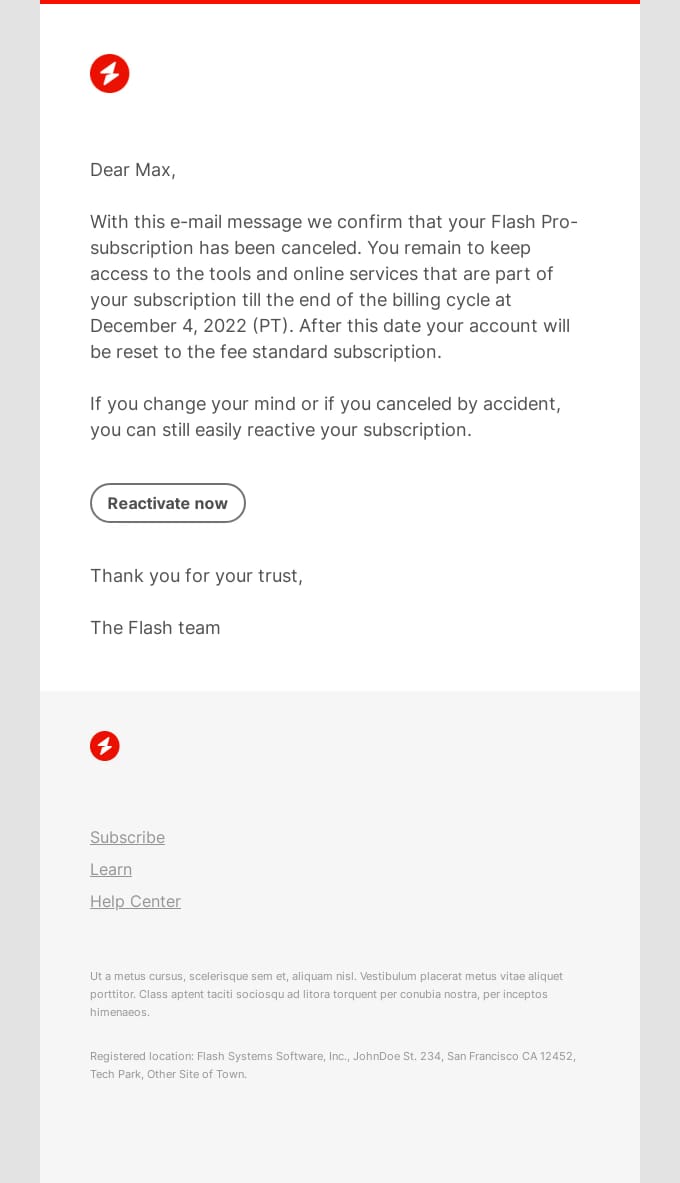 PreviewSubscription confirmation notification
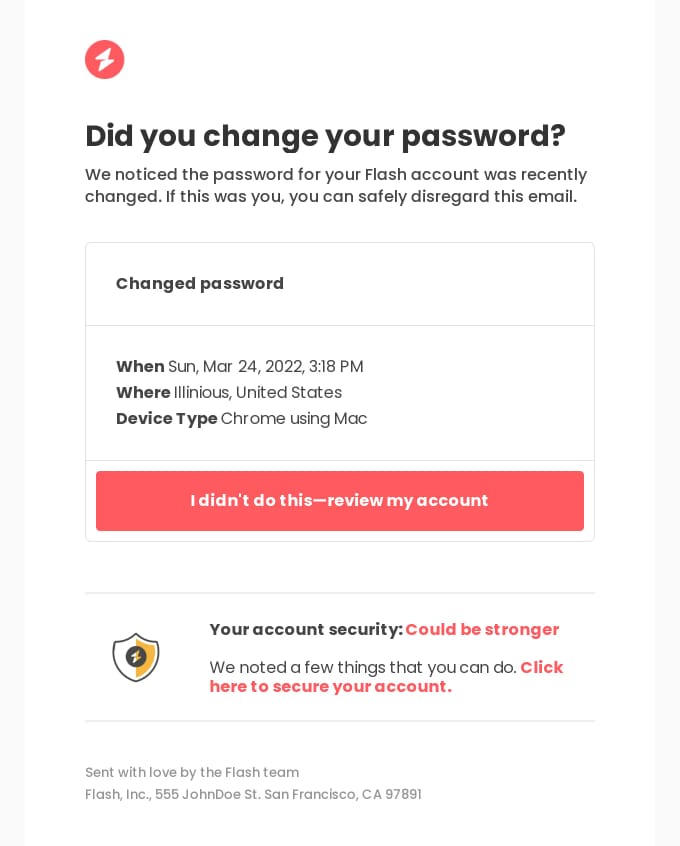 PreviewPassword changed event notification
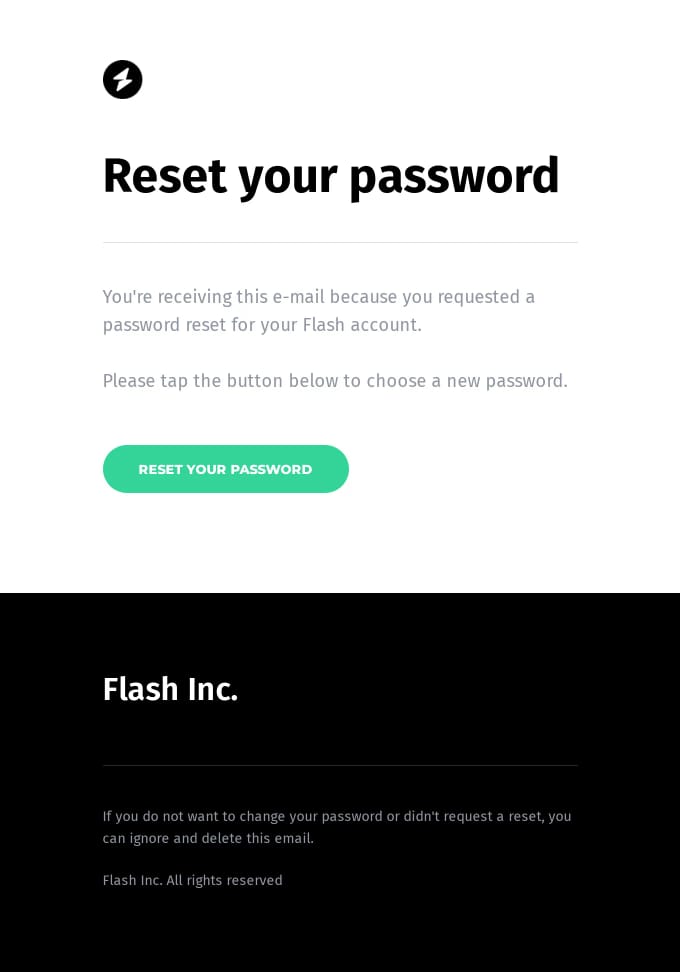 PreviewPassword reset notification
About these B2B email templates
- 1Free and responsive
Every template works on desktop and on phones.
- 2Edit without code
Change text, images and colours on a real canvas.
- 3Send it anywhere
Export the HTML, or send it to 26 email platforms.
When it comes to B2B email marketing, staying professional, efficient, and relevant is key. In B2B marketing, where the sales cycle is often longer and more complex, well-designed emails can get you leads, reinforce brand credibility, and keep you in the mind with clients and partners.
Tabular.email makes the B2B email template creation process simple and effective with free, downloadable, professional B2B email templates that convey your message and help build lasting business relationships.
Let’s explore the essential types of B2B email templates, best practices, and why using Tabular.email can make a significant difference in your B2B marketing strategy.
Types of B2B Email Templates
For B2B email marketing, every type of email has its purpose, from newsletters that keep you in the loop with your customers to transactional updates that seal the deal. Here are some essential types used for B2B marketing, with free templates.
1. SaaS Email Templates
- SaaS emails often include product updates, feature releases, and onboarding information to help clients get the most out of their subscription.
- Tabular.email’s SaaS templates are structured to make technical content easy to understand while making sure that your emails are clear, concise, and valuable for the reader.
2. Transactional Email Templates
- Transactional emails, such as purchase receipts, subscription updates, or payment reminders, are essential for building trust and maintaining transparency with customers.
- Our free transactional email templates provide a clean, professional look, ensuring your customers receive all necessary information with minimal friction.
3. Newsletter Templates
- Email newsletters are the most-used form of content marketing in B2B, with 81% of B2B marketers saying they rely on them. Newsletters are a great way to keep your audience updated on company news, industry insights, and product announcements.
- Tabular.email’s free html newsletter templates allow you to easily design professional and informative emails, helping you build a lasting connection with your audience.
4. Confirmation Email Templates
- From event registration to product purchases, confirmation emails are key touchpoints that reinforce trust.
- Our free confirmation templates offer clear, well-organized formats that make it easy for recipients to review details while providing opportunities to guide them toward additional actions, such as account setup or learning more about your products.
Why Use Email Templates for B2B Marketing Campaigns
In B2B marketing, time is often limited, and the need for quality communication is high. Email templates offer several advantages that make them an excellent choice for B2B campaigns:
- Consistency and Professionalism
- Email templates help maintain consistency in messaging and branding, which is especially important in B2B, where long-term relationships are valued.
- A standardized design gives each email a polished, professional look that aligns with your company’s image.
- Efficiency in Content Creation
- With B2B email templates, your marketing team can quickly deploy new campaigns without starting from scratch each time.
- Templates allow you to reuse and adapt a proven format, which is especially helpful for routine emails like newsletters and transactional messages.
- Scalability
- B2B marketing often involves sending emails to large lists of clients, leads, and prospects. Templates make it easy to scale your email marketing, as you can quickly personalize each email with dynamic content fields (like the recipient’s name or company) without manually editing each message.
- High Engagement Rates
- Email remains one of the most effective B2B marketing channels, especially for newsletters. In fact, 81% of B2B marketers report that their most-used form of content marketing is email newsletters.
- By using well-designed templates, you can increase engagement by delivering relevant content in a consistent and visually appealing format.
- Better Tracking and Optimization
- With consistent templates, it’s easier to track and optimize your email performance. Analyzing metrics like open rates and click-throughs becomes more meaningful when the format is standardized, allowing you to make data-driven improvements over time.
Why Choose Tabular.email for B2B Email Templates?
Tabular.email offers powerful features and intuitive tools to help you create professional, responsive B2B email templates easily. Here’s why Tabular.email is an excellent choice for your B2B email marketing campaigns:
1. Responsive Design
In B2B marketing, your emails need to look professional on every device, whether viewed on a desktop, tablet, or smartphone. Every email you create with Tabular.email is automatically optimized for mobile, making sure your content is easy to read and interact with on any screen size.
2. Professional Branding
Maintaining brand consistency is key to reinforcing trust and credibility with your B2B clients. Tabular.email allows you to save brand colors, logos, and preferred fonts in email templates so that every email reflects your unique brand identity.
3. High Deliverability
B2B emails need to reach their intended recipients to be effective. Tabular.email ensures that your emails are designed and coded to meet email service provider (ESP) standards, minimizing the chances of your messages ending up in the spam folder. With optimized HTML structure and email best practices built-in, Tabular.email helps you achieve high deliverability rates, getting your emails into inboxes where they belong.
4. Easy Drag-and-Drop Builder
Our drag-and-drop builder is user-friendly and designed for anyone to create professional B2B emails without coding knowledge. Simply choose the elements you need, drag them into place, and adjust the layout and design to fit your brand. Drag and drop email builder saves time and gives you the flexibility to create unique, polished emails with ease.
5. Personalization with Dynamic Content
In B2B marketing, personalization is essential to making emails feel relevant and targeted. With Tabular.email, you can easily insert dynamic content, such as the recipient’s name, company, or location, making each email feel like it’s written specifically for its reader.
B2B Email Template Best Practices
When creating B2B email templates, there are several best practices that can help make your emails more effective and engaging. Here are some key considerations:
- Keep the Design Clean and Focused
- B2B emails should be professional and straightforward. Use a clean layout that highlights the main message, and avoid clutter that can distract from your CTA.
- Make the CTA Clear and Actionable
- Every B2B email should have a clear CTA that guides the reader toward the desired action. Whether it’s “Learn More,” “Get a Demo,” or “Read the Full Article,” a prominent and compelling CTA can significantly increase click-through rates.
- Prioritize Readability
- B2B emails are often read on the go, so use simple language and concise messaging. Avoid lengthy paragraphs and break up text with bullet points to make your emails easy to scan.
- Optimize for Mobile Devices
- Busy professionals often check emails on their mobile devices. Make sure that your emails are mobile-friendly to provide a seamless reading experience across all devices.
- Personalize Where Possible
- Personalizing your B2B emails can make them feel more relevant and increase engagement. With dynamic fields, you can personalize your messages with recipient-specific information to build a connection with your audience.
Start Building Professional B2B Email Templates with Tabular.email
Tabular.email is here to simplify your B2B email marketing efforts. With our user-friendly interface, responsive design, and powerful customization options, you can create professional, branded, and high-impact B2B emails that build trust and nurture relationships.
Explore Tabular.email today and discover how easy it is to create B2B email templates that are efficient, effective, and designed to deliver results.