
Free HubSpot email templates
Email templates for HubSpot, free and responsive. Customise one in Tabular’s email builder and upload it to HubSpot in one click, ready for marketing emails.
Send any of these to HubSpot in one click. See the HubSpot email builder
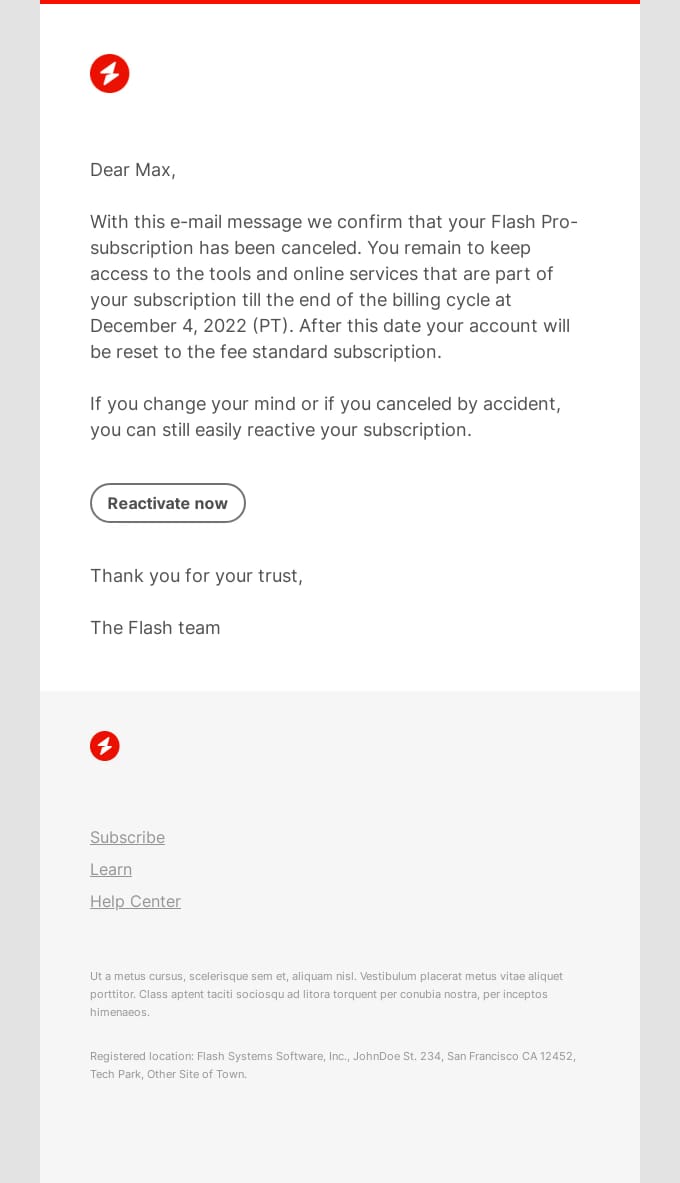
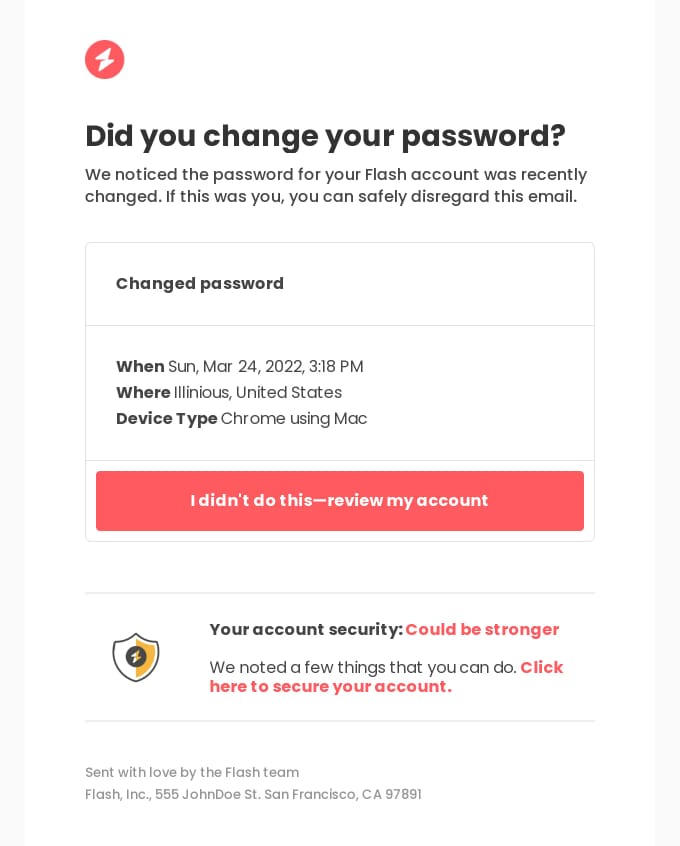
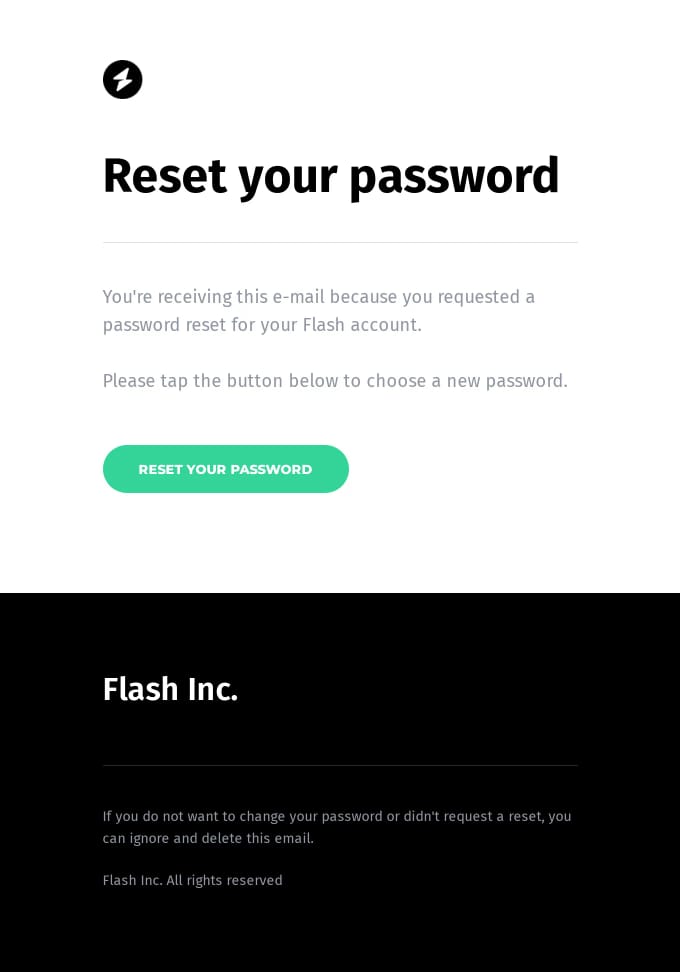
How to use these templates in HubSpot
HubSpot is a CRM platform with marketing, sales and service tools, including marketing email. With Tabular, your team designs the emails and HubSpot sends them.
- 1Pick a template and make it yours
Open it in Tabular’s email builder. Your design system adds your fonts, colours and buttons, and you change the words and images.
- 2Add your HubSpot variables
Write
{{ contact.firstname }}and any other HubSpot variable right into the text. HubSpot fills them in when it sends. - 3Connect HubSpot
Sign in with HubSpot. You do this once per workspace.
- 4Upload it as a coded HubSpot email template
One click from the export dialog, ready for marketing emails. Change the email later and update the HubSpot template again; every update includes your latest design system.