
Free MailerSend email templates
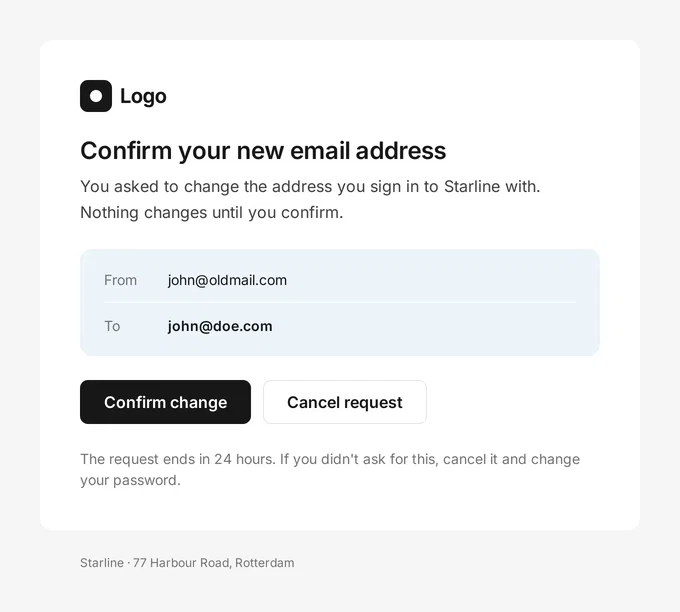
Email templates for MailerSend, free and responsive. Customise one in Tabular’s email builder and upload it to MailerSend in one click, ready for transactional emails.
Send any of these to MailerSend in one click. See the MailerSend email builder
How to use these templates in MailerSend
MailerSend is a transactional email service from the makers of MailerLite. With Tabular, your team designs the emails and MailerSend sends them.
- 1Pick a template and make it yours
Open it in Tabular’s email builder. Your design system adds your fonts, colours and buttons, and you change the words and images.
- 2Add your MailerSend variables
Write
{{ first_name }}and any other MailerSend variable right into the text. MailerSend fills them in when it sends. - 3Connect MailerSend
Paste a MailerSend API key once. You do this once per workspace.
- 4Upload it as a MailerSend template
One click from the export dialog, ready for transactional emails. Change the email later and update the MailerSend template again; every update includes your latest design system.