Send any of these to MailerSend in one click. See the MailerSend email builder
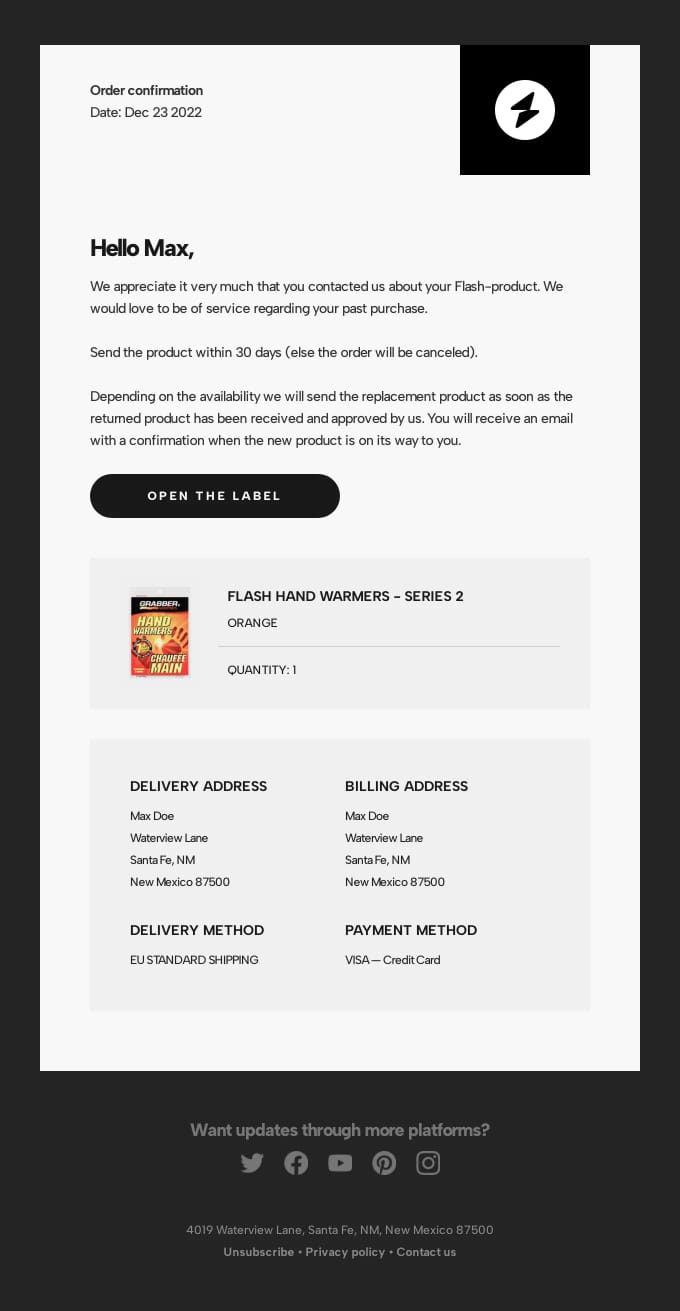
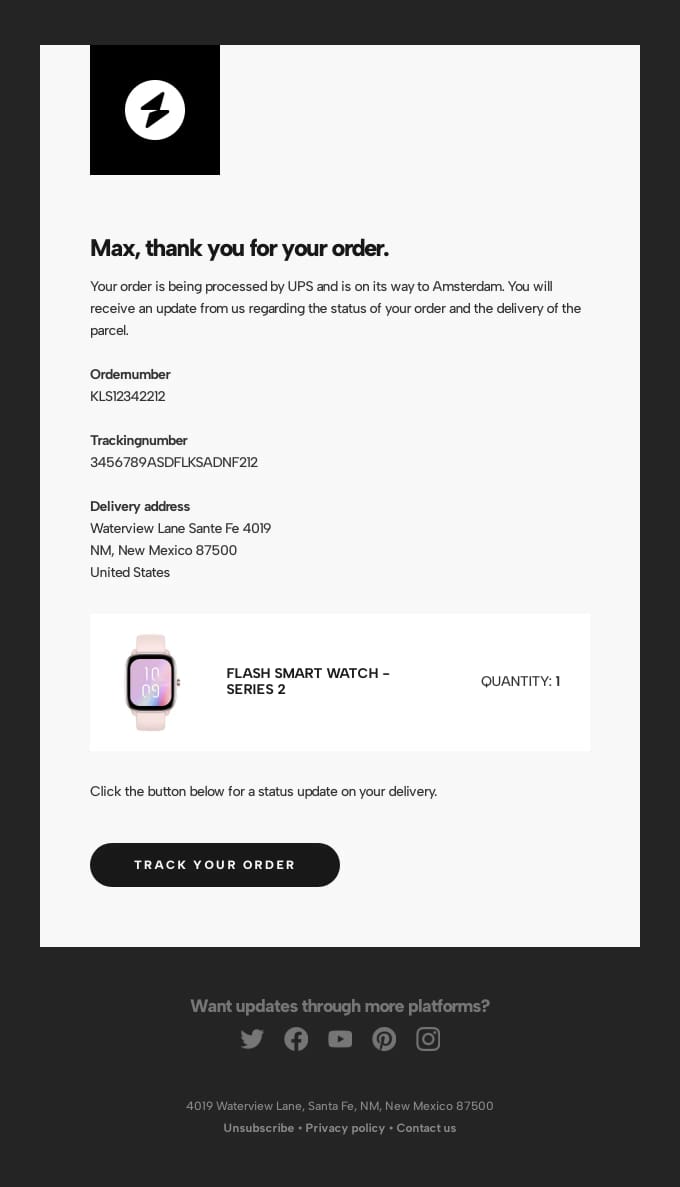
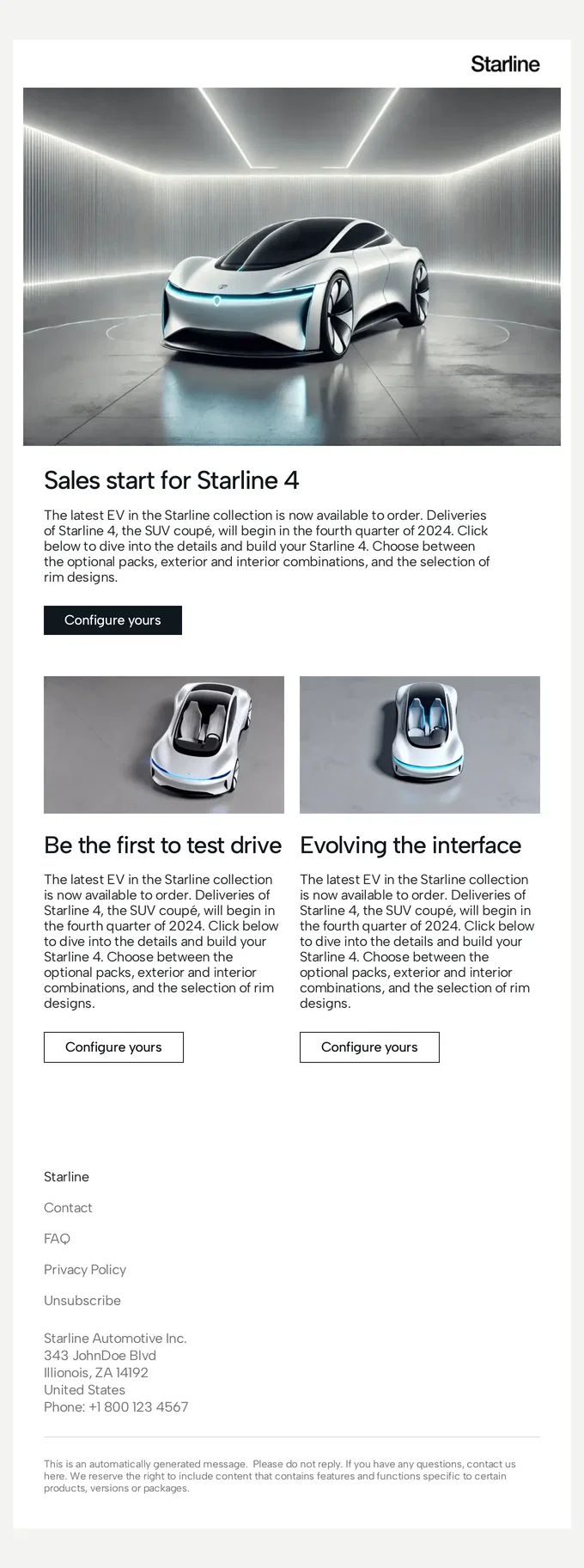
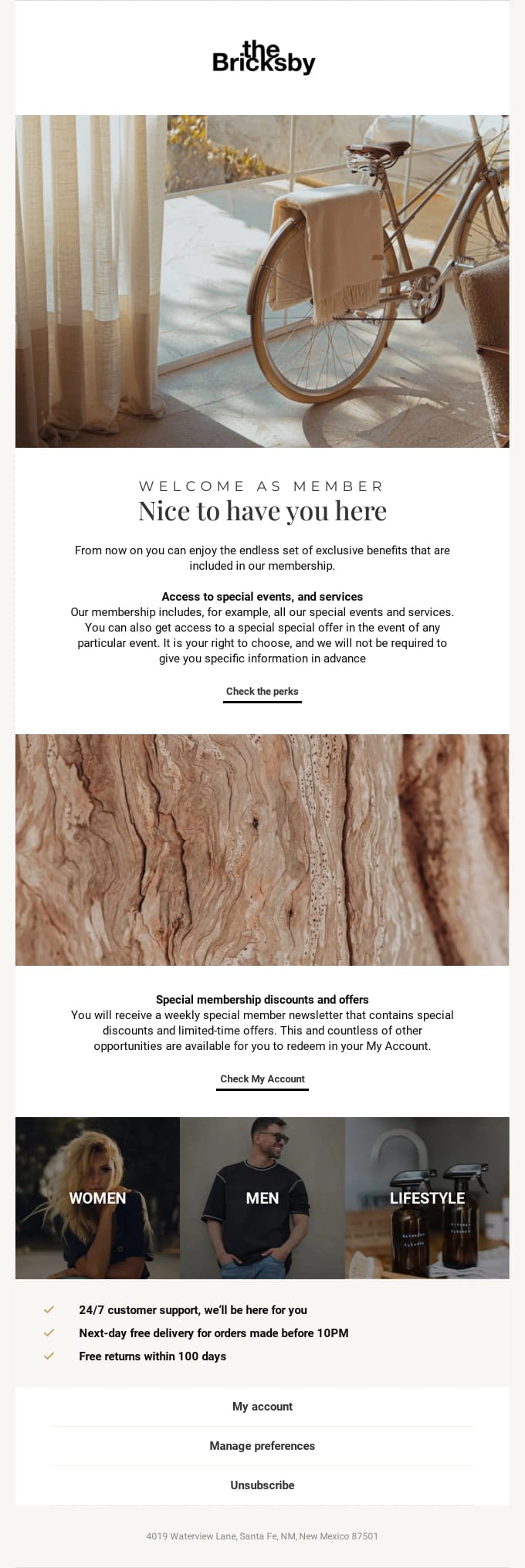
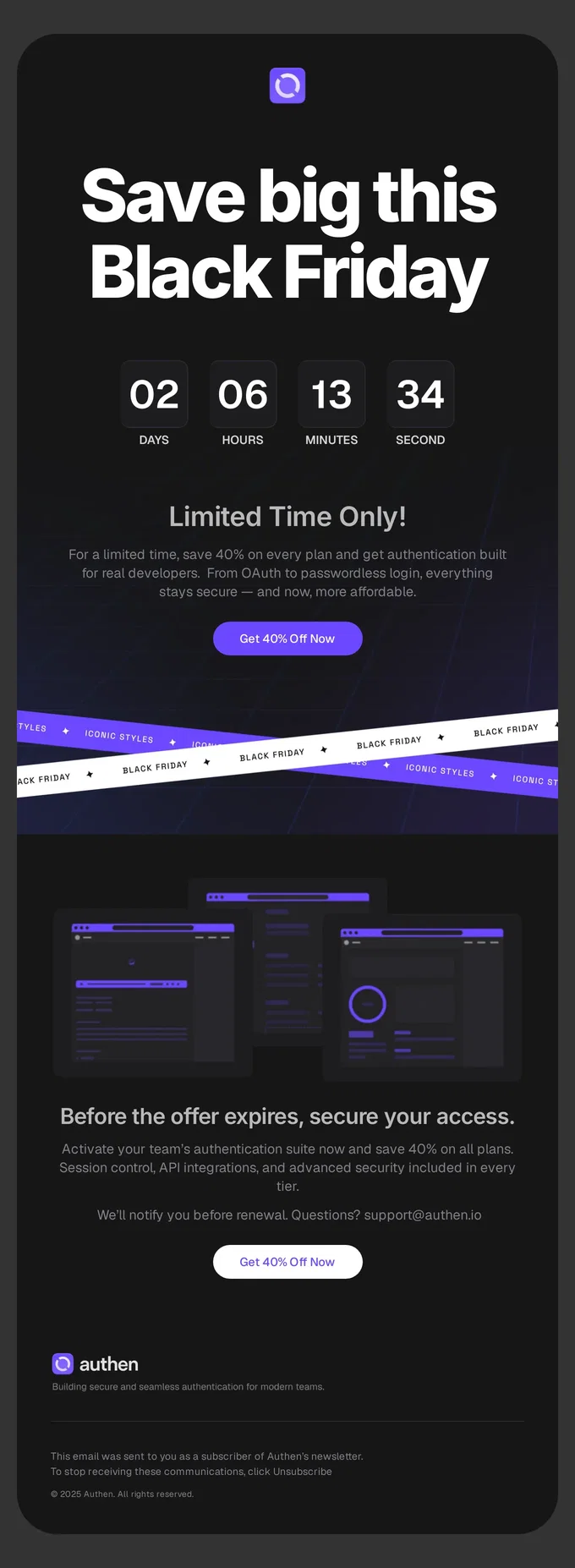
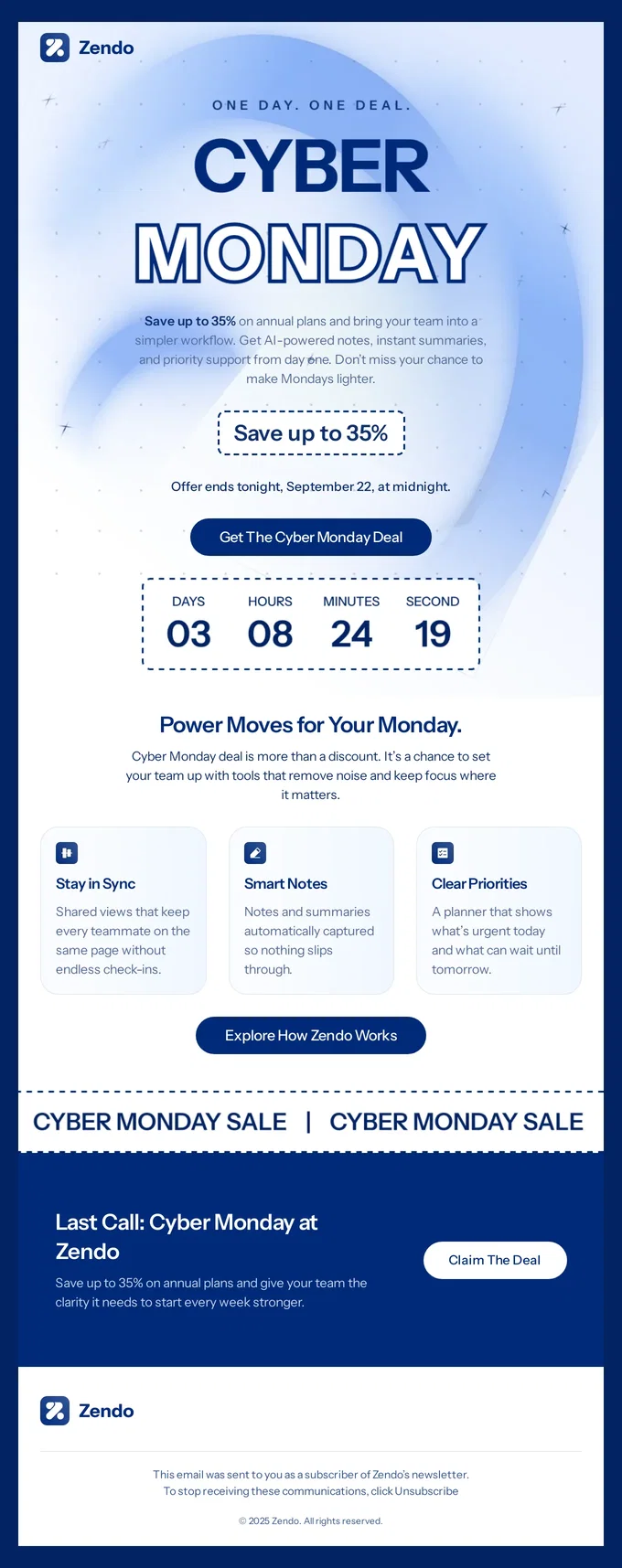
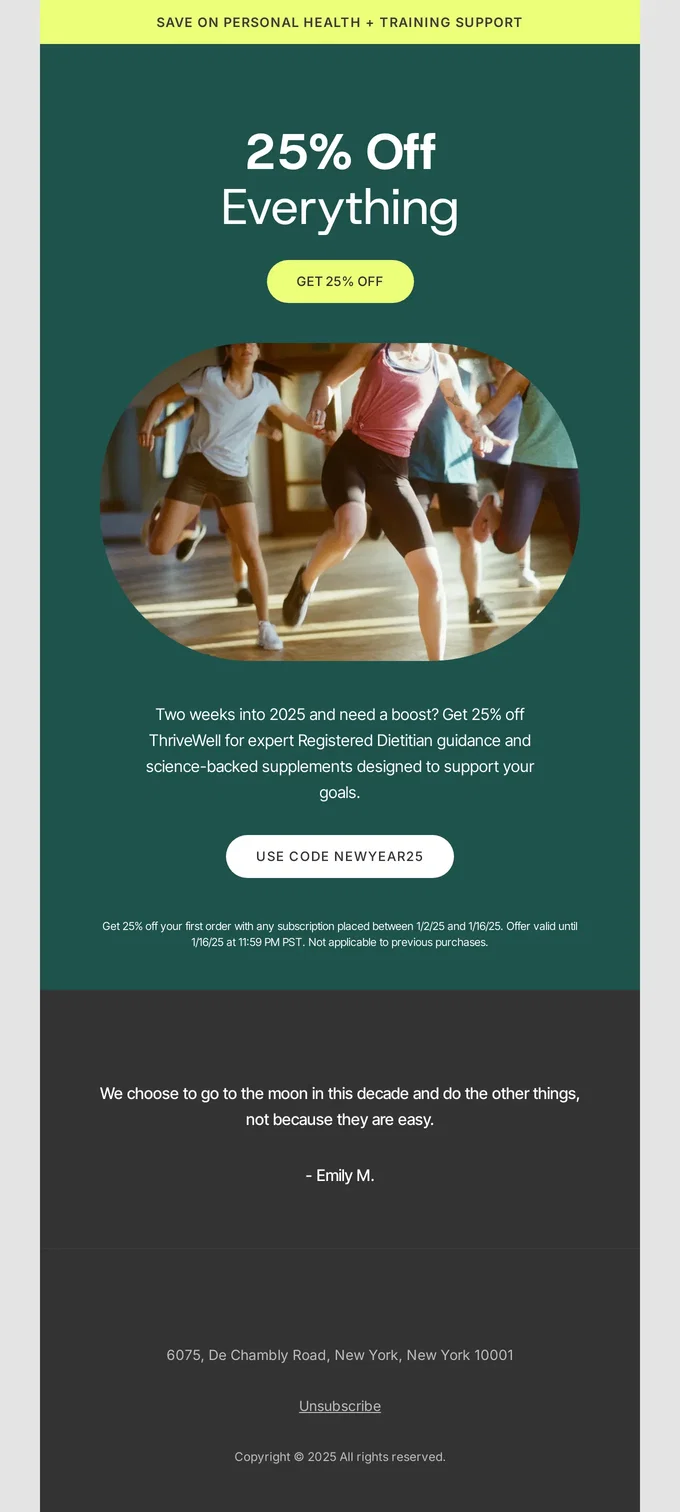
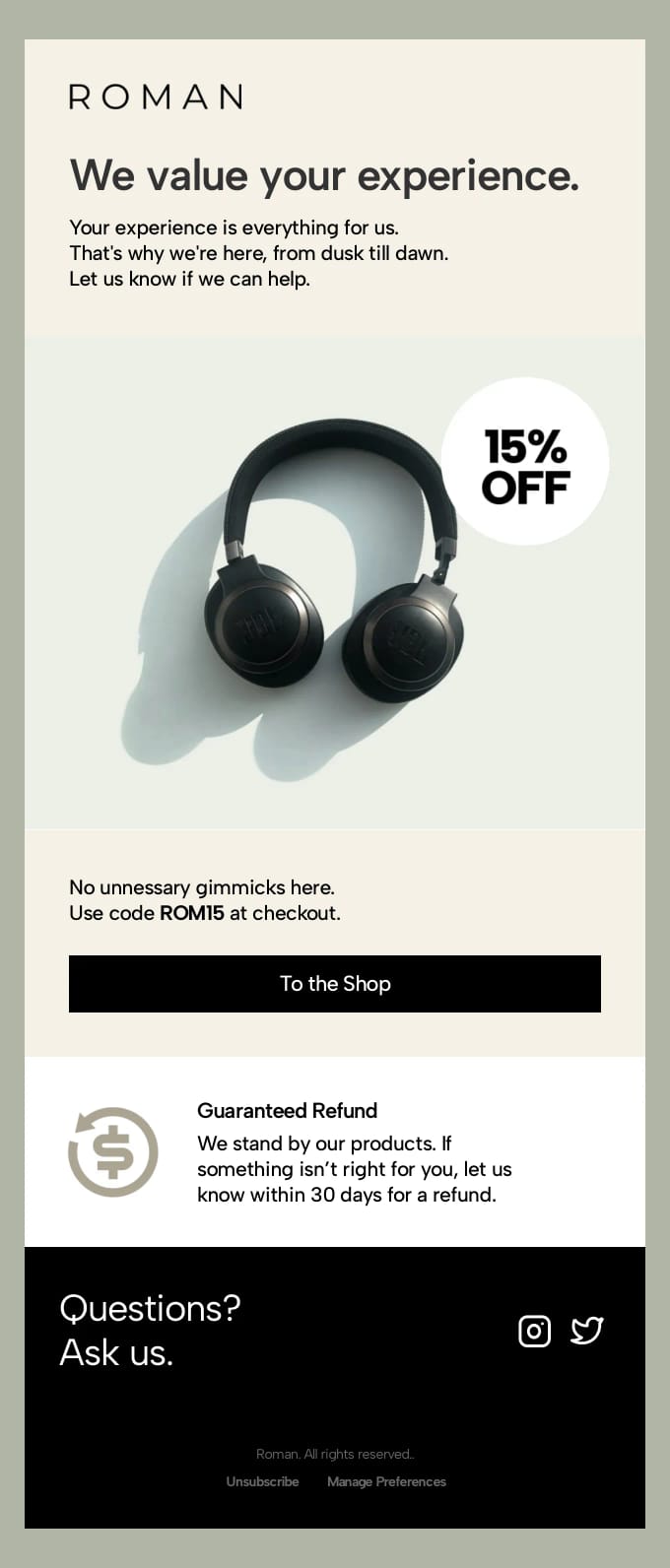
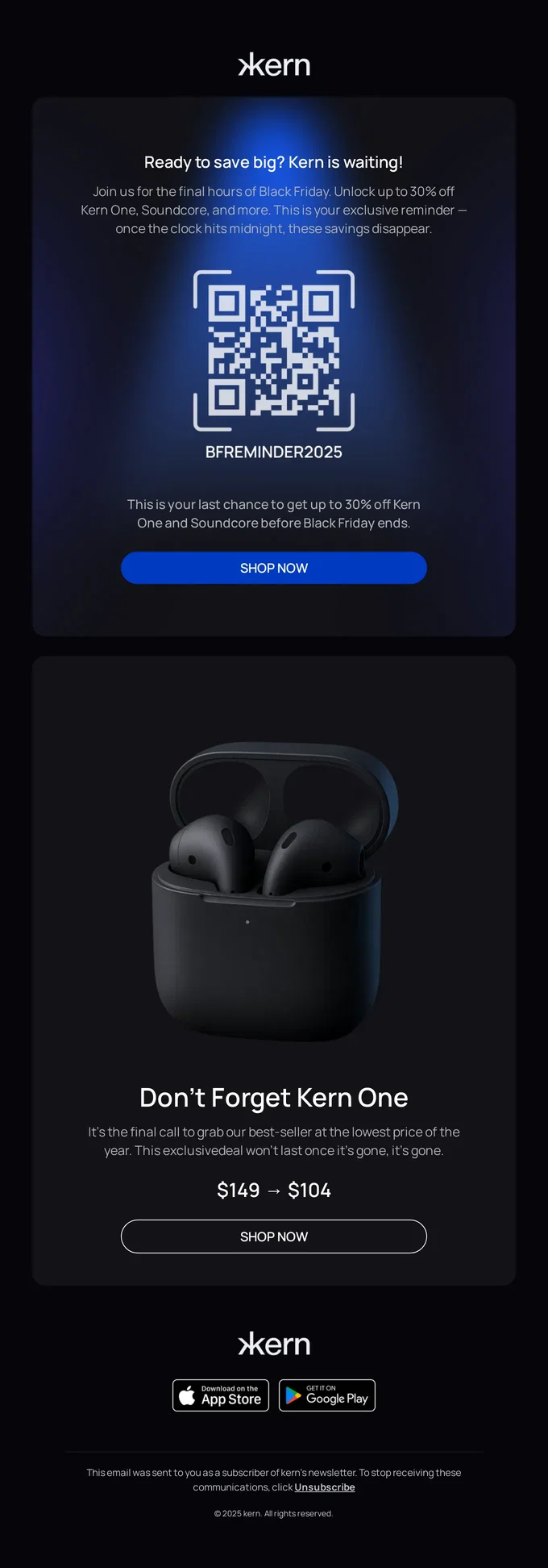
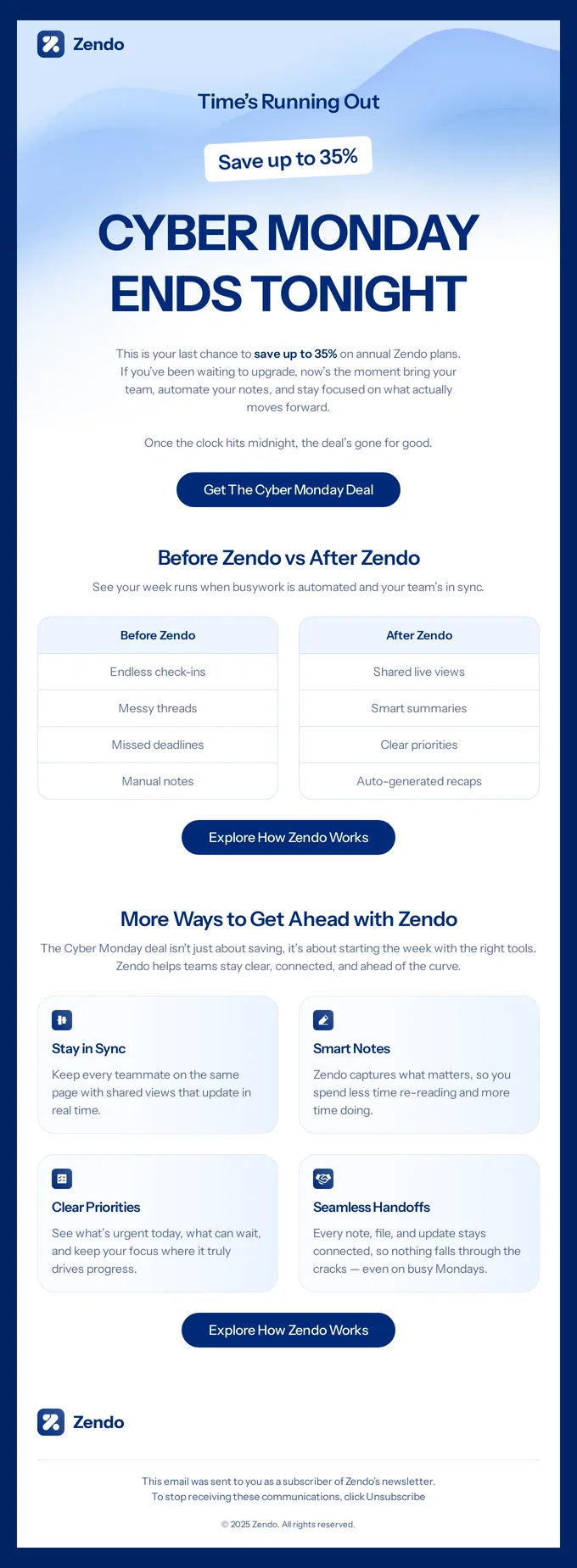
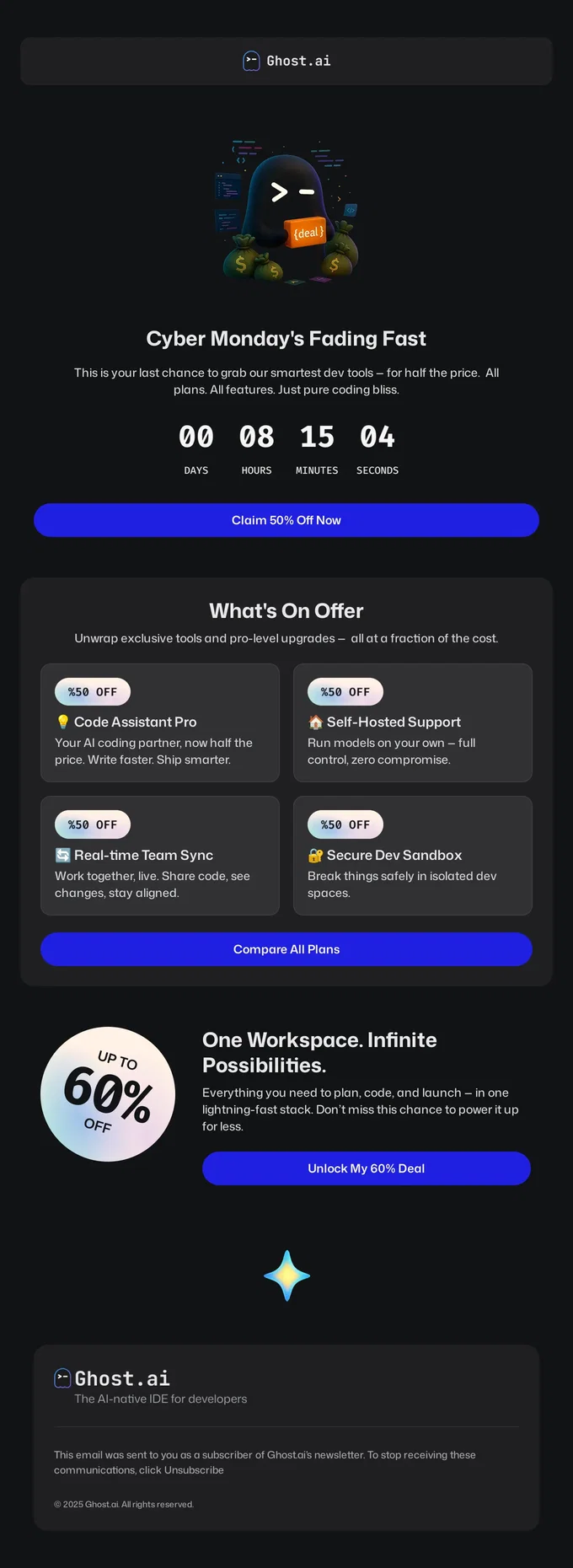
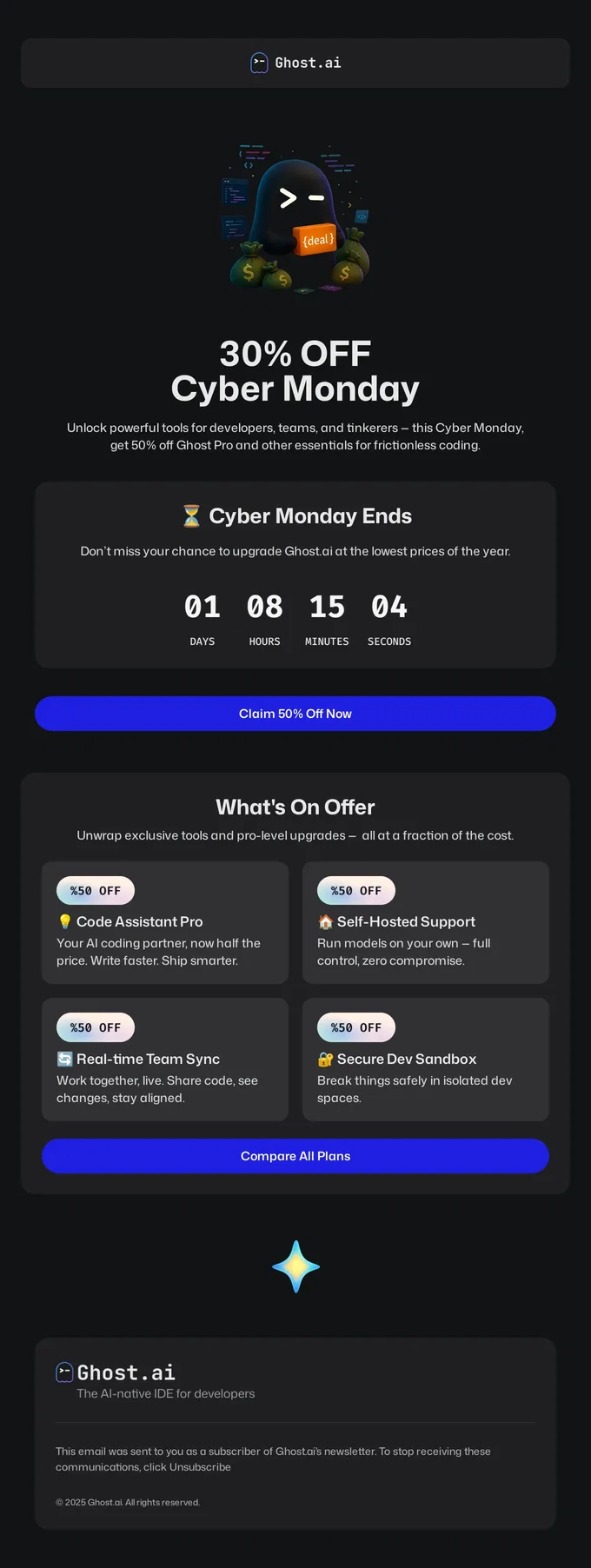
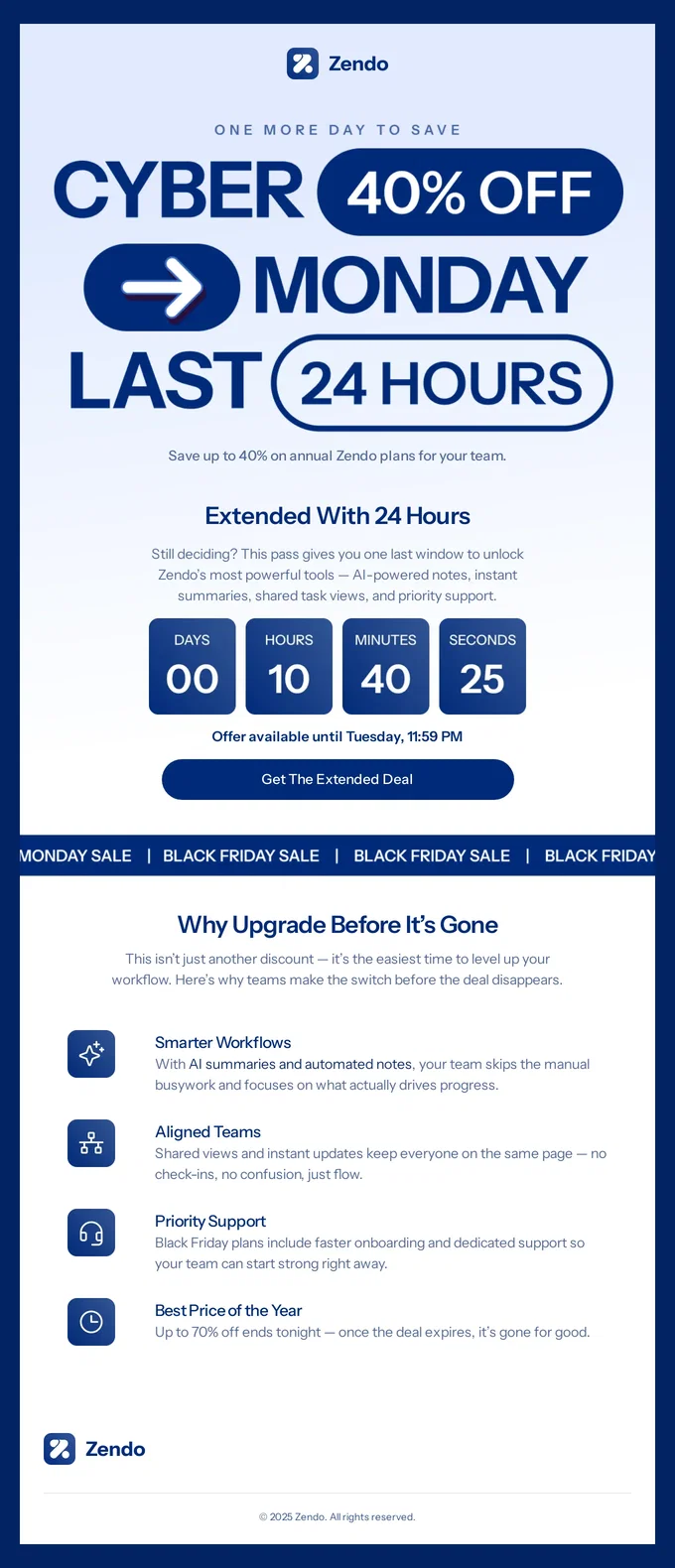
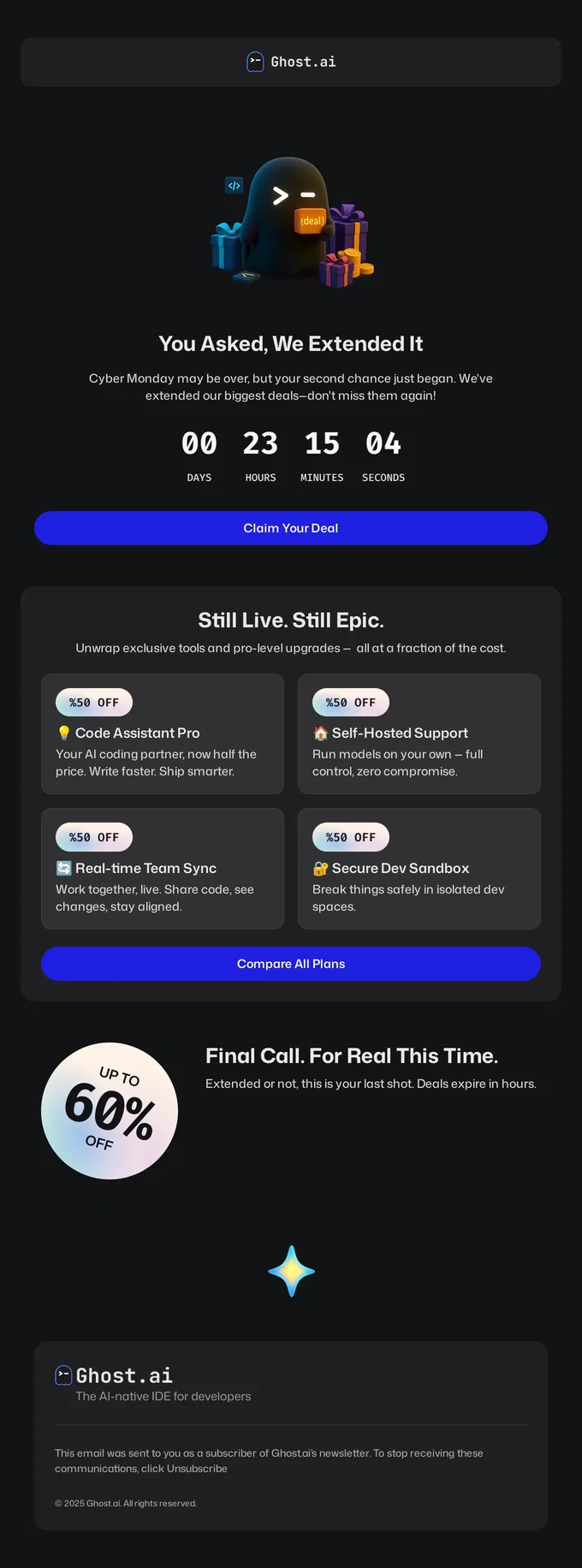
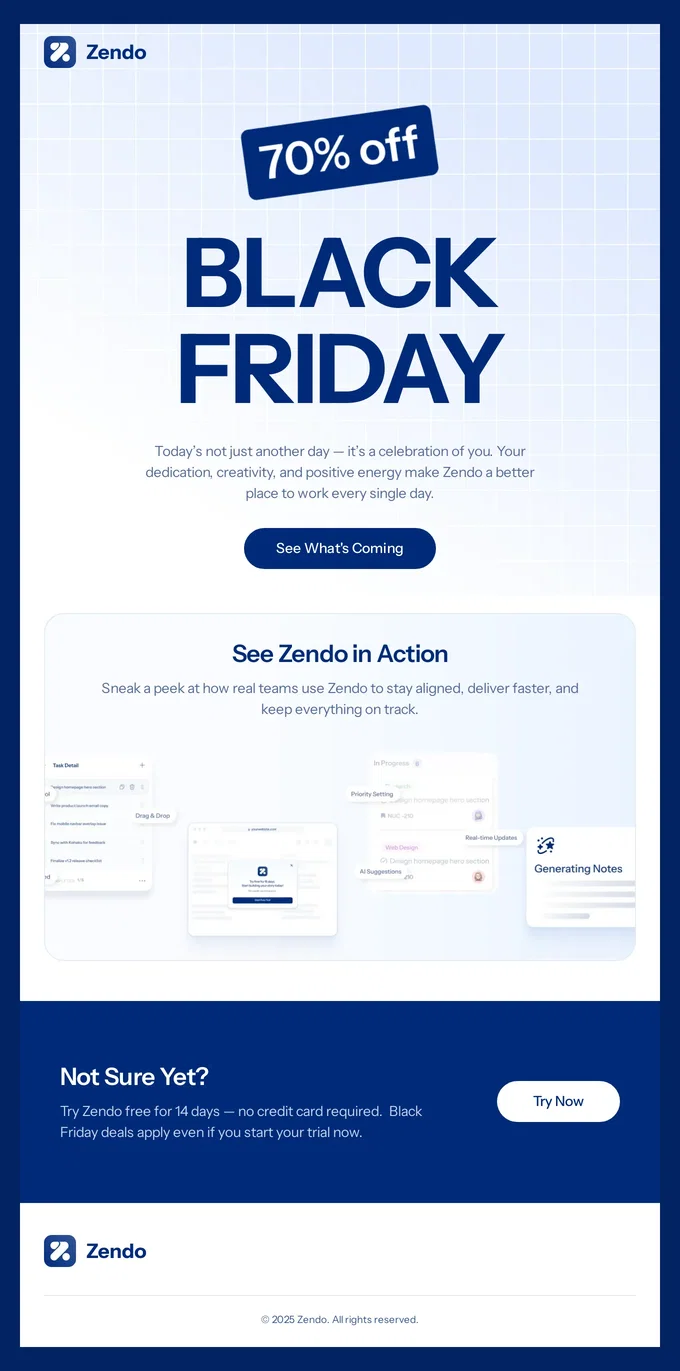
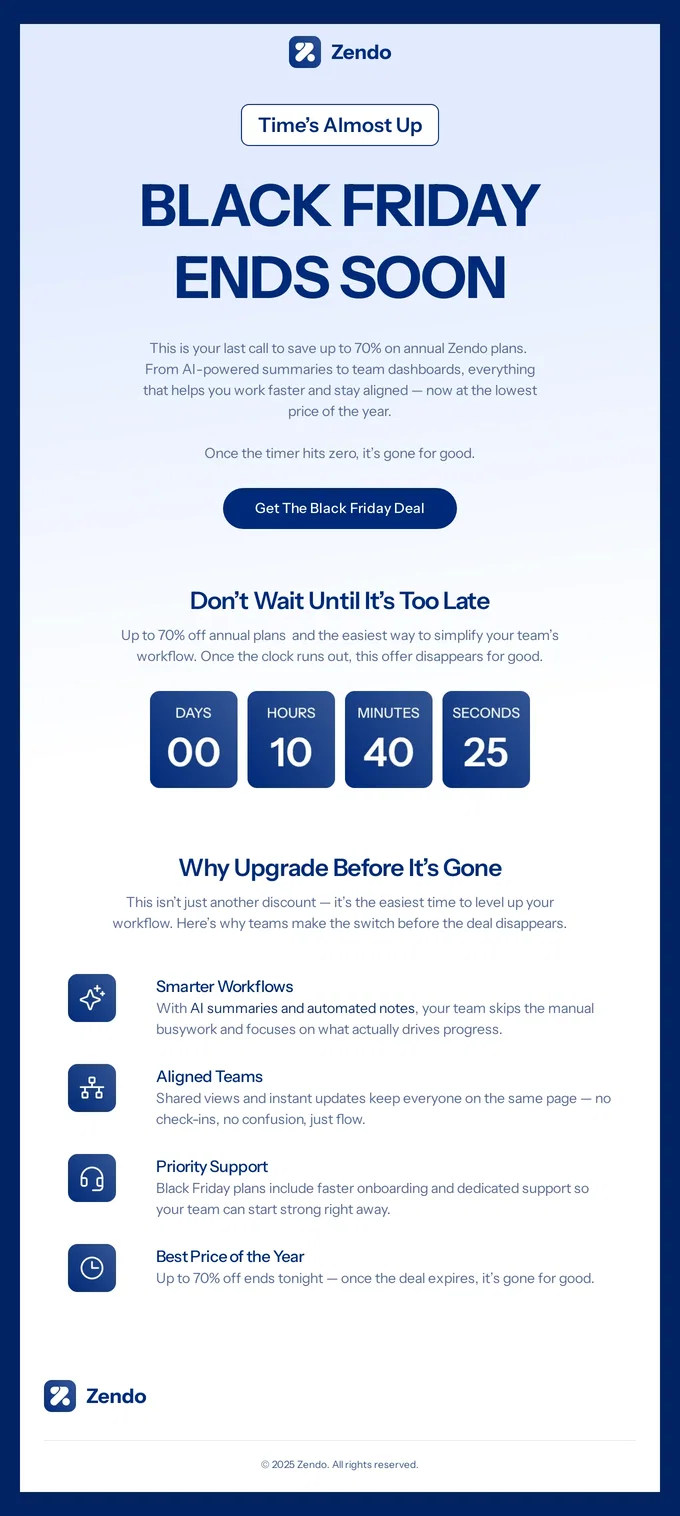
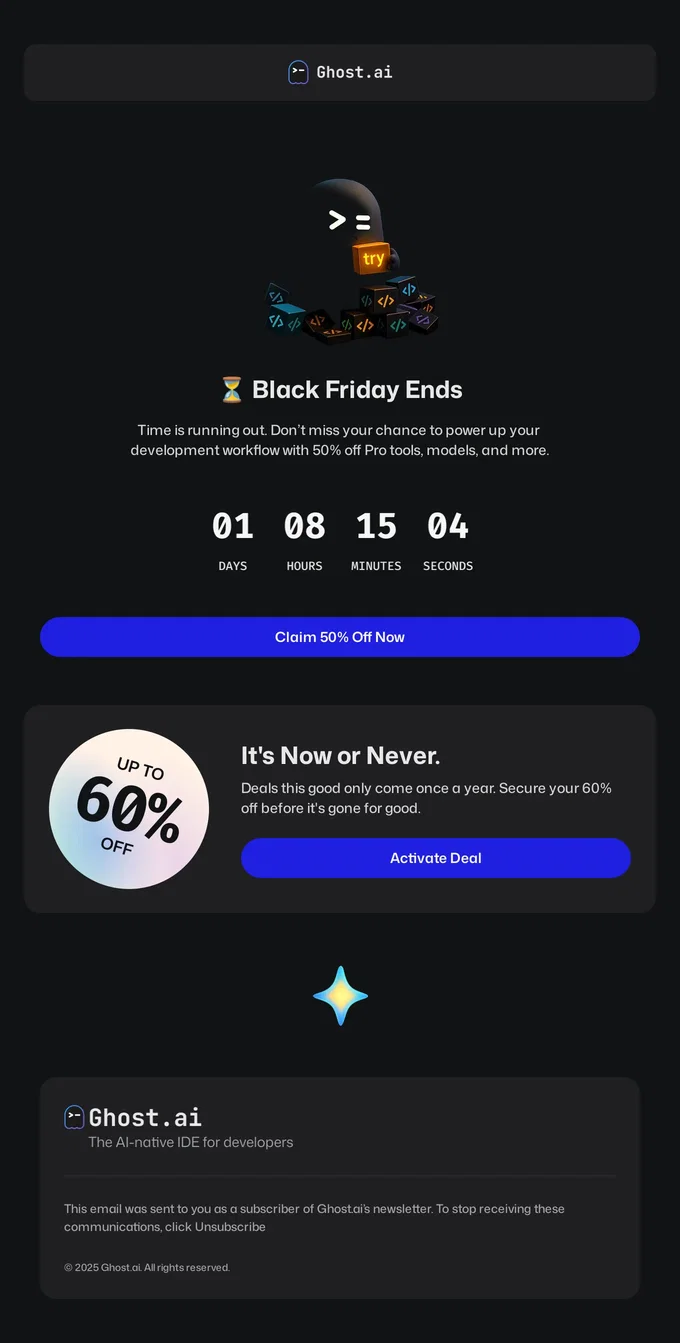
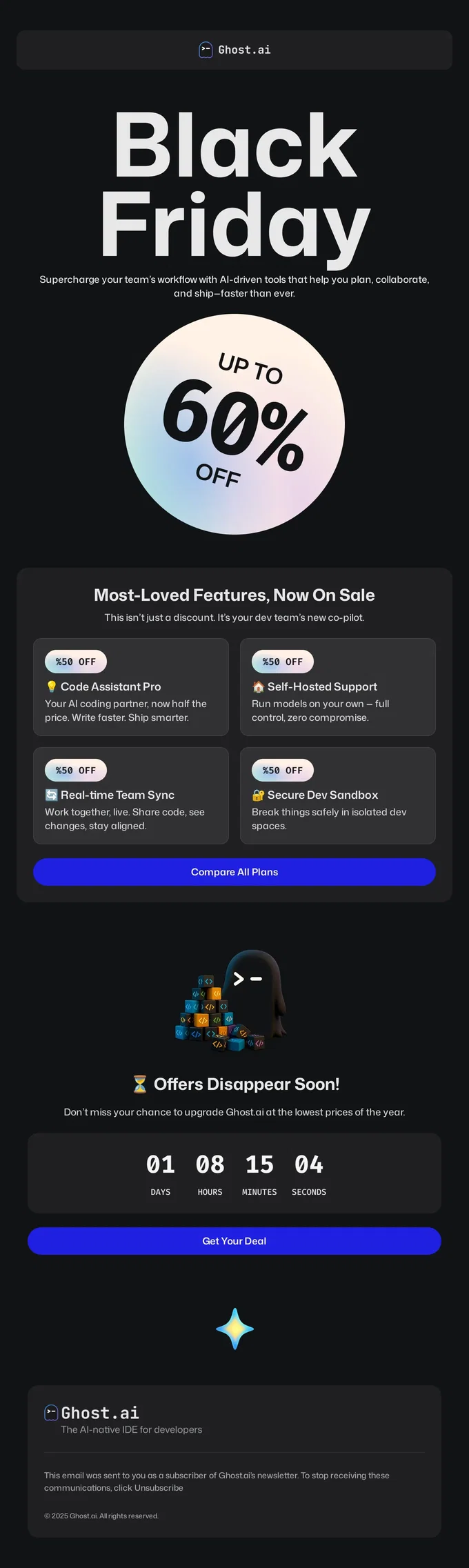
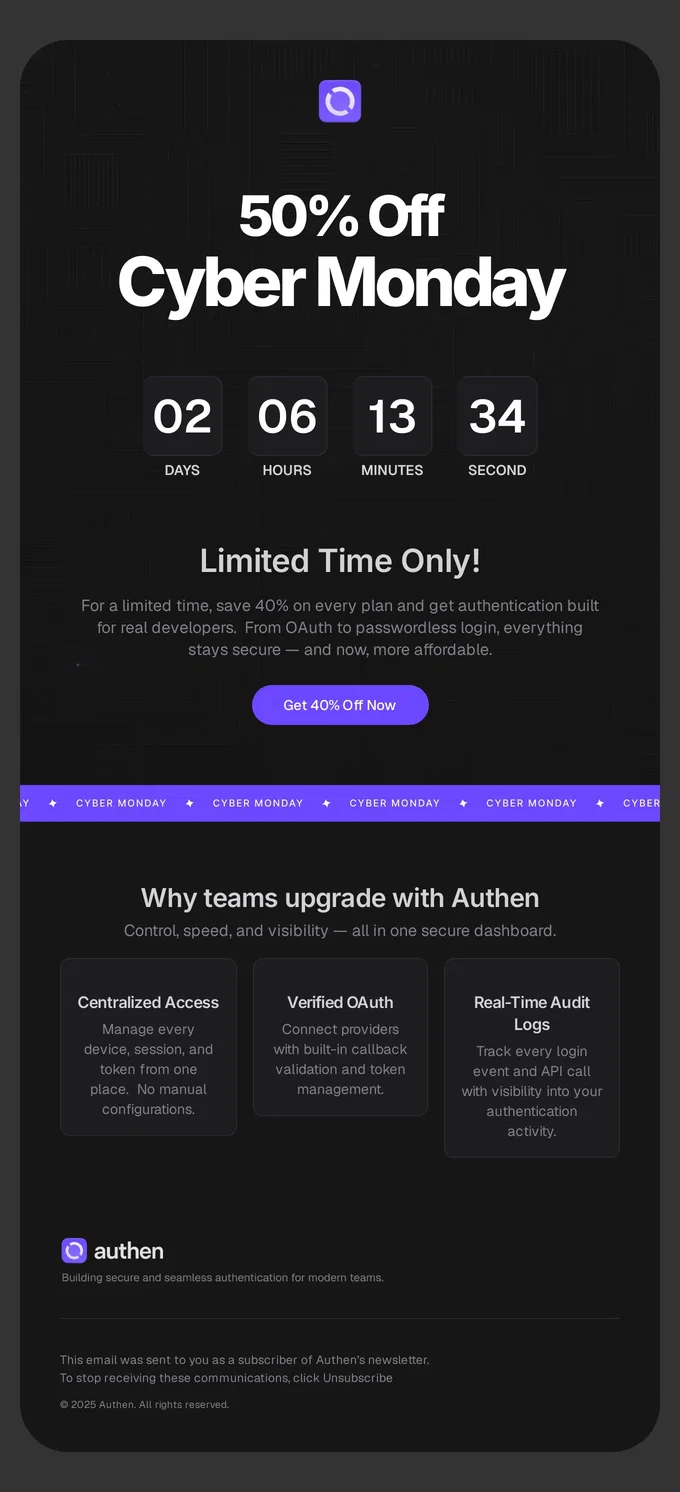
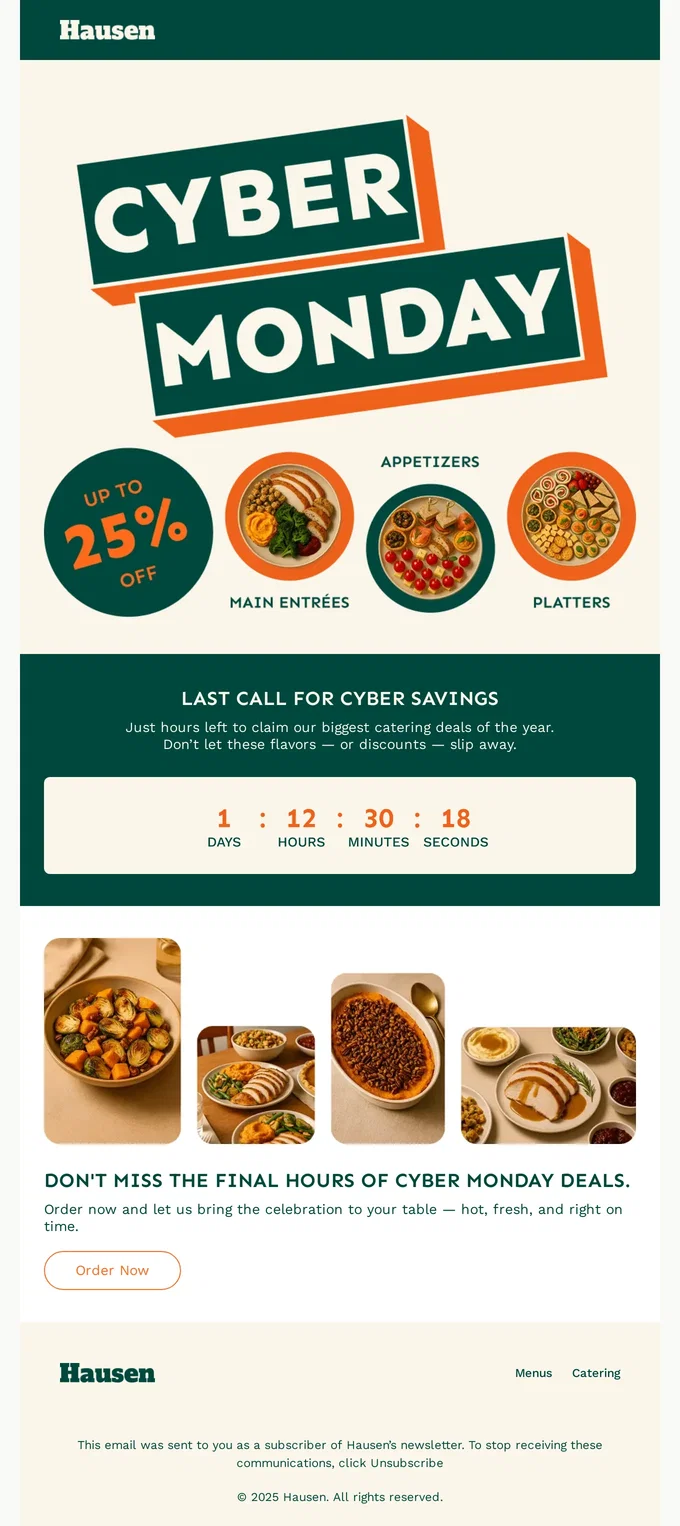
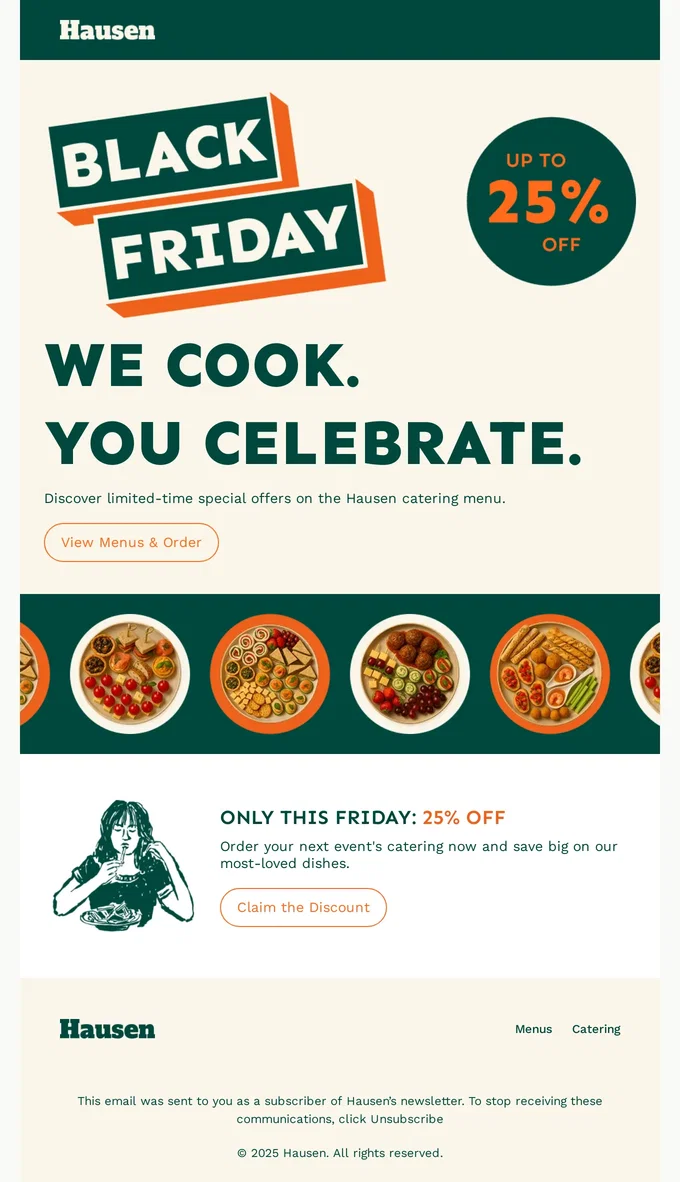
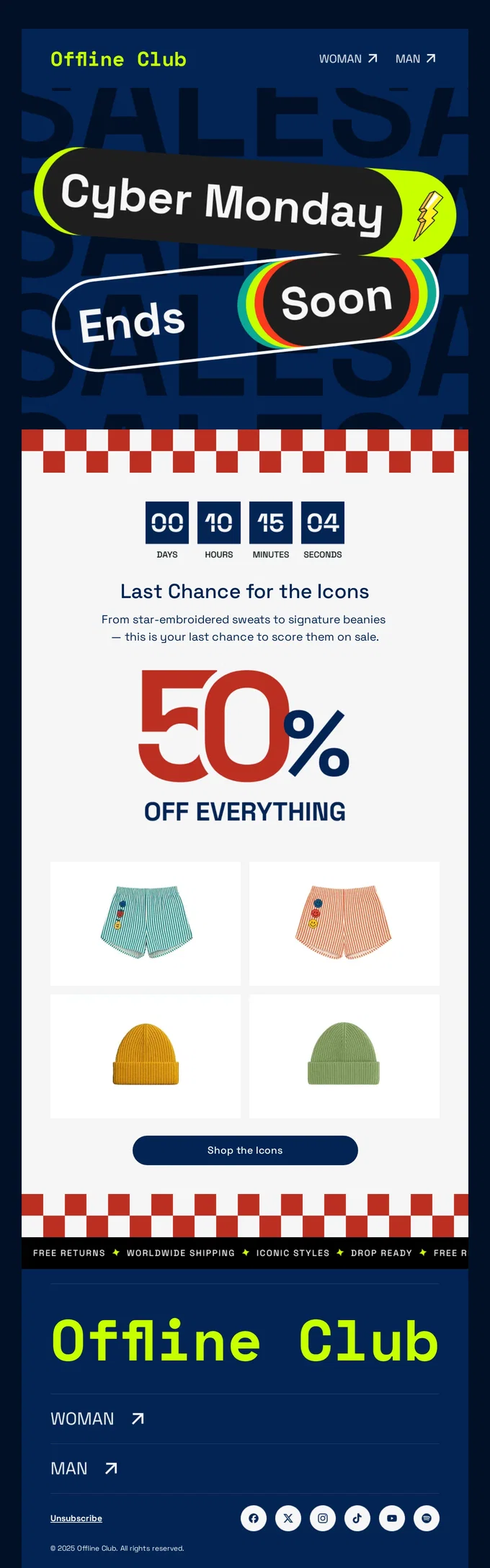
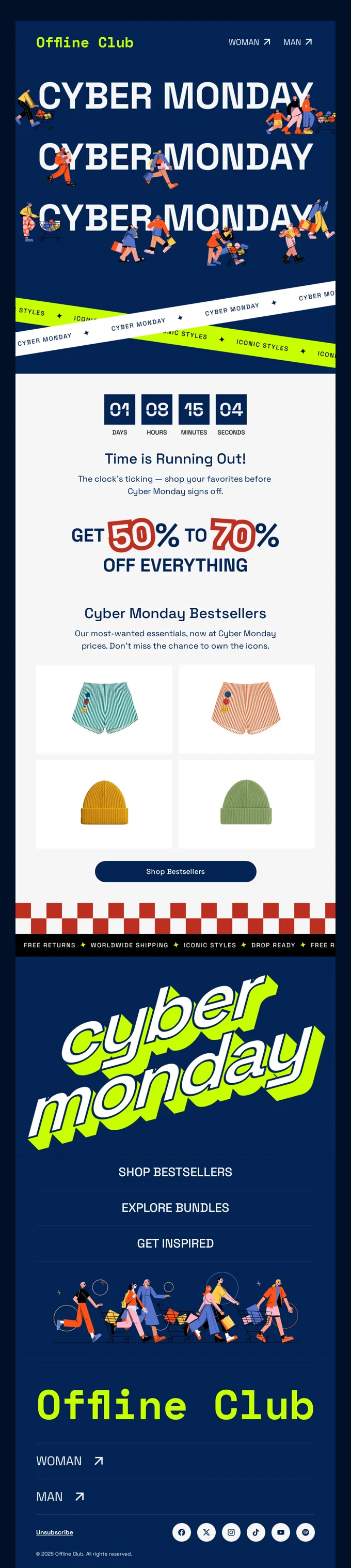
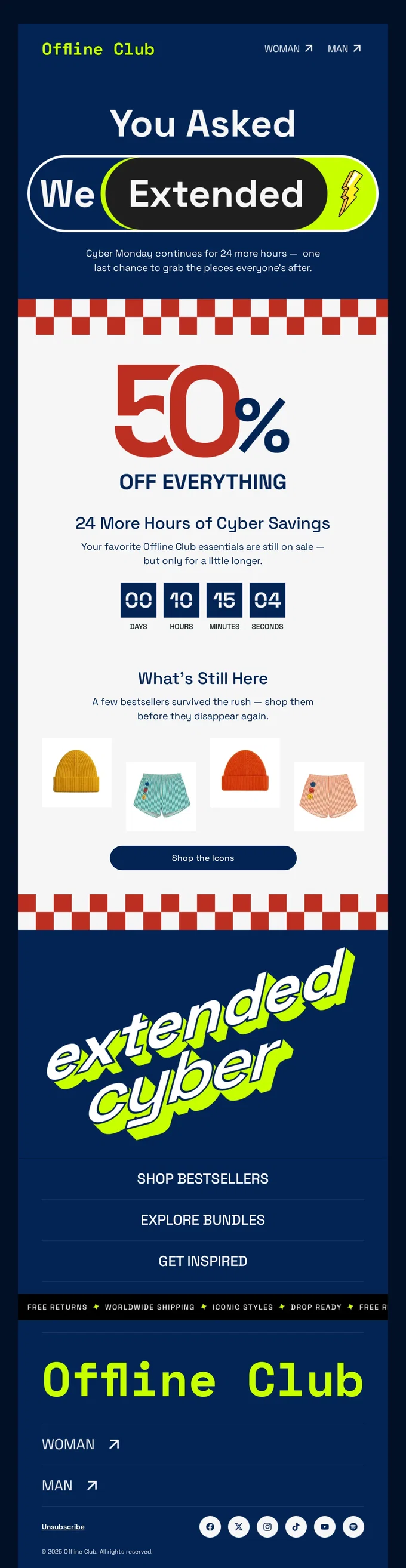
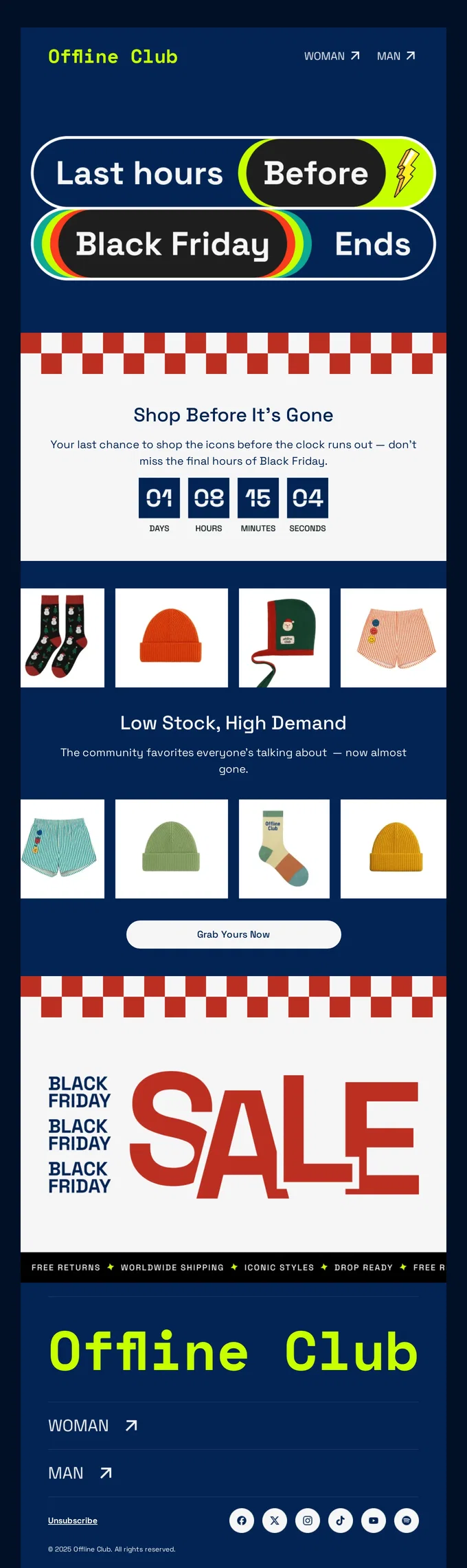
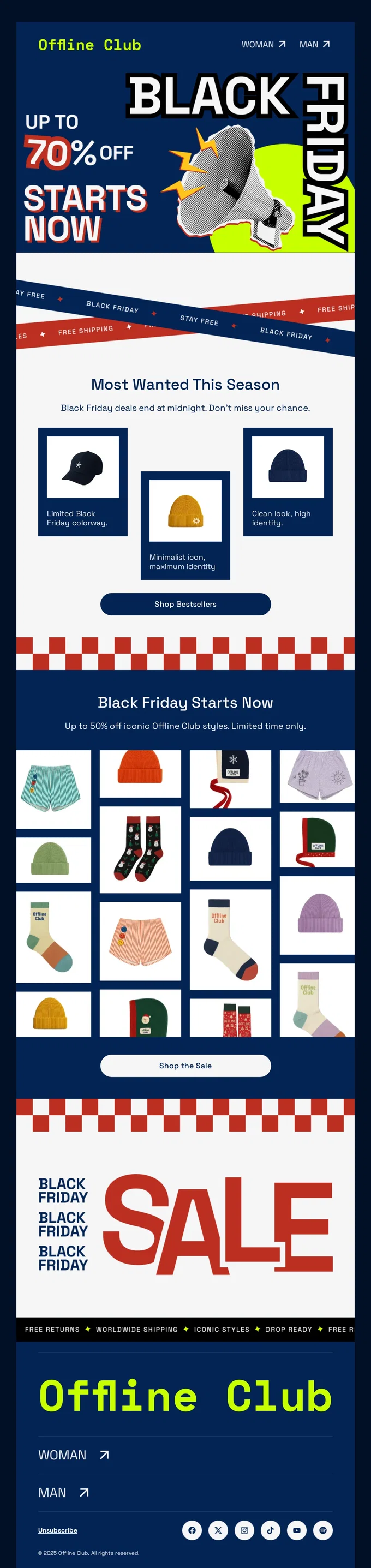
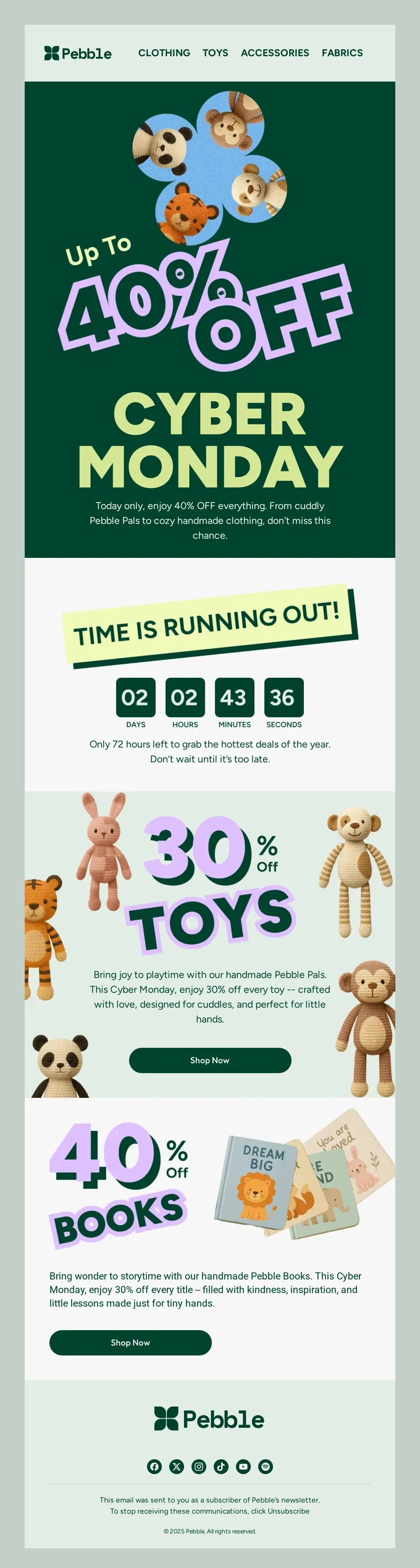
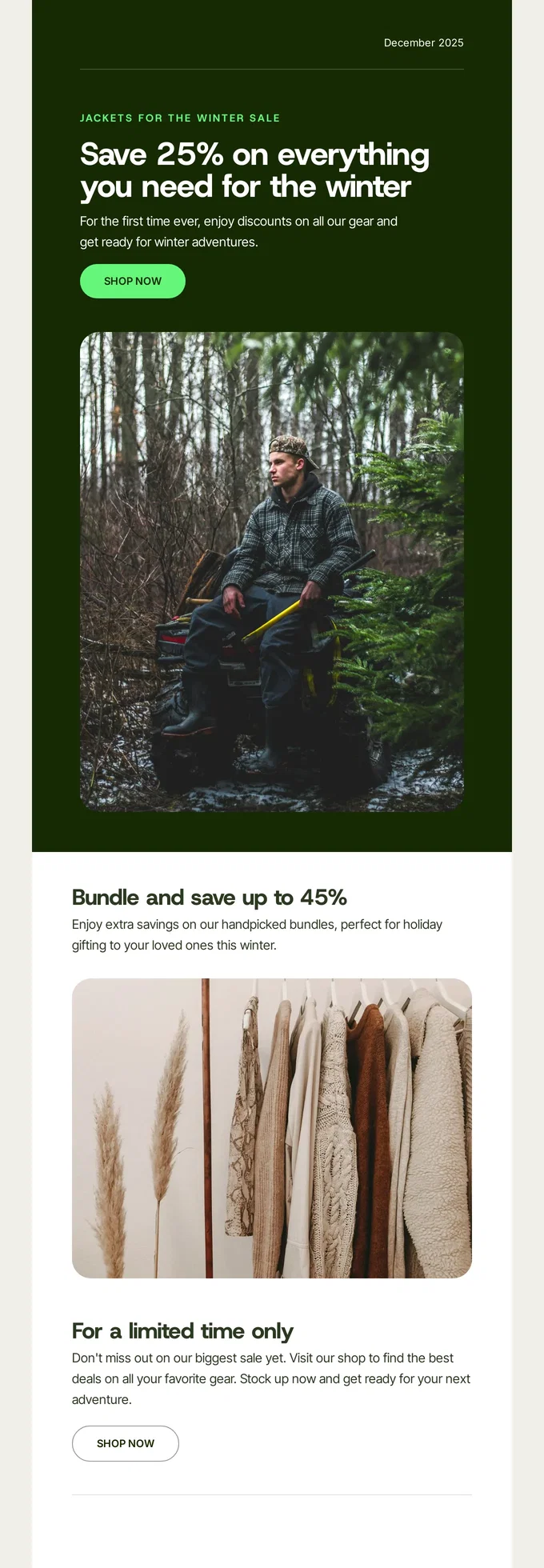
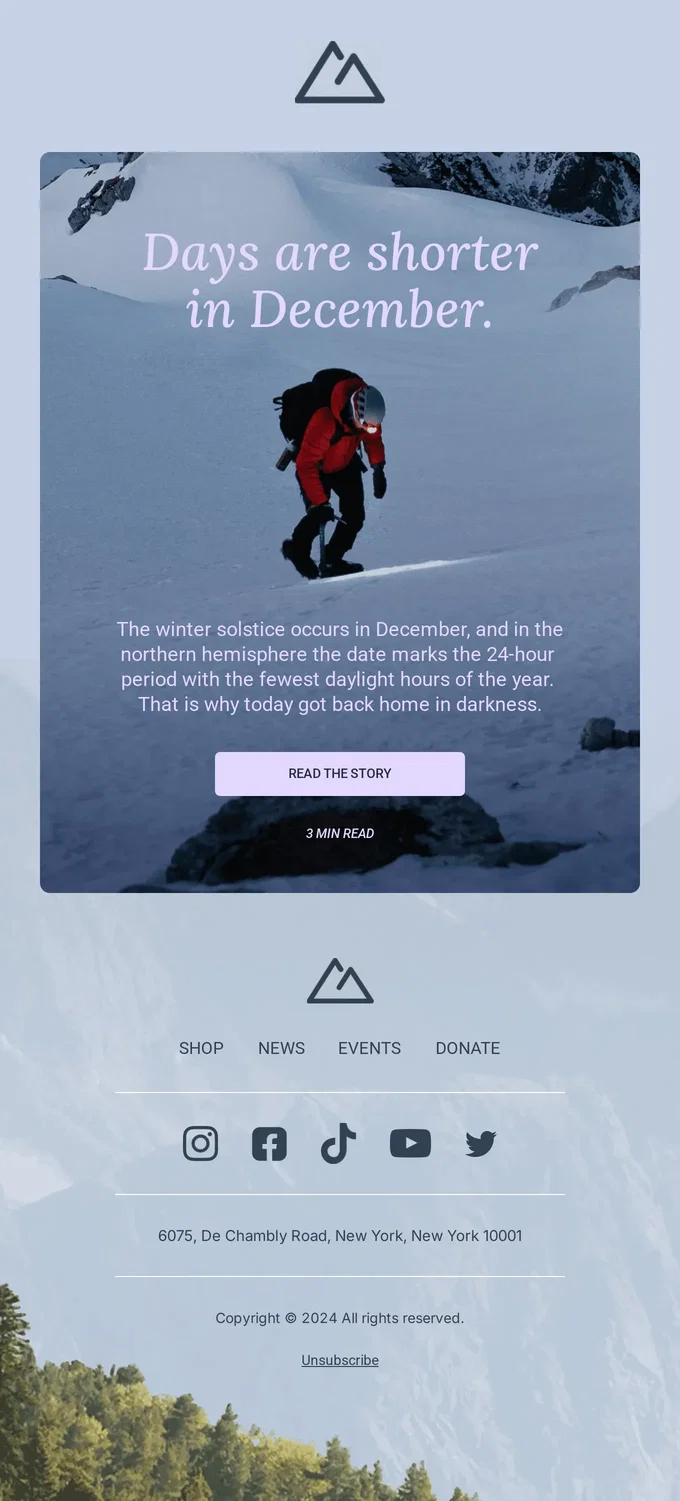
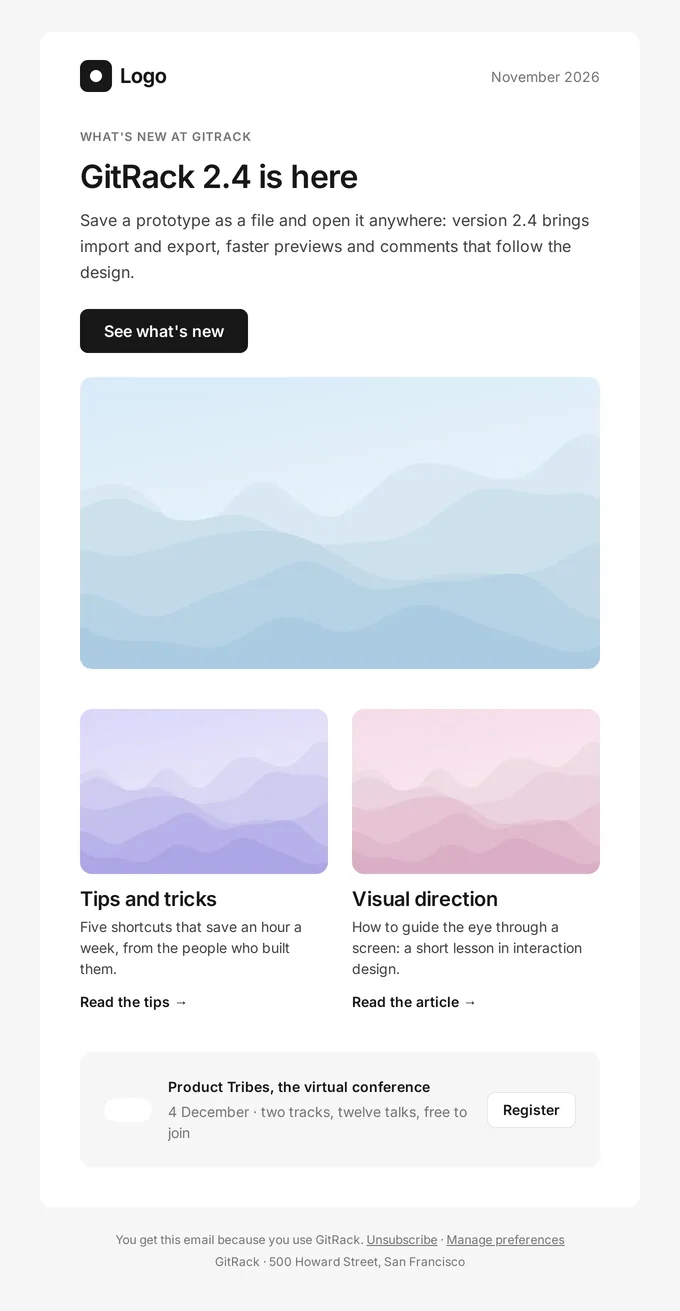
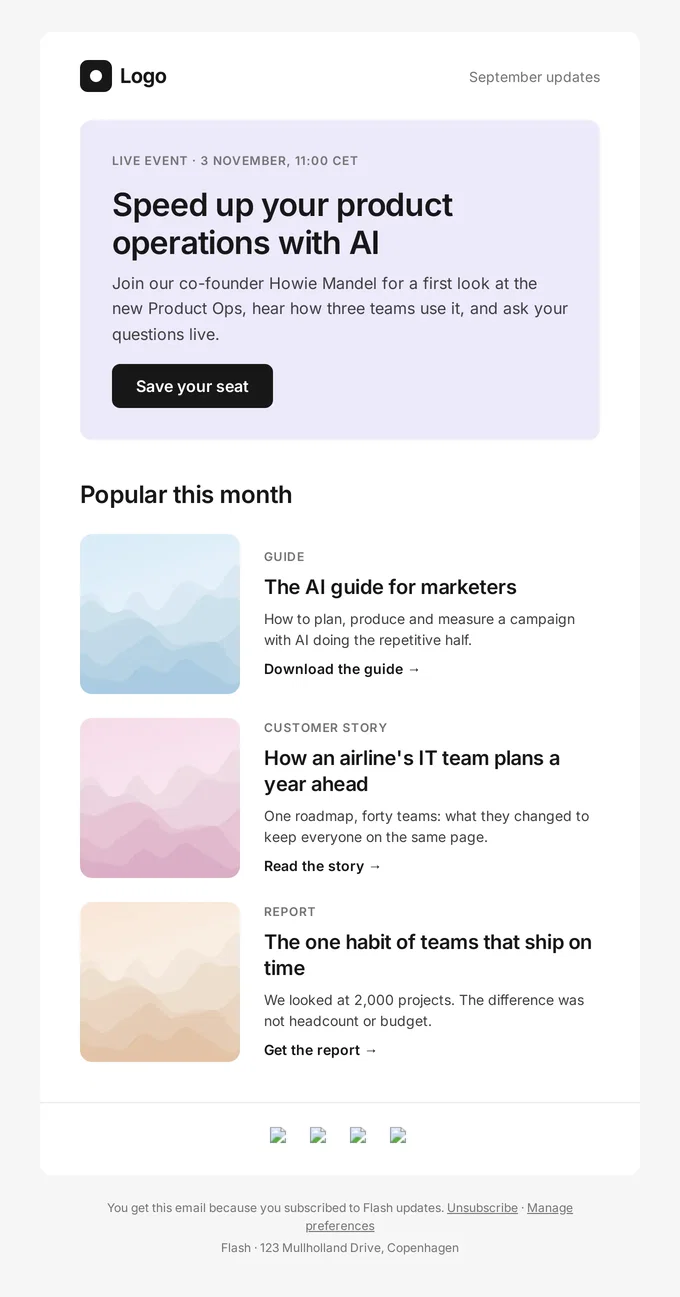
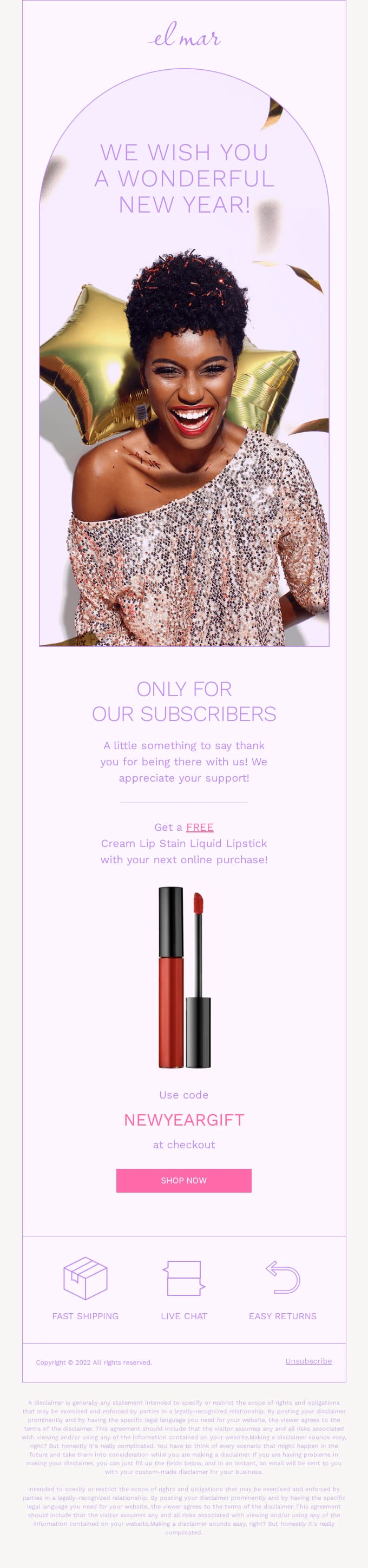
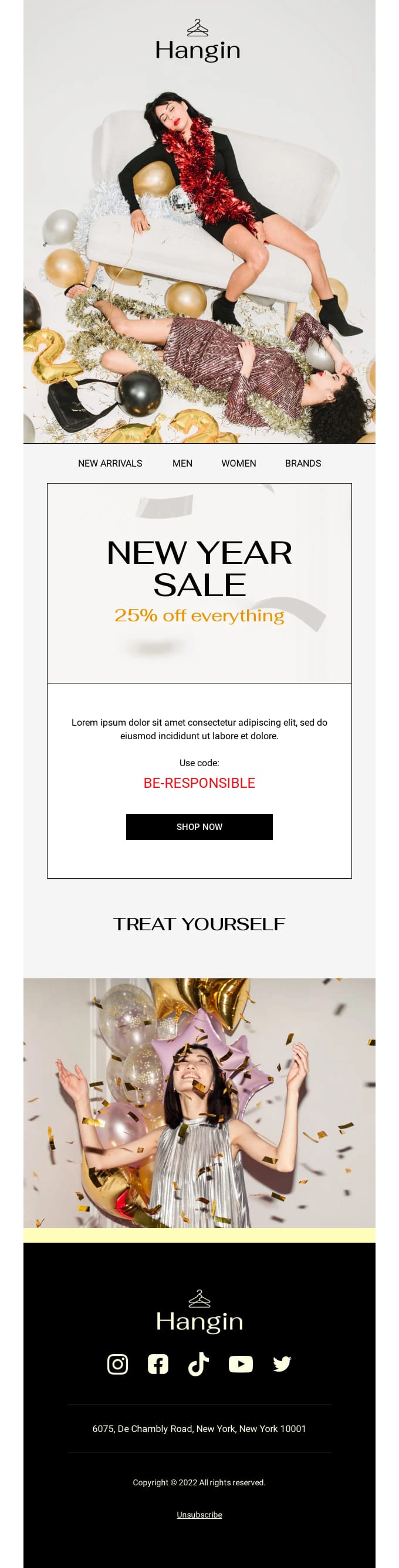
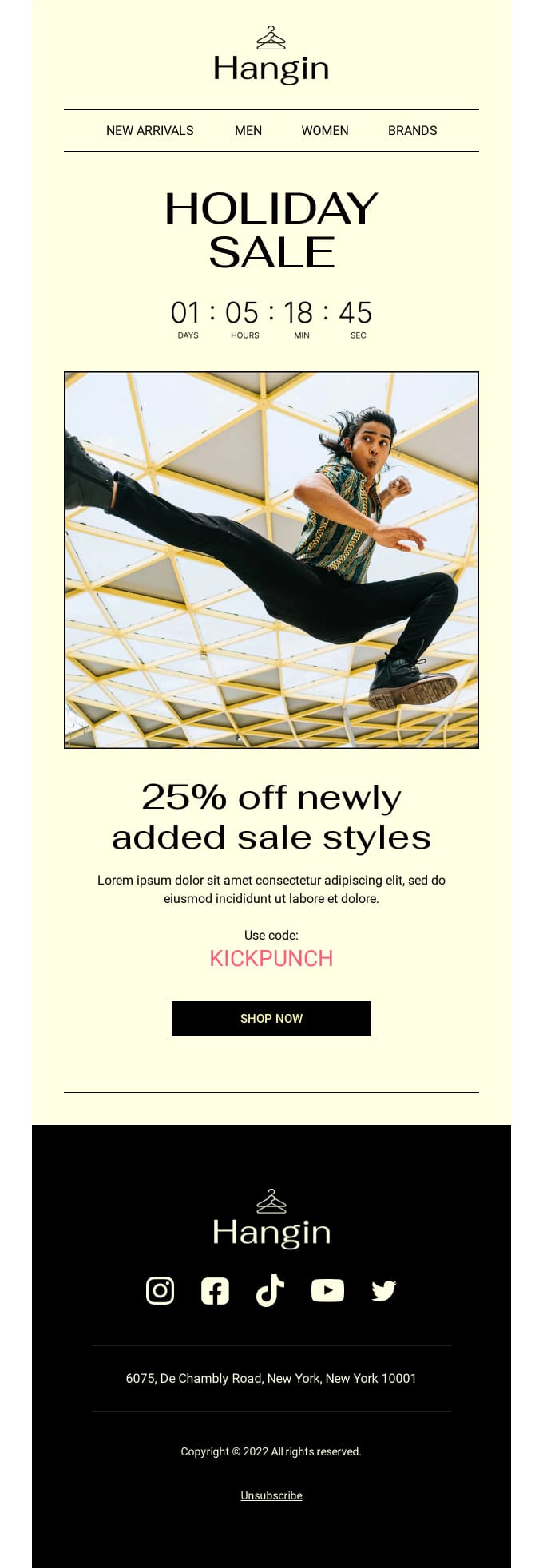
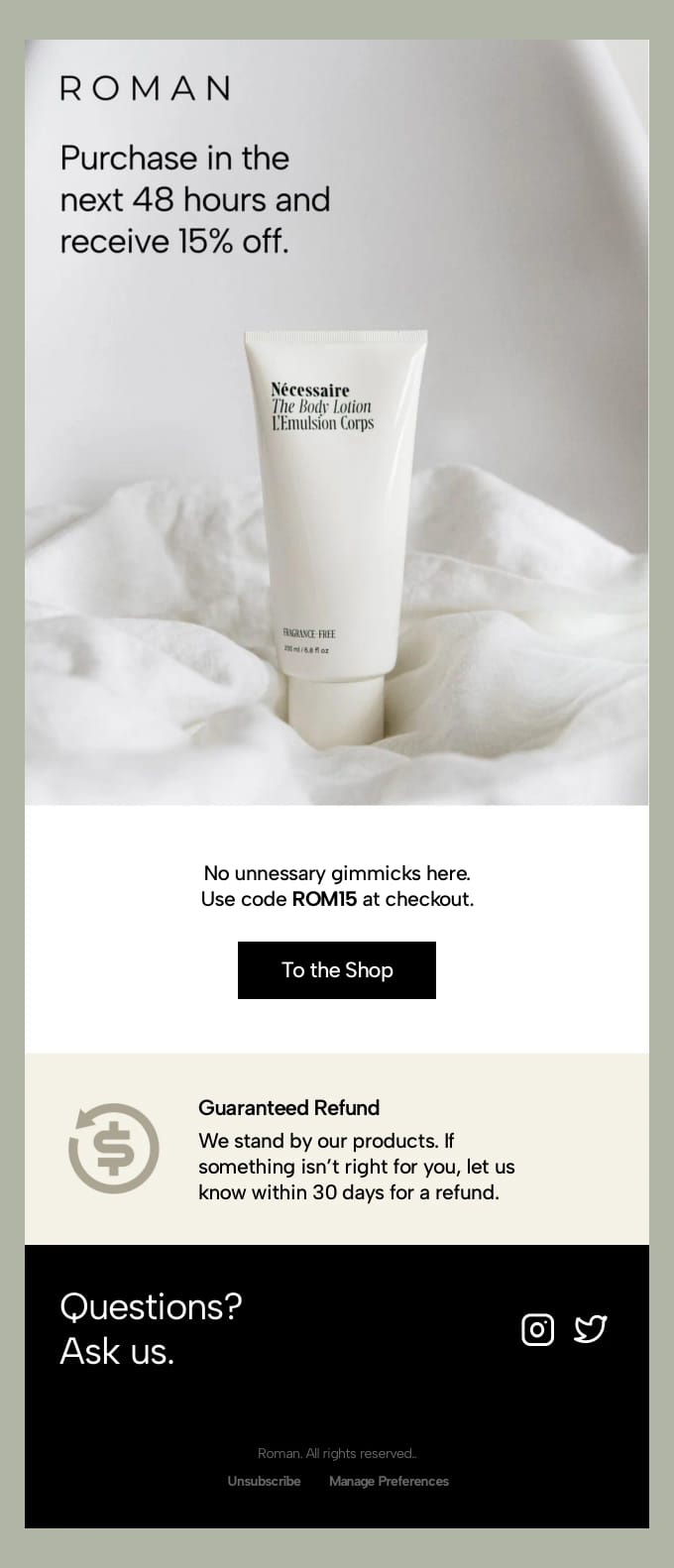
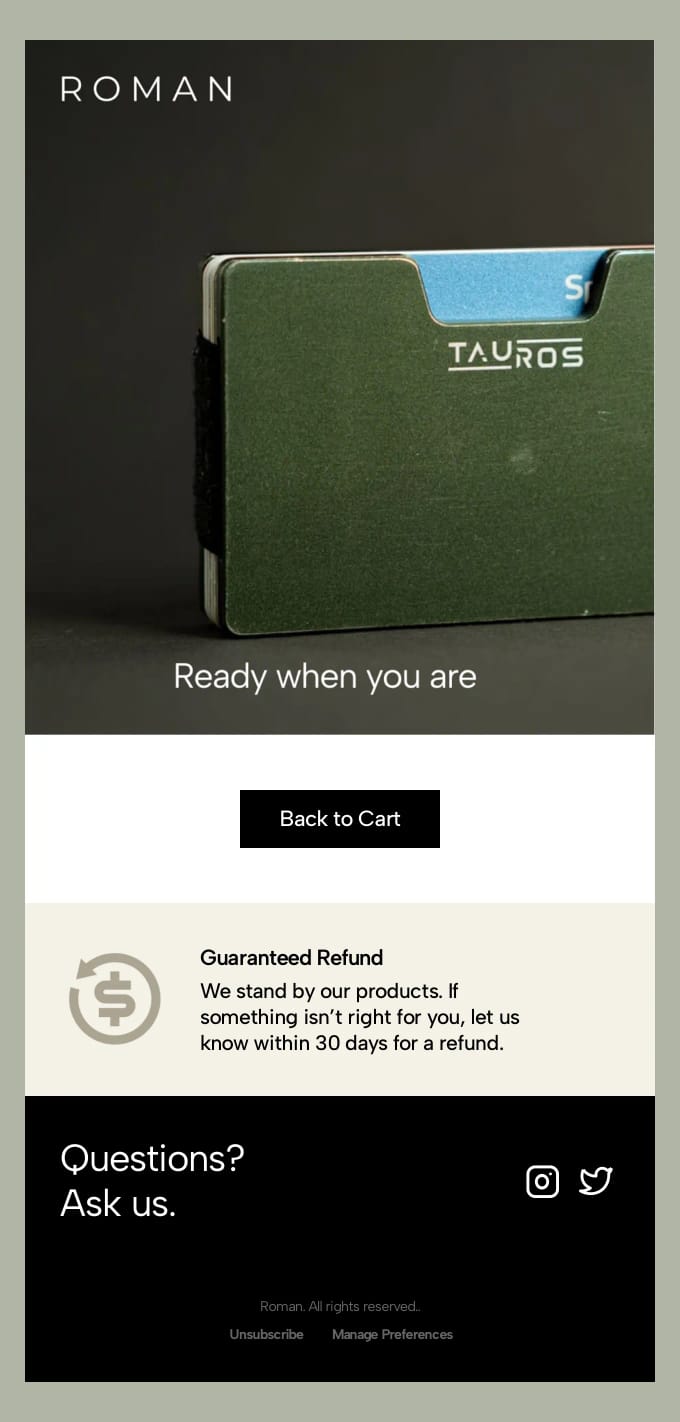
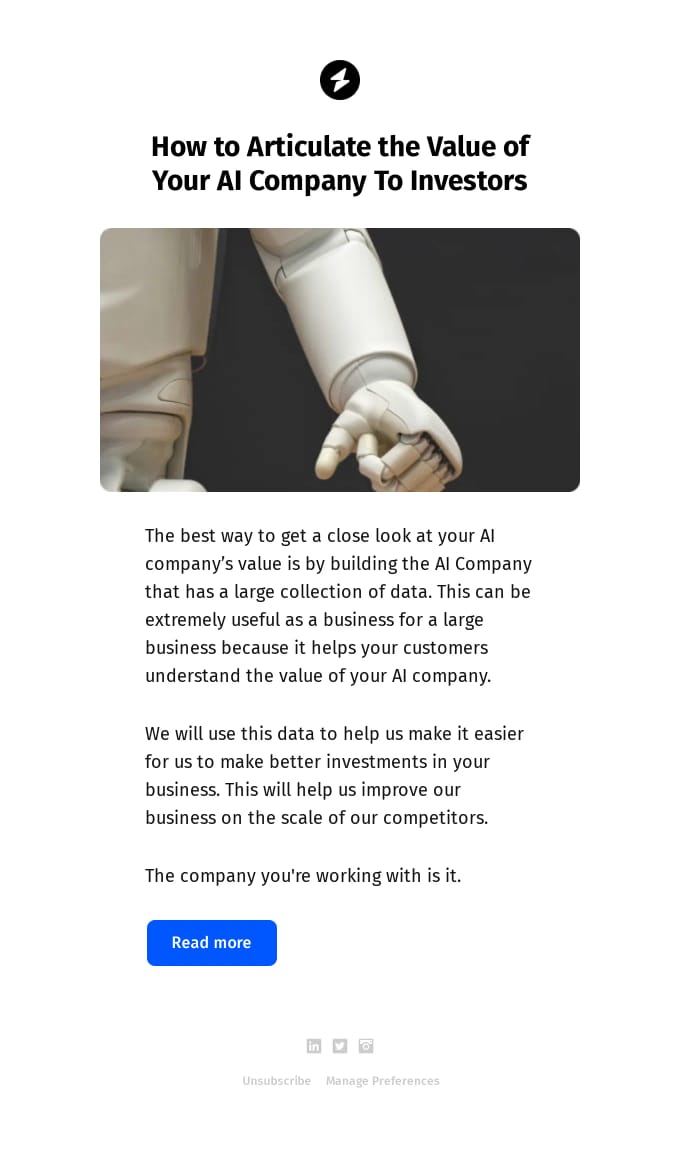
Order confirmation email template including a description of the ordered item and the accompanying billing address, delivery address, delivery method, and payment method.PreviewOrder confirmationOrder confirmation · E-commerceOrder confirmation email to thank the buyer for their purchase. Includes a thank-you message, purchased item description, and tracking button.PreviewOrder confirmationOrder confirmation · E-commerceNewsletter for a car brand that leads with a new model announcement and a button to the details, followed by further news items. Use it for a regular update that has one main story.PreviewSimple newsletterNewsletter · AutomotiveWelcome email for a new member of a store's club: a greeting, three perks of membership, three departments to start shopping in and the store's promises. Send it right after someone joins.PreviewWelcome to membershipWelcome · RetailBlack Friday email for a software product on a dark background, offering a limited-time discount on every plan with a short explanation of the product. Use it to announce the offer to developers or teams.PreviewSaaS Black Friday - AuthenBlack Friday · SaaSCyber Monday announcement for a team productivity app with a save-up-to headline on annual plans, an end date and the features teams get from day one. Use it as the first Cyber Monday email.PreviewSaaS Cyber Monday - ZendoCyber Monday · SaaSNew Year offer for a health, nutrition or fitness brand with a 25% off everything headline, a promo code, the offer terms and a customer quote. Use it for a January discount on products or subscriptions.PreviewNew Year Discount Offer DealNew Year · Health & fitnessAbandoned cart email that opens with a customer-care message and an offer of help, then gives a discount code and a refund guarantee. Use it when a plain reminder did not bring the shopper back.PreviewAbandoned cart - discount offerCoupon · E-commerceFinal-hours Black Friday reminder for a consumer electronics brand on a dark background, with the discount, a featured best-seller and its sale price. Send it on the last evening of the sale.PreviewTechnology Black Friday Reminder - kernBlack Friday · TechnologyCyber Monday reminder for a team productivity app saying the offer on annual plans ends tonight, with the main features in columns. Send it on the evening of Cyber Monday.PreviewSaaS Cyber Monday Reminder - ZendoCyber Monday · SaaSCyber Monday reminder for a developer tool or AI product on a dark background: a last chance at half price on all plans, with the features included. Send it in the final hours of Cyber Monday.PreviewSaaS Cyber Monday Reminder - Ghost.aiCyber Monday · SaaSCyber Monday announcement for a developer tool or AI product on a dark background, with a percentage-off headline, a list of what is on offer and a link to compare plans. Use it to open the sale.PreviewSaaS Cyber Monday - Ghost.aiCyber Monday · SaaSExtended Cyber Monday email for a team productivity app, giving 24 more hours to save on annual plans, with the features shown side by side. Send it to subscribers who have not upgraded yet.PreviewSaaS Cyber Monday Extended - ZendoCyber Monday · SaaSExtended Cyber Monday email for a developer tool or AI product on a dark background: the deals stay live a little longer, with the features and upgrades on offer. Send it the day after Cyber Monday.PreviewSaaS Cyber Monday Extended - Ghost.aiCyber Monday · SaaSBlack Friday email for a team productivity app that leads with a large headline, shows the product in action and invites readers to start a free trial. Use it as a softer send without a headline discount.PreviewSaaS Black Friday - ZendoBlack Friday · SaaSBlack Friday reminder for a team productivity app: a last call to save on annual plans, with reasons to upgrade before the deal ends listed side by side. Send it shortly before the offer closes.PreviewSaaS Black Friday Reminder - ZendoBlack Friday · SaaSBlack Friday reminder for a developer tool or AI product on a dark background: time is running out for half-price Pro plans, with a now-or-never closing section. Send it on the last day of the offer.PreviewSaaS Black Friday Reminder - Ghost.aiBlack Friday · SaaSBlack Friday announcement for a developer tool or AI product on a dark background, with a grid of the most-loved features now on sale. Use it to open a Black Friday offer on paid plans.PreviewSaaS Black Friday - Ghost.aiBlack Friday · SaaSCyber Monday email for a software product on a dark background with a large percentage-off headline, a limited-time offer on every plan and three reasons teams upgrade. Use it for a discount on paid plans.PreviewSaaS Cyber Monday Reminder - AuthenCyber Monday · SaaSShort Cyber Monday email for a catering company or restaurant: a last-call headline, a line about the final hours of the deals and one order button. Use it as a brief closing push.PreviewCyber Monday - HausenCyber Monday · Food & drinkBlack Friday announcement for a catering company or restaurant: a two-line headline, 25% off this Friday only and buttons to view the menus and claim the discount. Use it to open the offer.PreviewFood Black Friday - HausenBlack Friday · Food & drinkCyber Monday reminder for a streetwear brand with very little copy: a last-chance headline, product photos on a dark background and one button to the sale. Send it in the final hours.PreviewFashion Cyber Monday Reminder - Offline ClubCyber Monday · FashionCyber Monday email for a streetwear brand on a dark background with a ticking-clock headline, a bestsellers section at sale prices and a link to bundles. Use it as the main Cyber Monday send.PreviewFashion Cyber Monday - Offline ClubCyber Monday · FashionExtended Cyber Monday email for a streetwear brand on a dark background: 24 more hours of savings, the bestsellers still in stock and a link to bundles. Send it the day after Cyber Monday.PreviewFashion Cyber Monday Extended - Offline ClubCyber Monday · FashionBlack Friday reminder for a streetwear brand on a dark background: a last chance to shop, with a low-stock section of community favorites. Send it in the final hours of Black Friday.PreviewFashion Black Friday Reminder - Offline ClubBlack Friday · FashionBlack Friday launch email for a streetwear brand on a dark background, with up to 50% off, large product photos and buttons to the bestsellers and the sale. Use it on the day the sale starts.PreviewBlack Friday - Offline ClubBlack Friday · FashionCyber Monday announcement for a shop selling handmade toys and children's books: a store-wide discount for today only, with a section and button per product category. Send it on the day itself.PreviewCyber Monday - PebbleCyber Monday · Kids & familyWinter sale email for an outdoor clothing or gear shop with a 25% off headline, a bundle offer for holiday gifting and a limited-time closing section. Use it to announce a seasonal sale in December.PreviewWinter SaleWinter · SportsBlog newsletter that leads with one story and its opening paragraph, followed by links to more posts. Use it to send your latest articles to subscribers on a regular schedule.PreviewBlog newsletterNewsletter · MediaMonthly product newsletter: the new release with a picture and a button, two articles side by side and an event to register for. Use it to tell users what changed and what to read.PreviewMonthly newsletterNewsletter · SaaSMonthly newsletter for a software company: an event invitation in a card at the top, then three things to read, each with a picture, a label and a link. Use it for a regular round-up of events and content.PreviewMonthly newsletterNewsletter · SaaSWish your subscribers a happy new year with this new years email template. Including a special promo code that you can offer as a new years gift.PreviewHappy New YearNew Year · BeautyPromotional email template that is designed to promote a New Year Sale for a fashion brand or e-commerce store. Use this if you want to promote a New Year Sale discount offer in combination with a promotion code.PreviewNew Year Sale discount offerNew Year · FashionPromotional email template that is designed to promote a holiday sale that offers a limited time discount for a fashion brand or e-commerce store. Use this if you want to promote a holiday sale with a limited time discount to your email list.PreviewHoliday sale offerSale · FashionPromotional email template with a modern look-and-feel that is designed to promote smartwatches and accompanying accessories. Use this if you want to promote a collection of (technology) products to your email list.PreviewTech productsProduct launch · TechnologyAbandoned cart email that goes straight to a discount code and a button back to the shop, followed by a refund guarantee and a support block. Use it as the discount step in a cart recovery flow.PreviewAbandoned cart - discount offerCoupon · E-commerceAbandoned cart reminder with one button back to the cart, a refund guarantee and a support block, without a discount. Use it as the first reminder in a cart recovery flow.PreviewAbandoned cart reminderAbandoned cart · E-commerceNewsletter email built around one news post: a headline, an introduction and a link to read the rest. Use it when each send covers a single article or announcement.PreviewSingle news postNewsletter
Rather start from scratch?Open a blank canvas with your design system already applied.
Blank emailStart for free

How to use these templates in MailerSend

MailerSend is a transactional email service from the makers of MailerLite. With Tabular, your team designs the emails and MailerSend sends them.

  1. 1
    Pick a template and make it yours

    Open it in Tabular’s email builder. Your design system adds your fonts, colours and buttons, and you change the words and images.

  2. 2
    Add your MailerSend variables

    Write {{ first_name }} and any other MailerSend variable right into the text. MailerSend fills them in when it sends.

  3. 3
    Connect MailerSend

    Paste a MailerSend API key once. You do this once per workspace.

  4. 4
    Upload it as a MailerSend template

    One click from the export dialog, ready for transactional emails. Change the email later and update the MailerSend template again; every update includes your latest design system.

Questions about MailerSend email templates

Are these MailerSend email templates free?
Yes. Every template is free to use and customise on any plan, including Free.
How do I use these templates in MailerSend?
Open a template in Tabular’s email builder and make it yours. Then connect MailerSend once and upload it as a MailerSend template, ready for transactional emails.
Do MailerSend’s variables work in these templates?
Yes. Write MailerSend’s own syntax, like {{ first_name }}, straight into the text, and MailerSend fills it in when it sends.
Can I update a template in MailerSend later?
Yes. Change the email in Tabular and update the linked MailerSend template from the export dialog. Every update includes your latest design system.
Which emails can I send with these templates in MailerSend?
Anything you send with MailerSend: transactional emails. Newsletters, promotions, welcome series, receipts and password resets all start from a template here.
Will the templates look right when MailerSend sends them?
Yes. They’re responsive, table-based HTML with fallbacks for desktop Outlook, tested in more than 50 email clients, including Gmail and Apple Mail.