Free promotional email templates
Launches, sales and seasonal campaigns. Free, responsive promotional email templates, ready for your brand. Customise them in our email template builder.
 PreviewTechnology Black Friday - kern
 PreviewSaaS Cyber Monday Extended - Ghost.ai
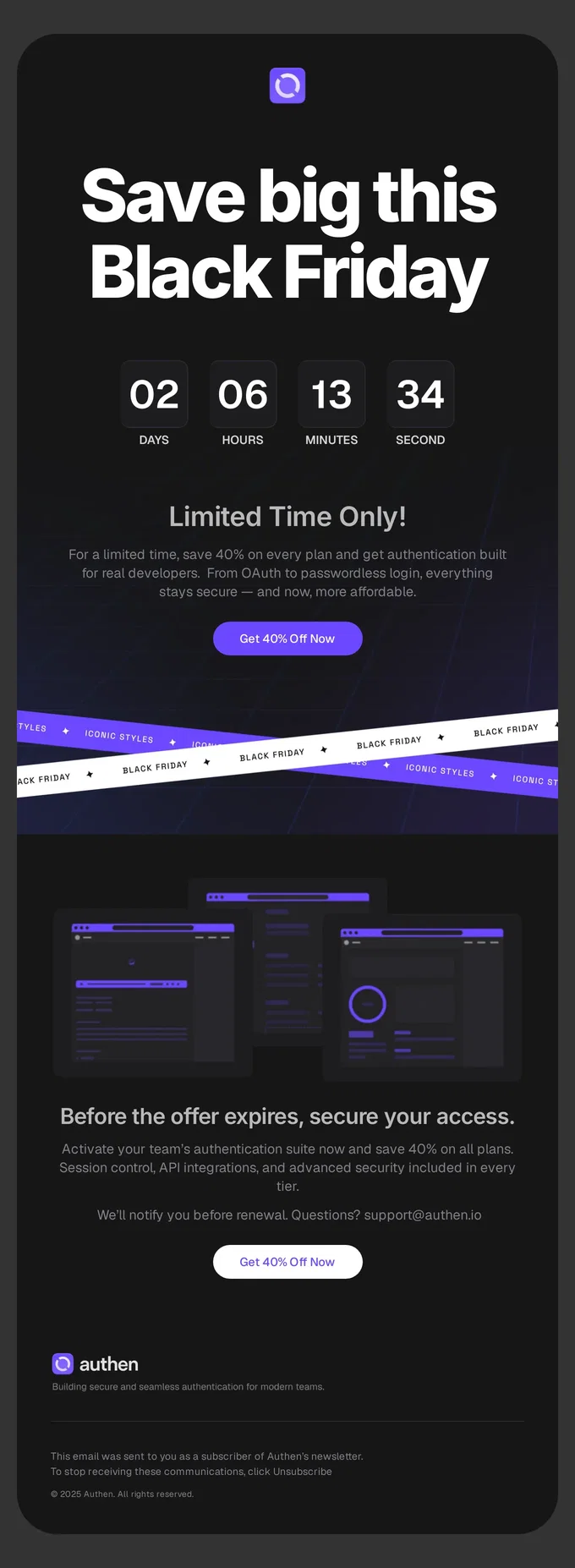 PreviewSaaS Black Friday - Authen
 PreviewSaaS Black Friday Reminder - Ghost.ai
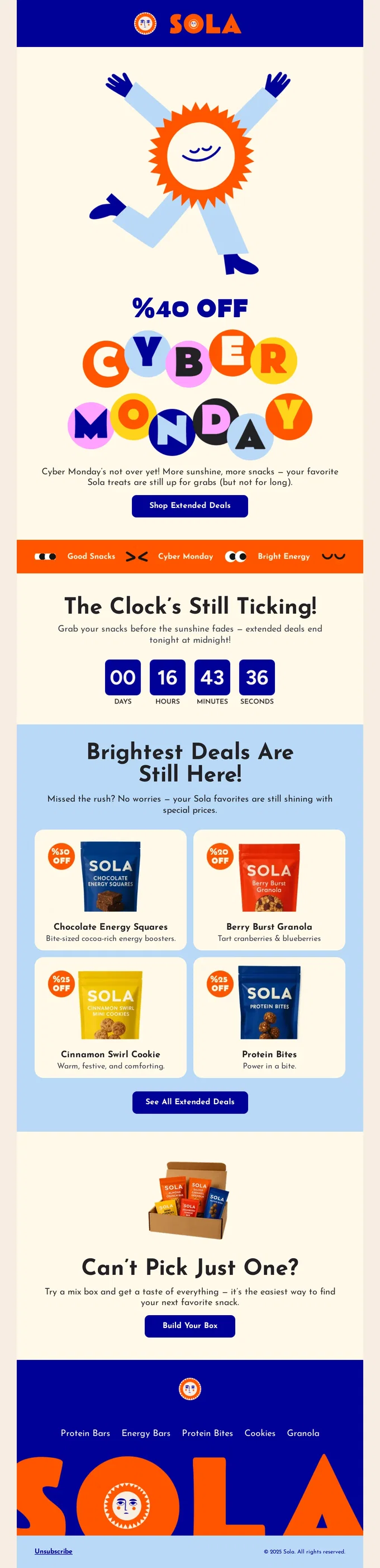 PreviewCyber Monday Extended - Sola
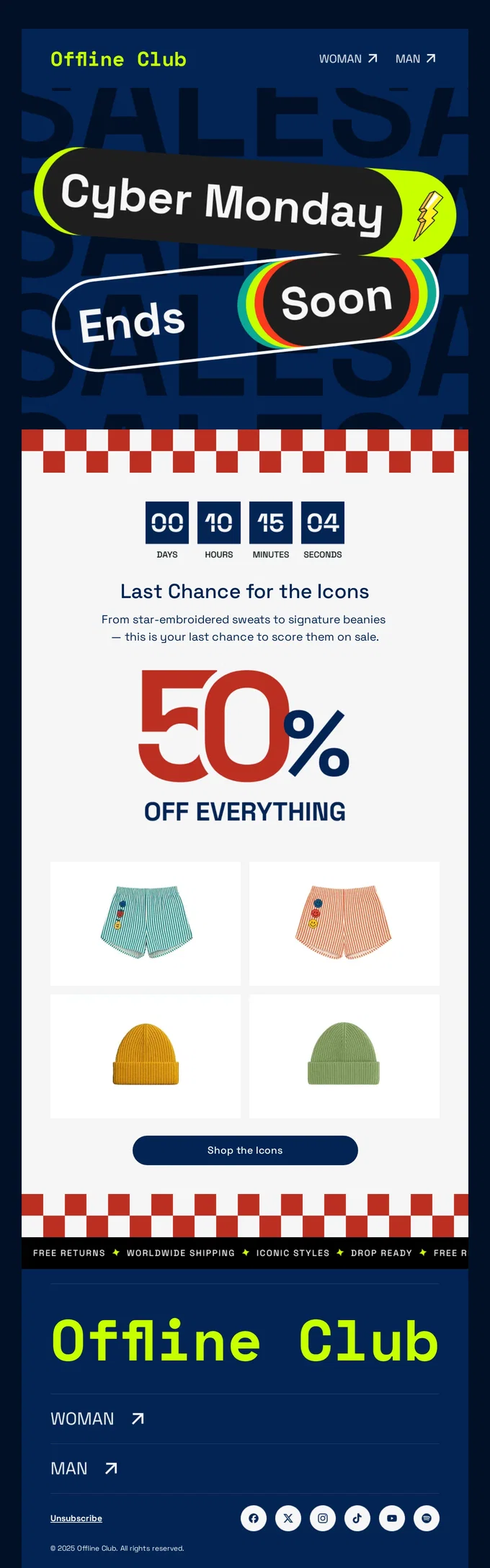 PreviewFashion Cyber Monday Reminder - Offline Club
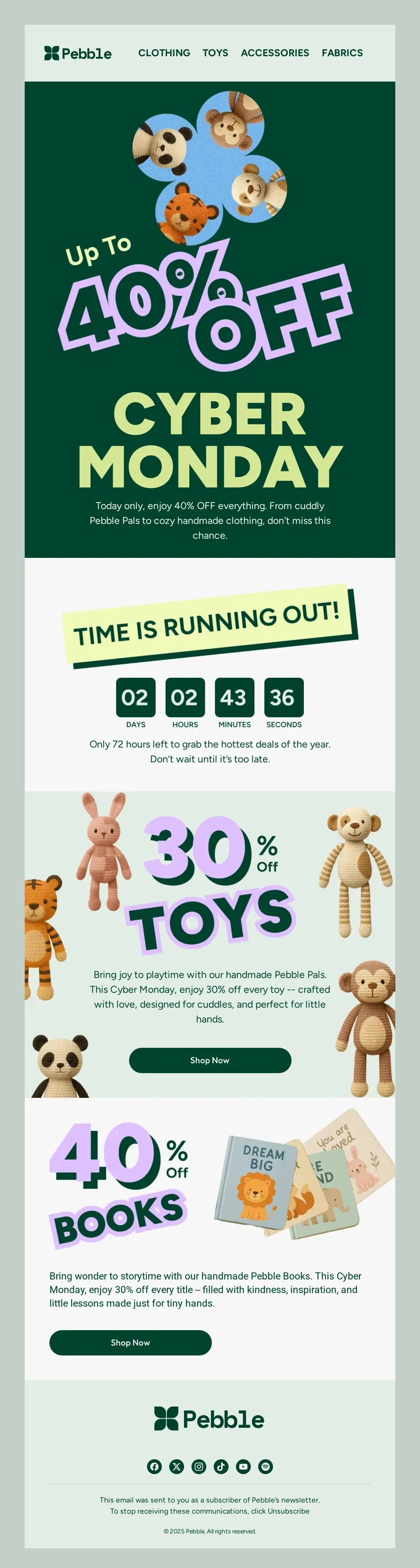 PreviewCyber Monday - Pebble
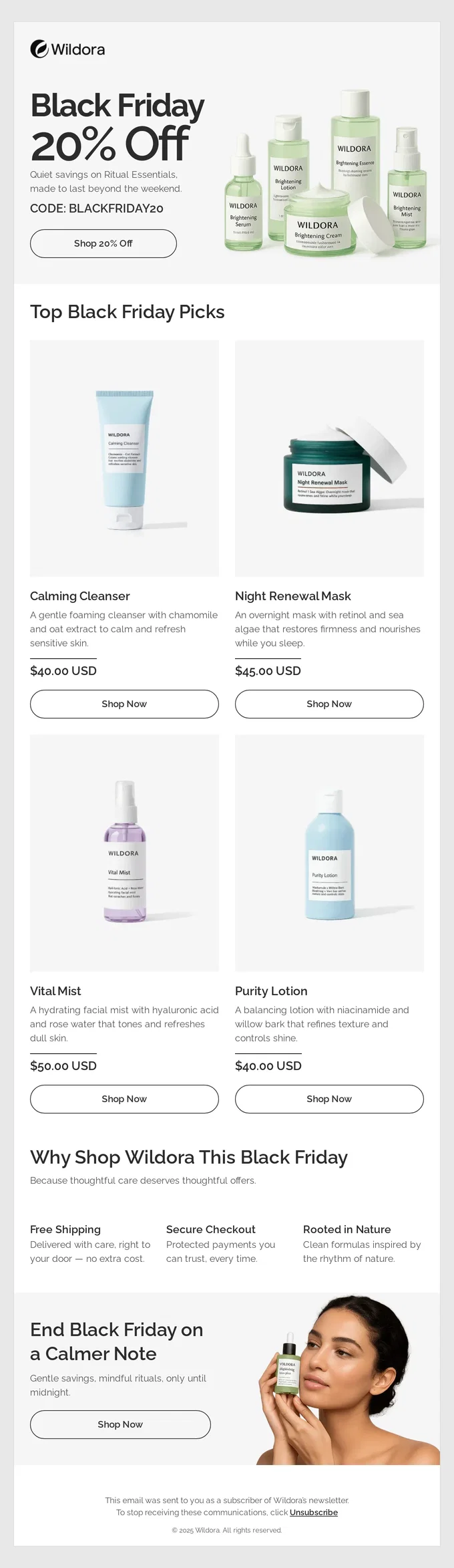 PreviewCosmetic Black Friday
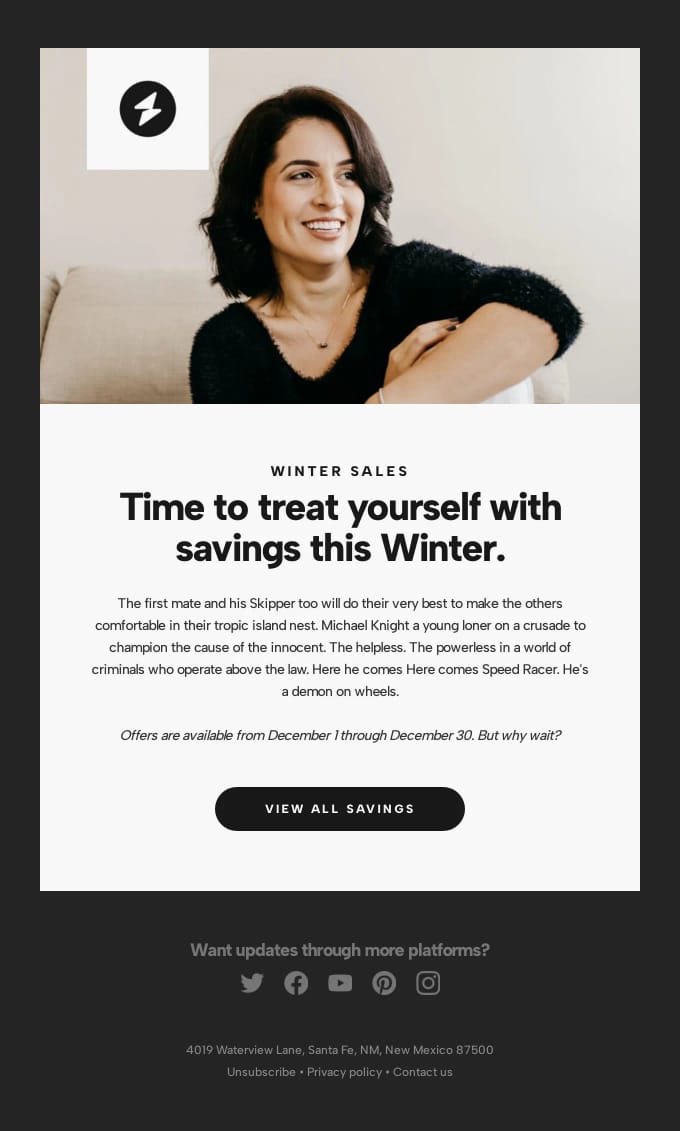 PreviewSingle post newsletter
 PreviewTechnology Cyber Monday Reminder - kern
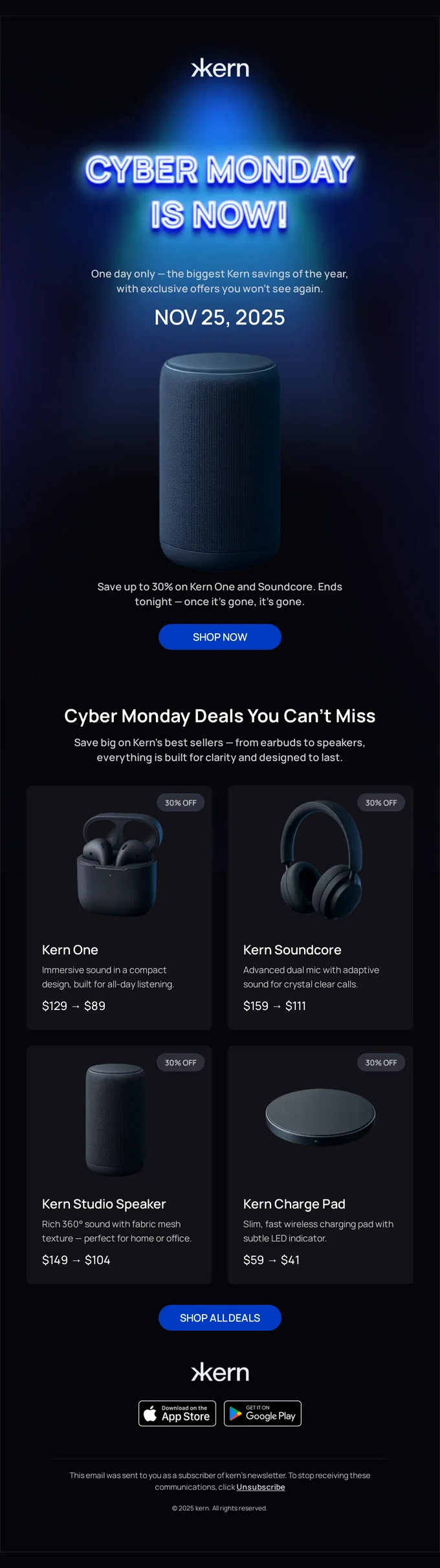 PreviewTechnology Cyber Monday - kern
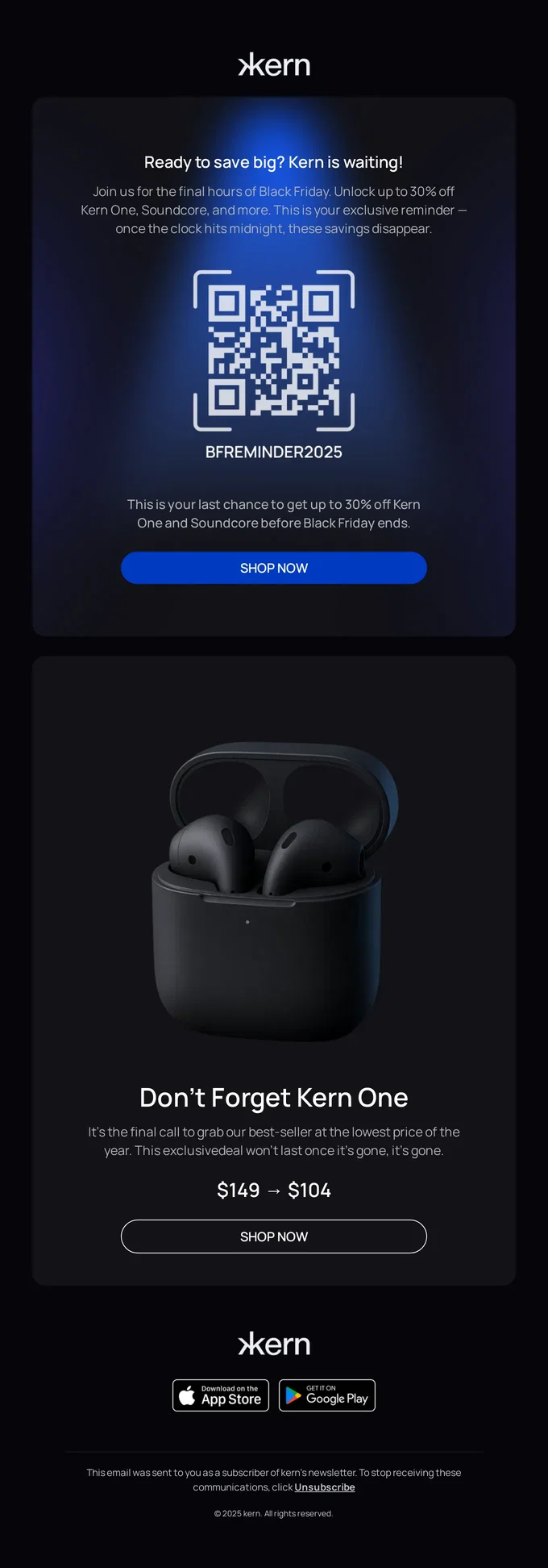 PreviewTechnology Black Friday Reminder - kern
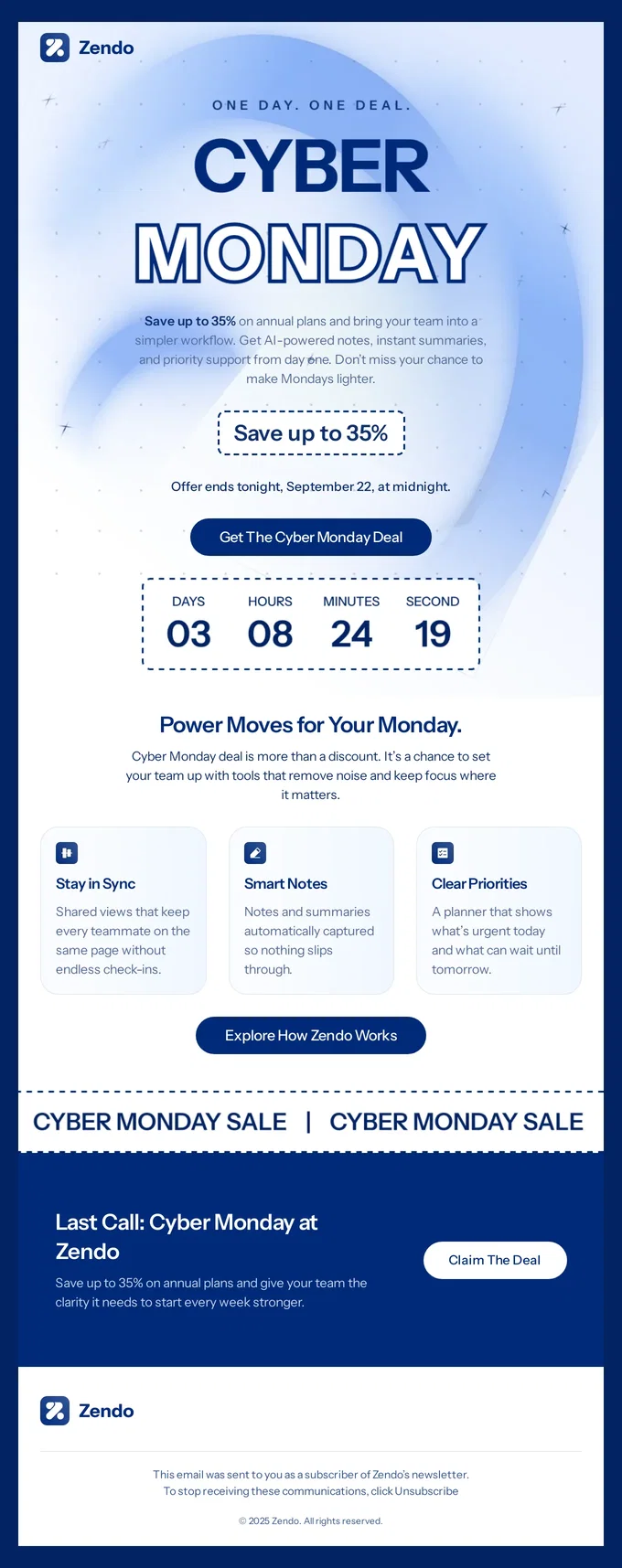 PreviewSaaS Cyber Monday - Zendo
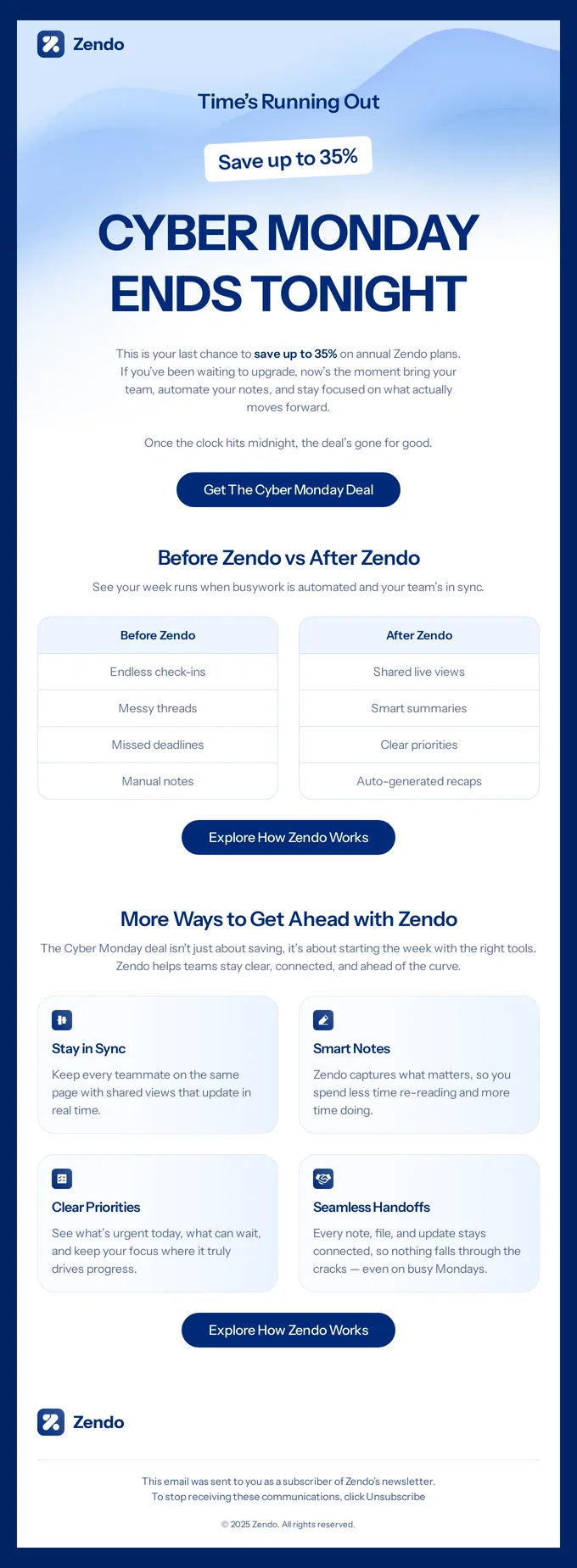 PreviewSaaS Cyber Monday Reminder - Zendo
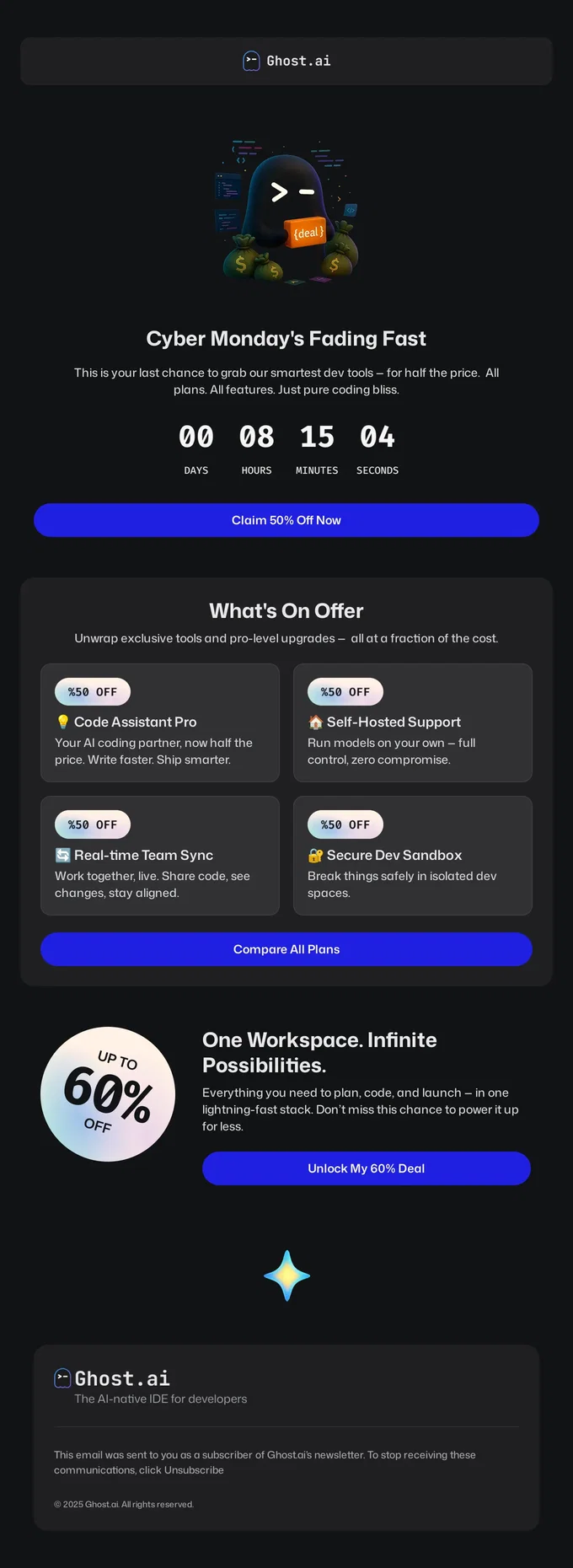 PreviewSaaS Cyber Monday Reminder - Ghost.ai
 PreviewSaaS Cyber Monday - Ghost.ai
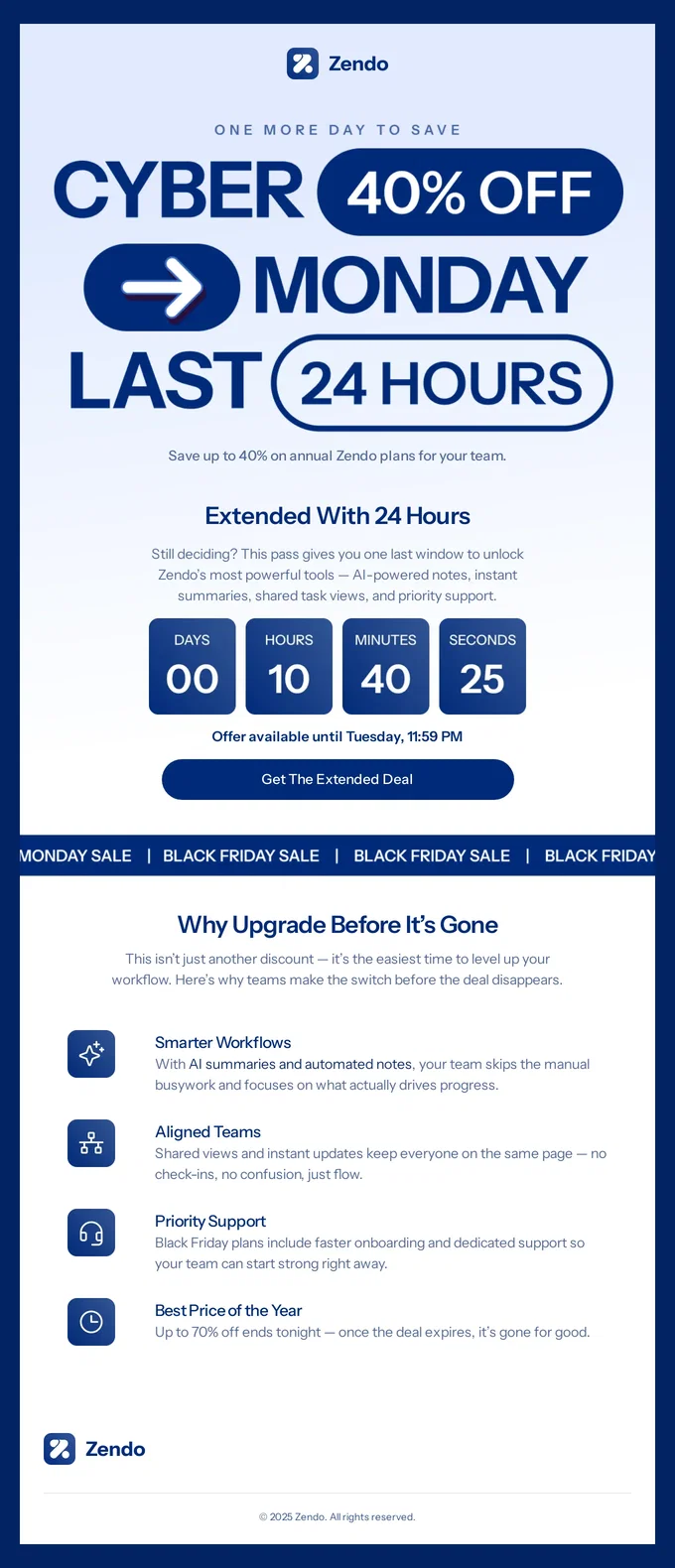 PreviewSaaS Cyber Monday Extended - Zendo
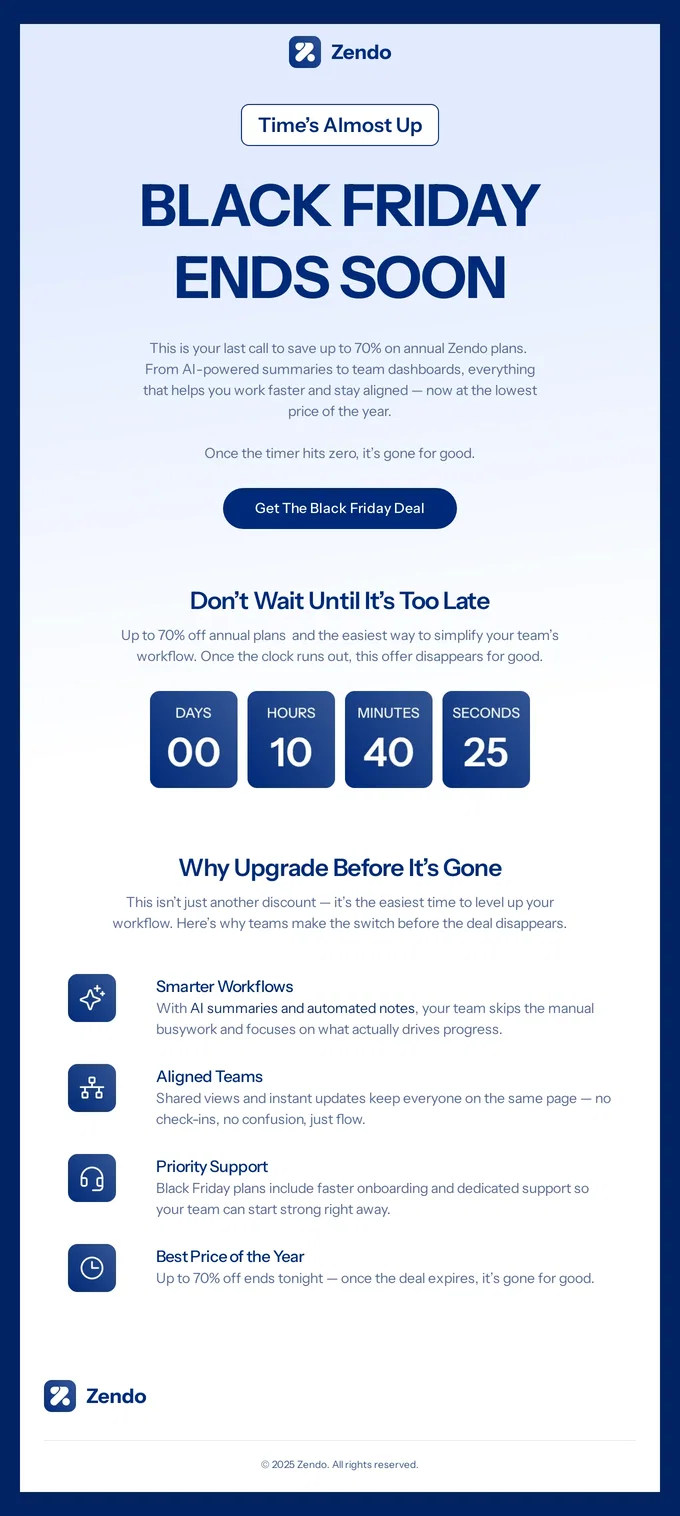 PreviewSaaS Black Friday Reminder - Zendo
 PreviewSaaS Black Friday - Ghost.ai
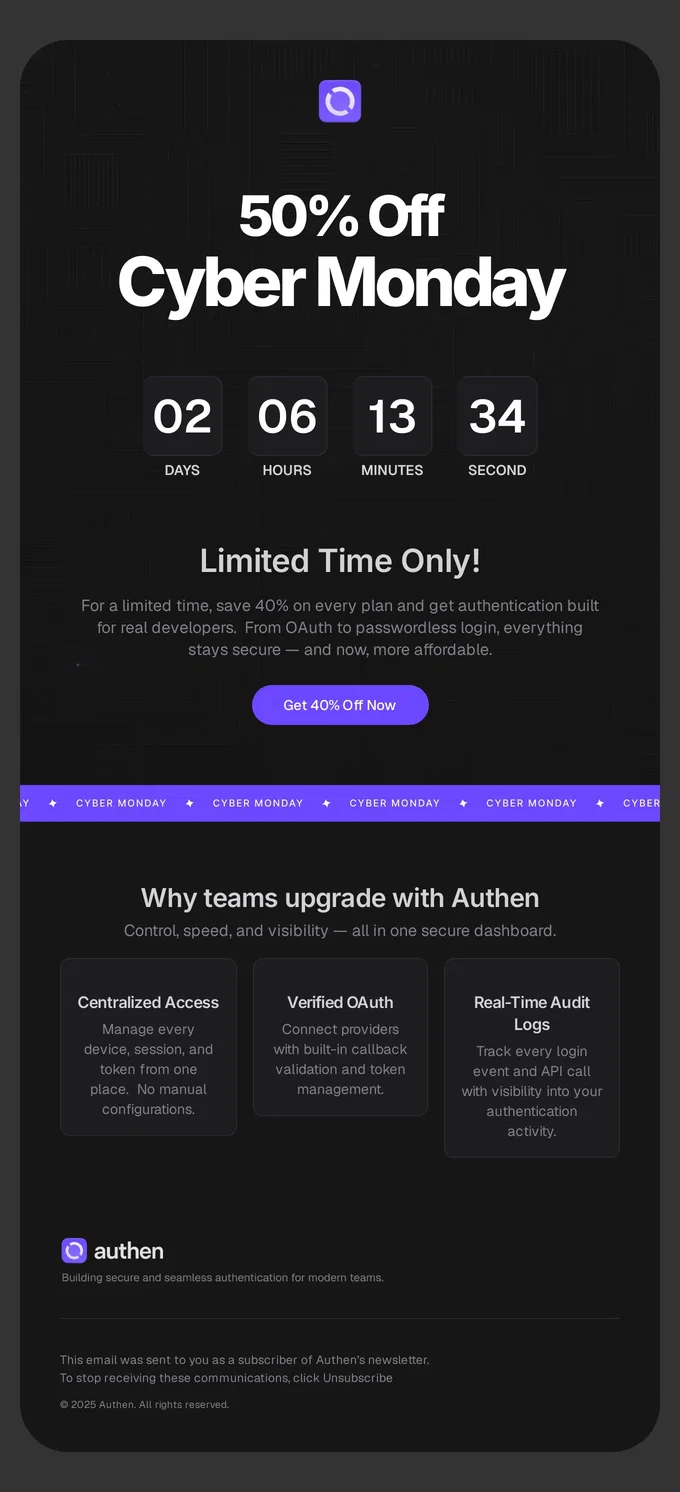 PreviewSaaS Cyber Monday Reminder - Authen
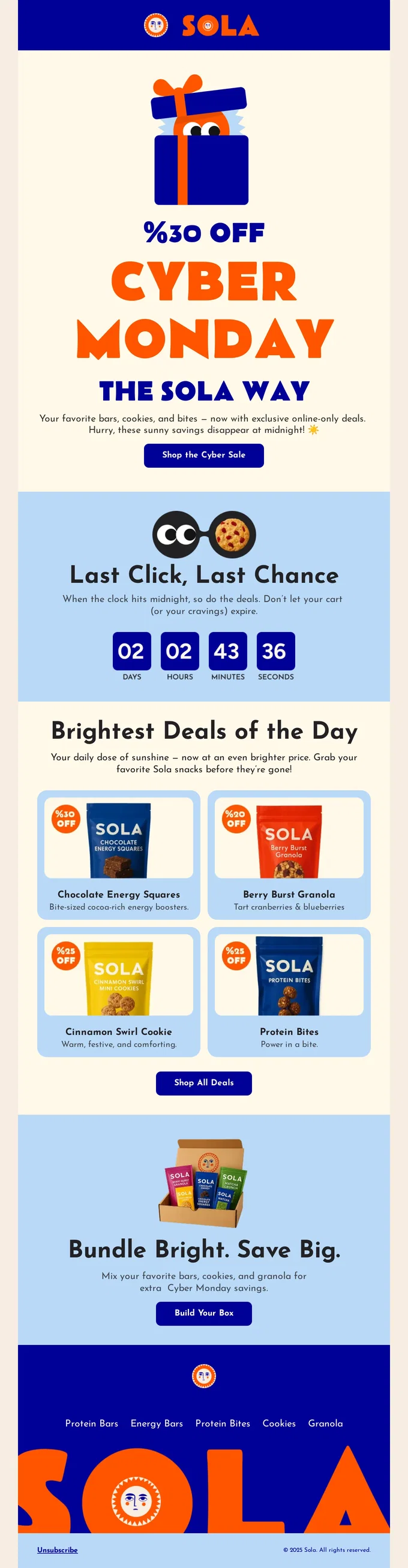 PreviewCyber Monday - Sola
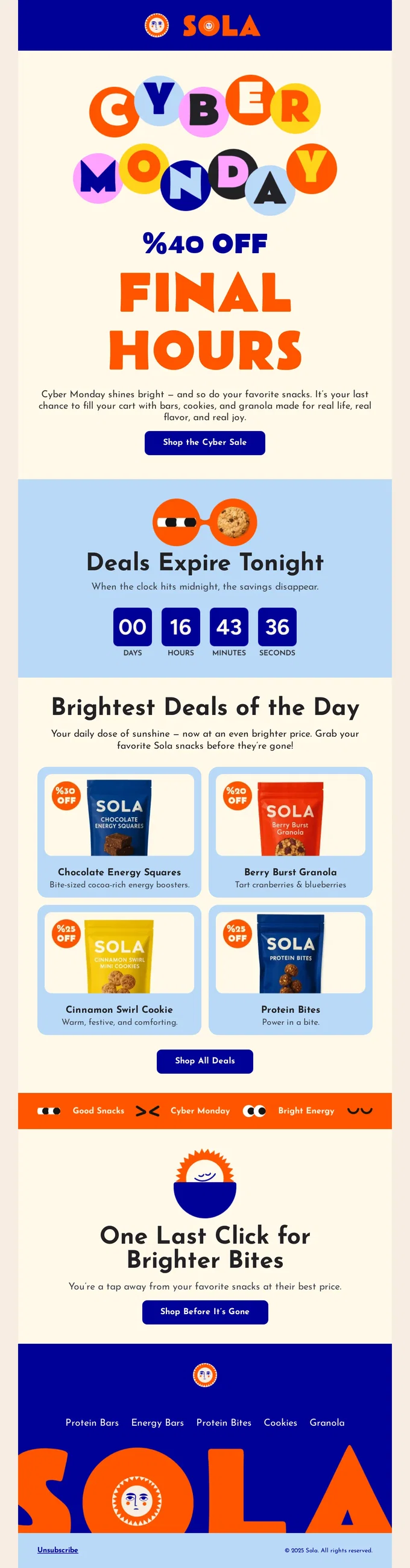 PreviewCyber Monday Reminder - Sola
 PreviewCyber Monday Reminder - Hausen
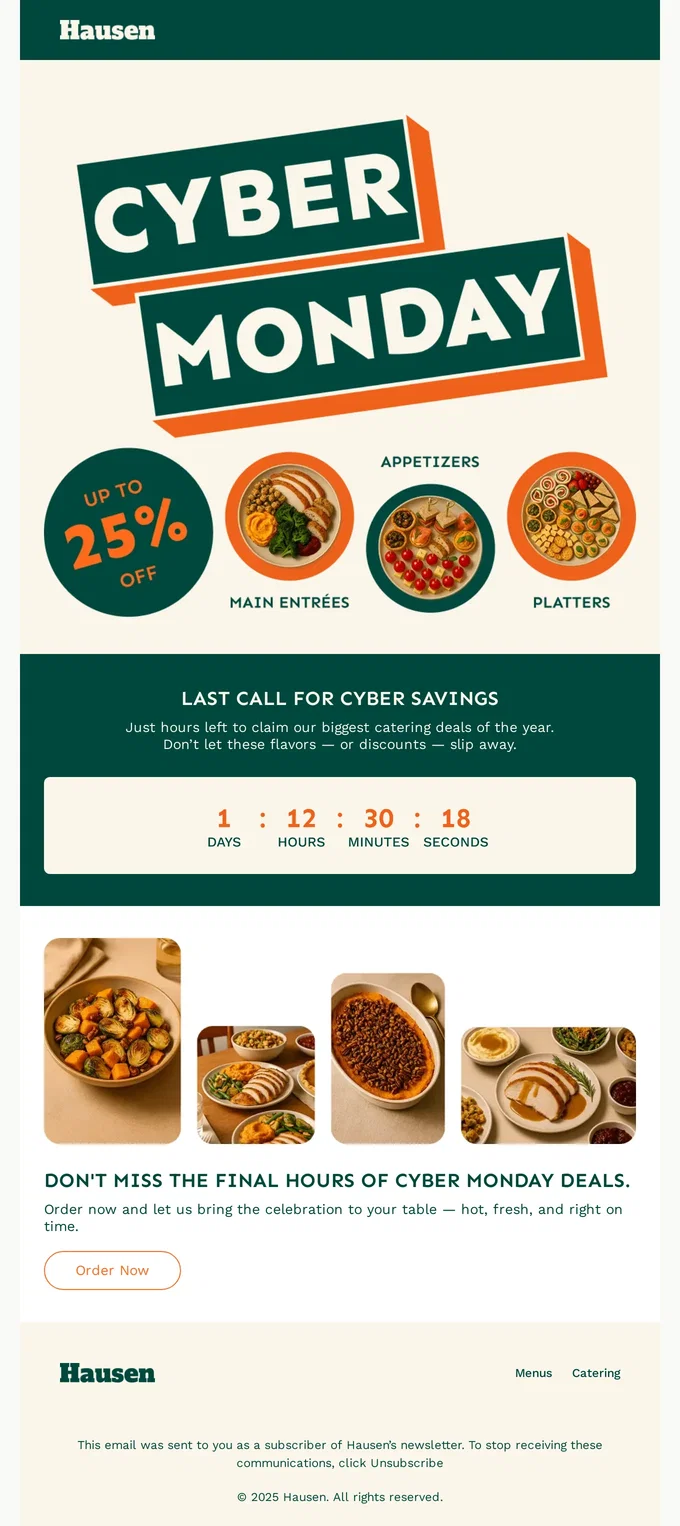 PreviewCyber Monday - Hausen
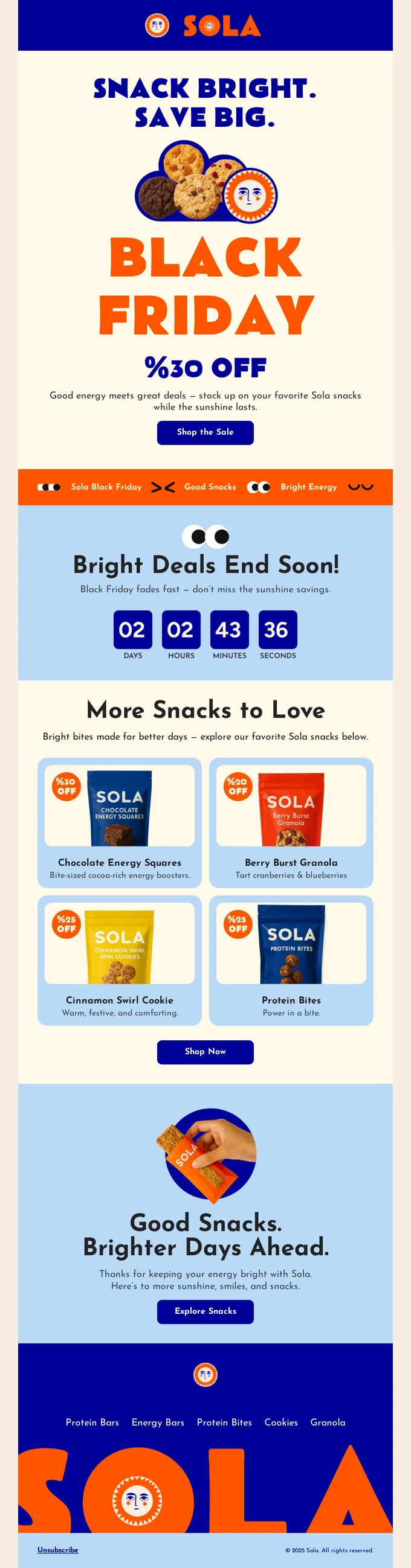 PreviewFood Black Friday - Sola
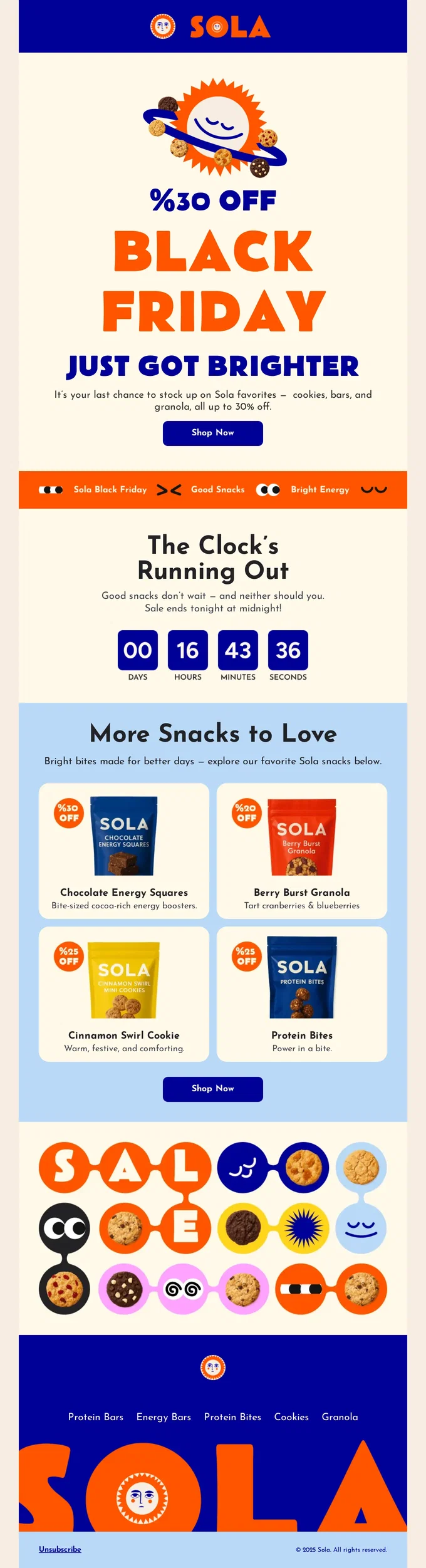 PreviewBlack Friday Reminder - Sola
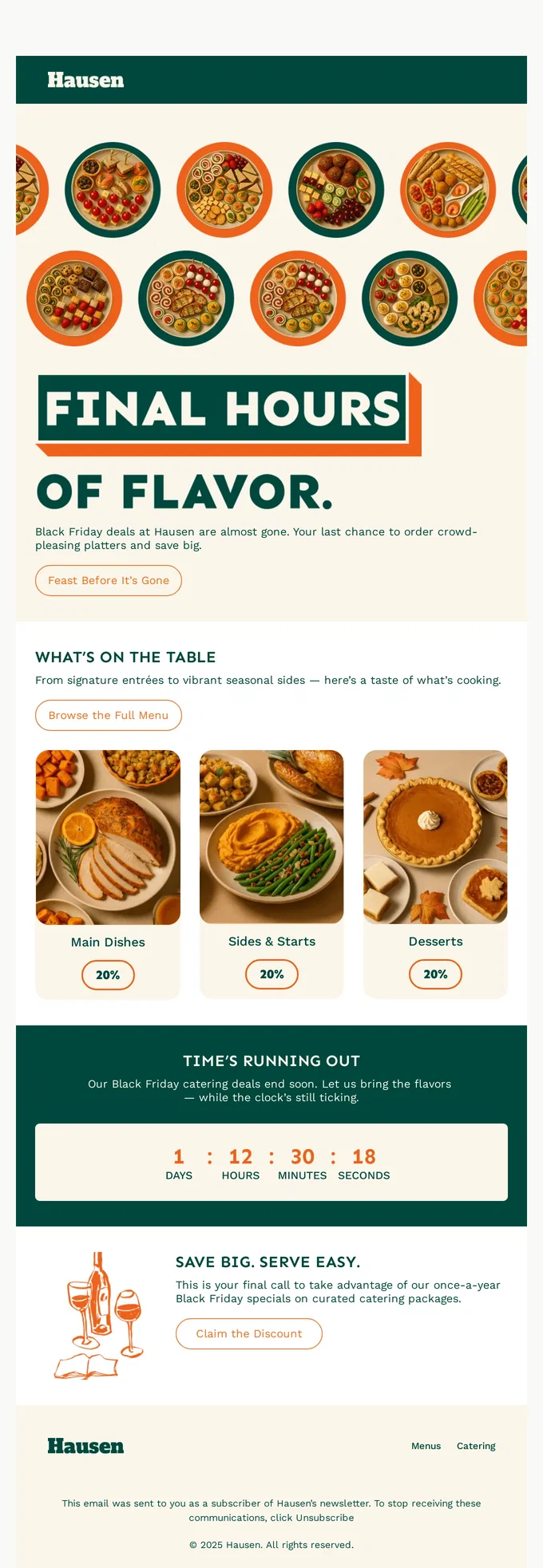 PreviewBlack Friday Reminder - Hausen
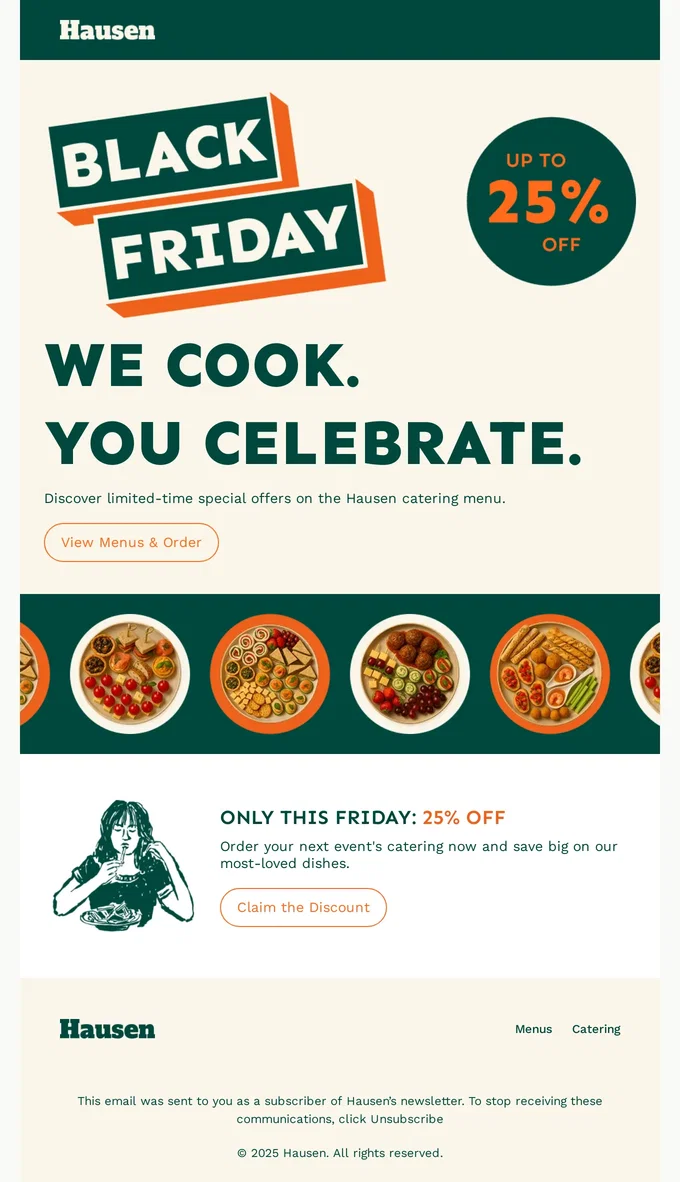 PreviewFood Black Friday - Hausen
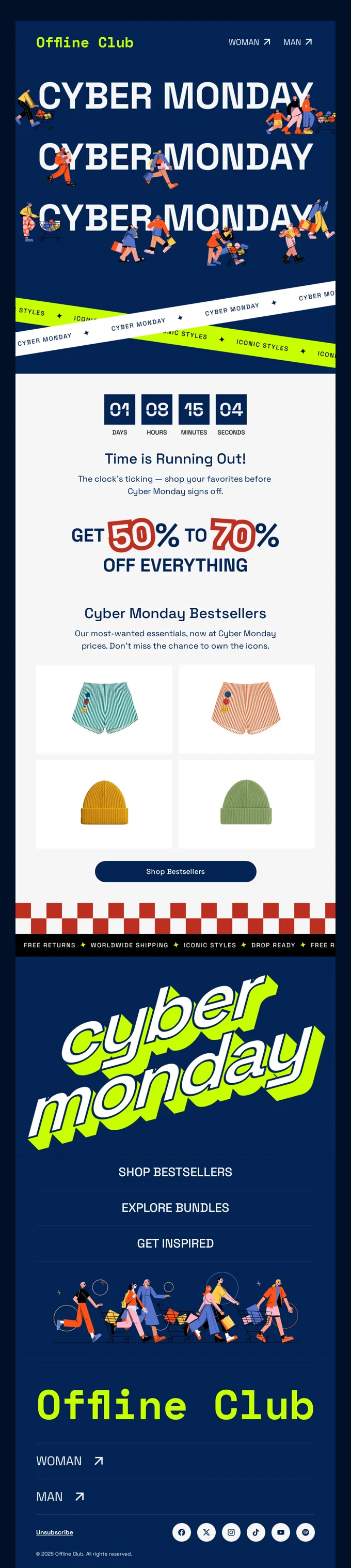 PreviewFashion Cyber Monday - Offline Club
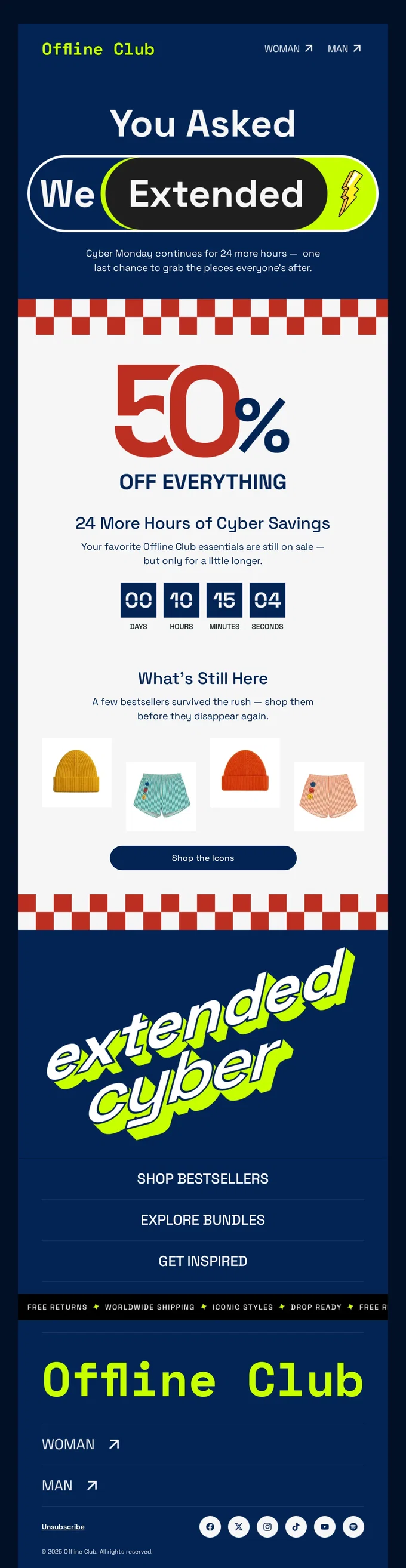 PreviewFashion Cyber Monday Extended - Offline Club
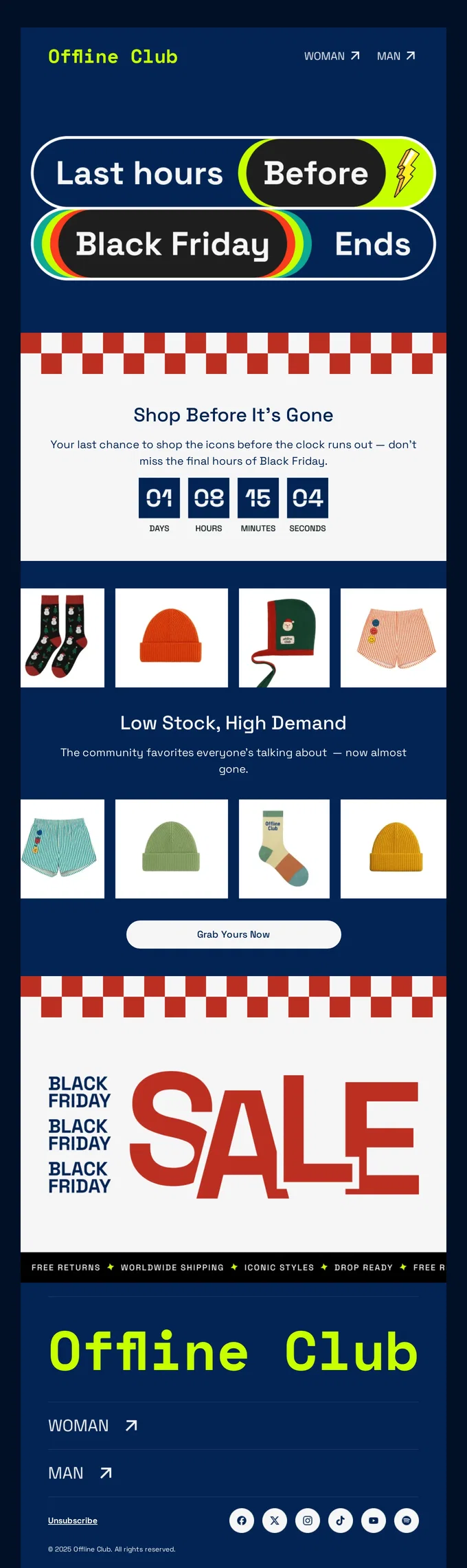 PreviewFashion Black Friday Reminder - Offline Club
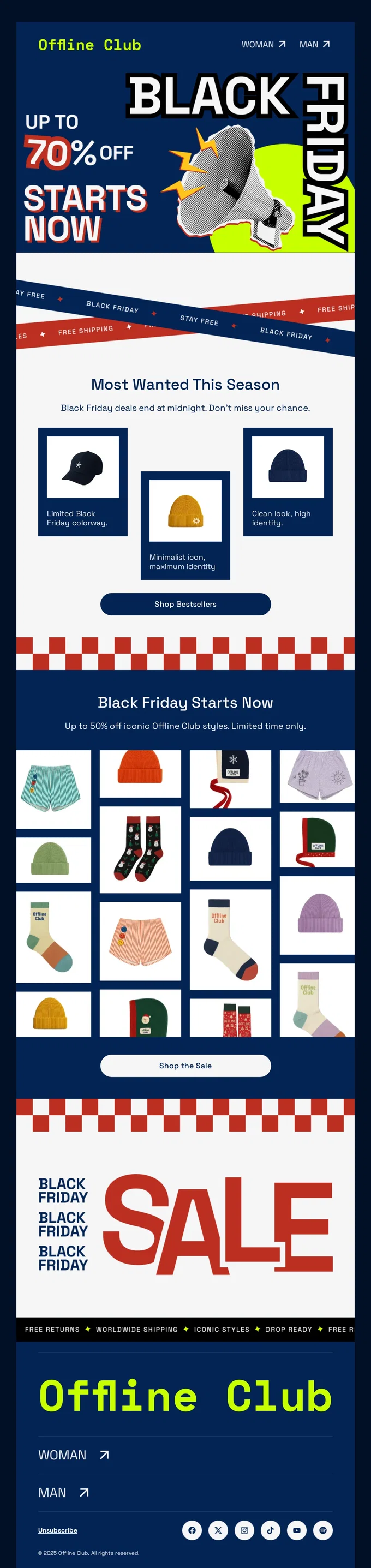 PreviewBlack Friday - Offline Club
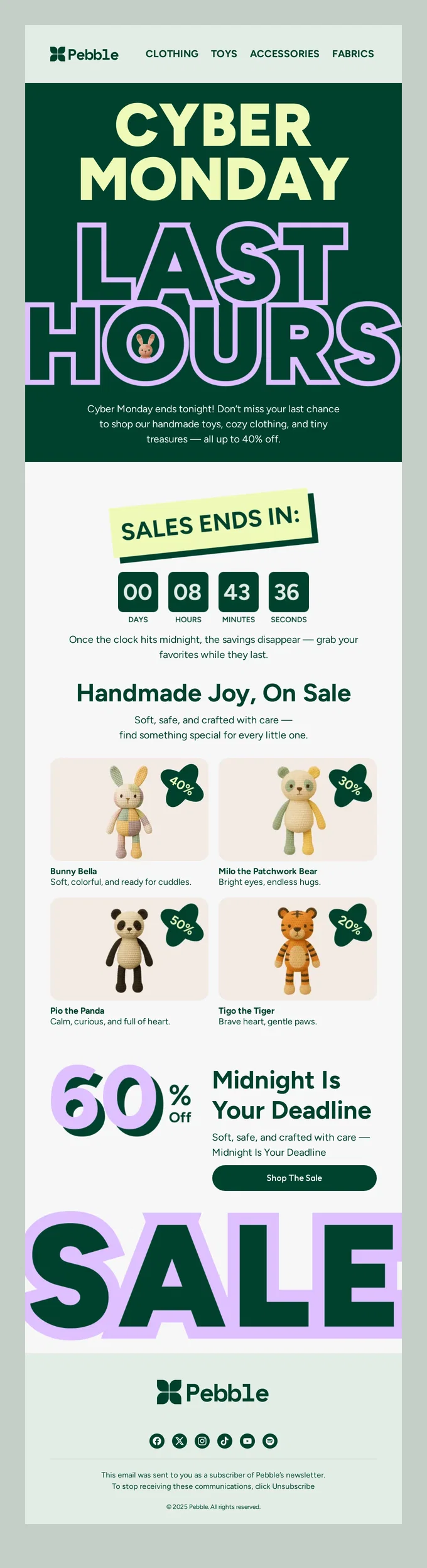 PreviewCyber Monday Reminder - Pebble
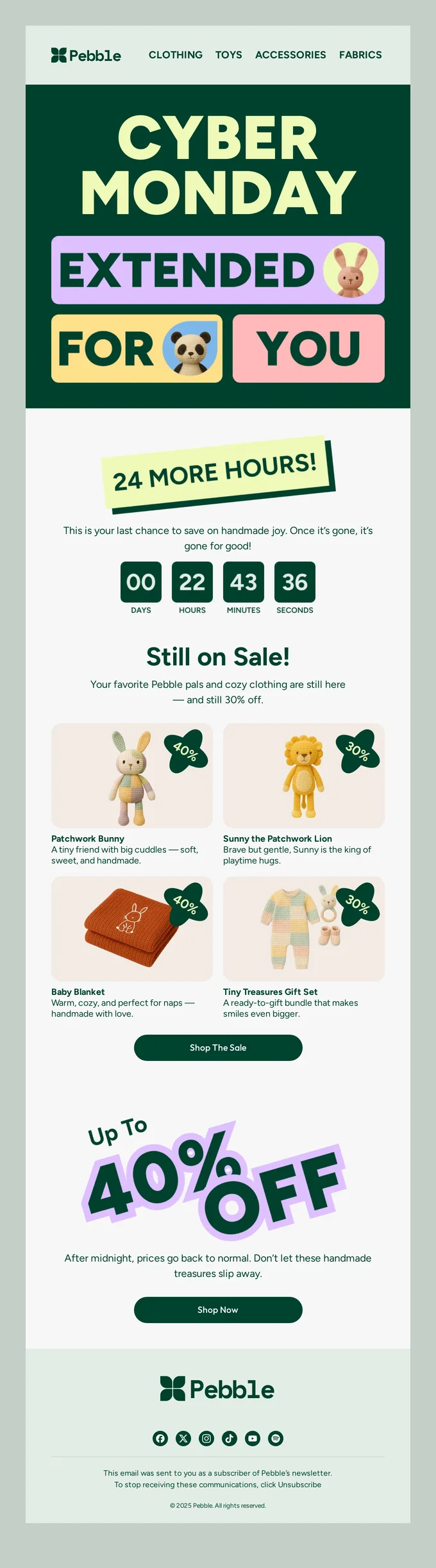 PrevieweCommerce Cyber Monday Extended - Pebble
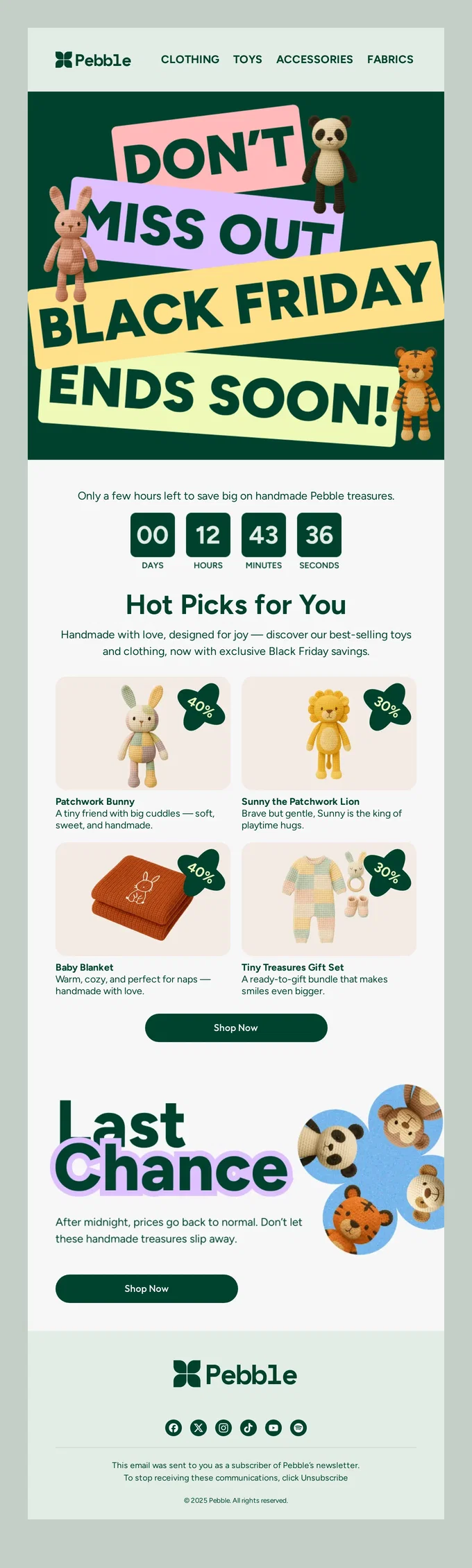 PrevieweCommerce Black Friday Reminder - Pebble
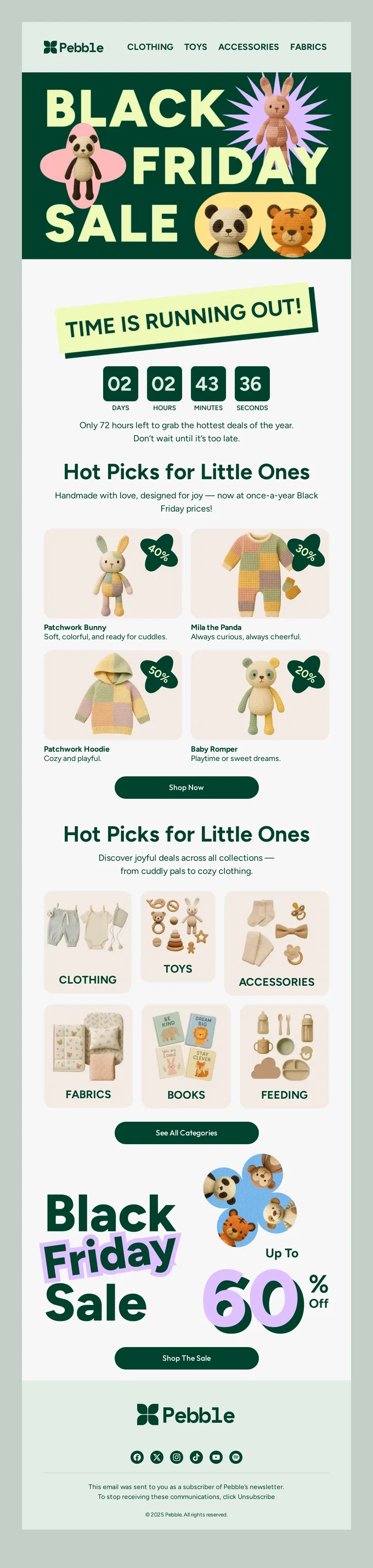 PrevieweCommerce Black Friday - Pebble
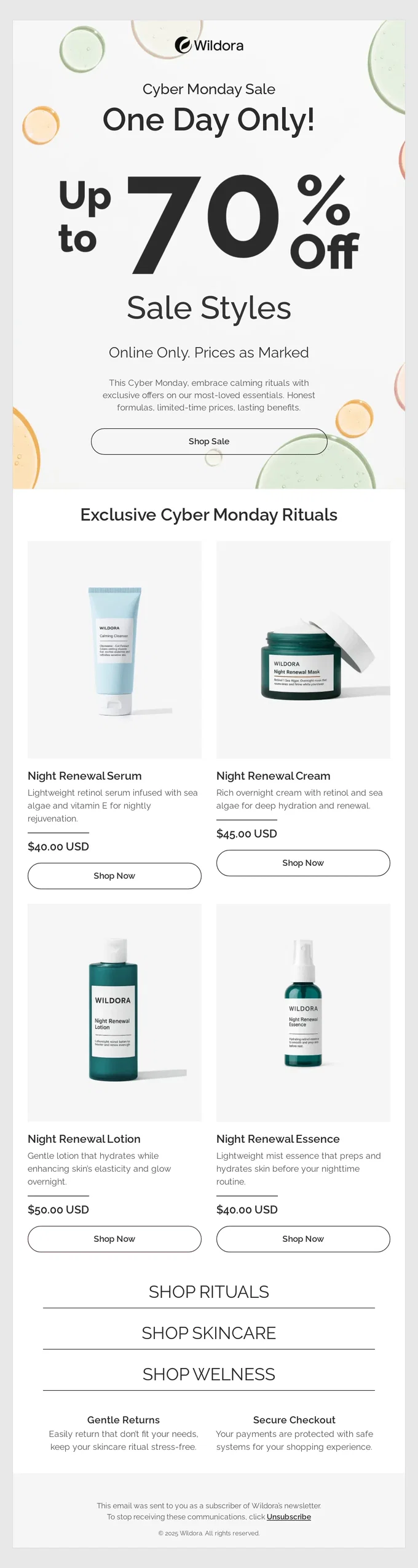 PreviewCosmetic Cyber Monday
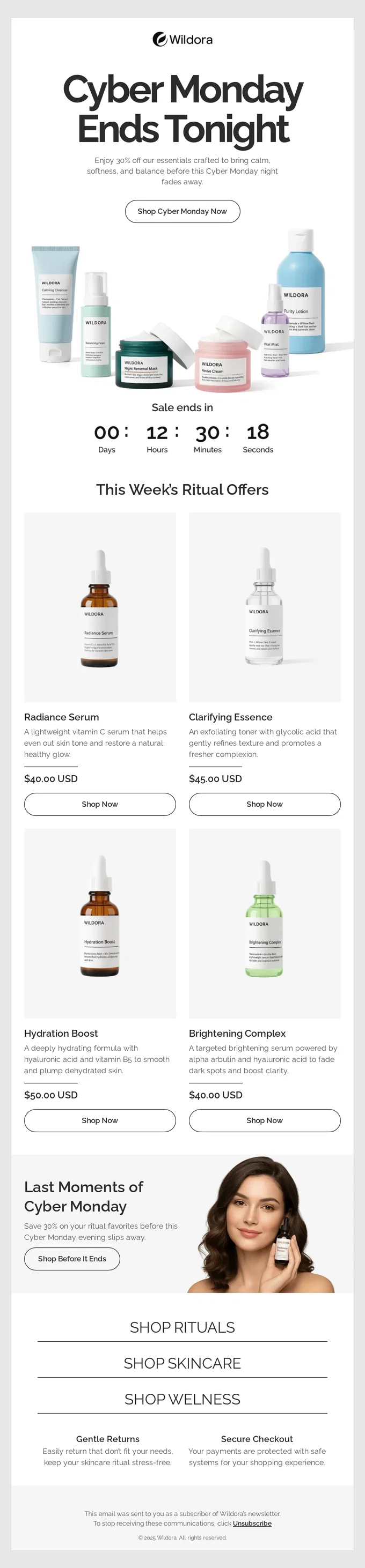 PreviewCosmetic Cyber Monday Reminder
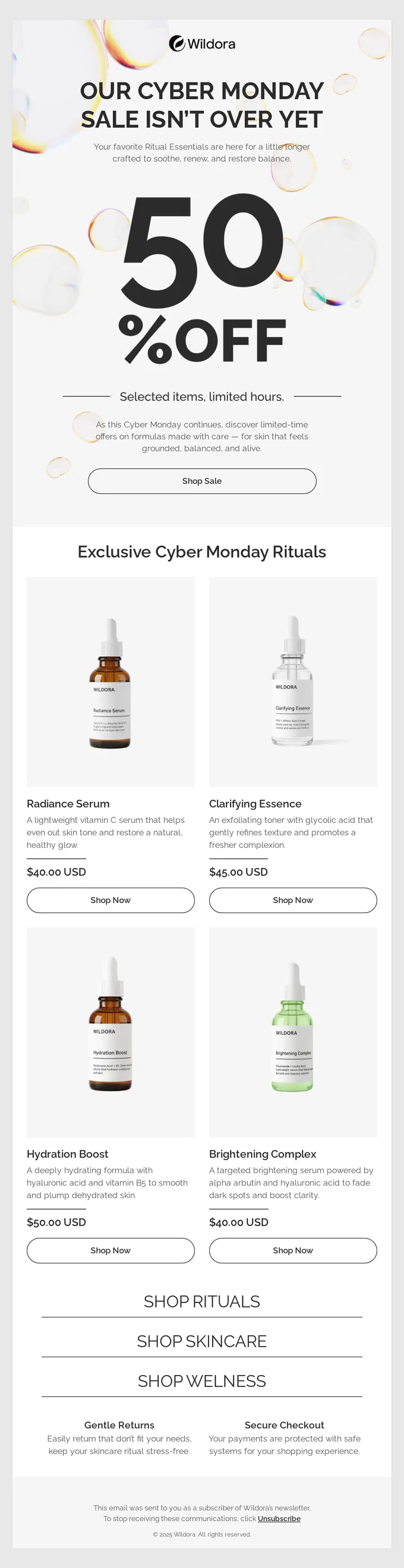 PreviewCosmetic Cyber Monday Extended
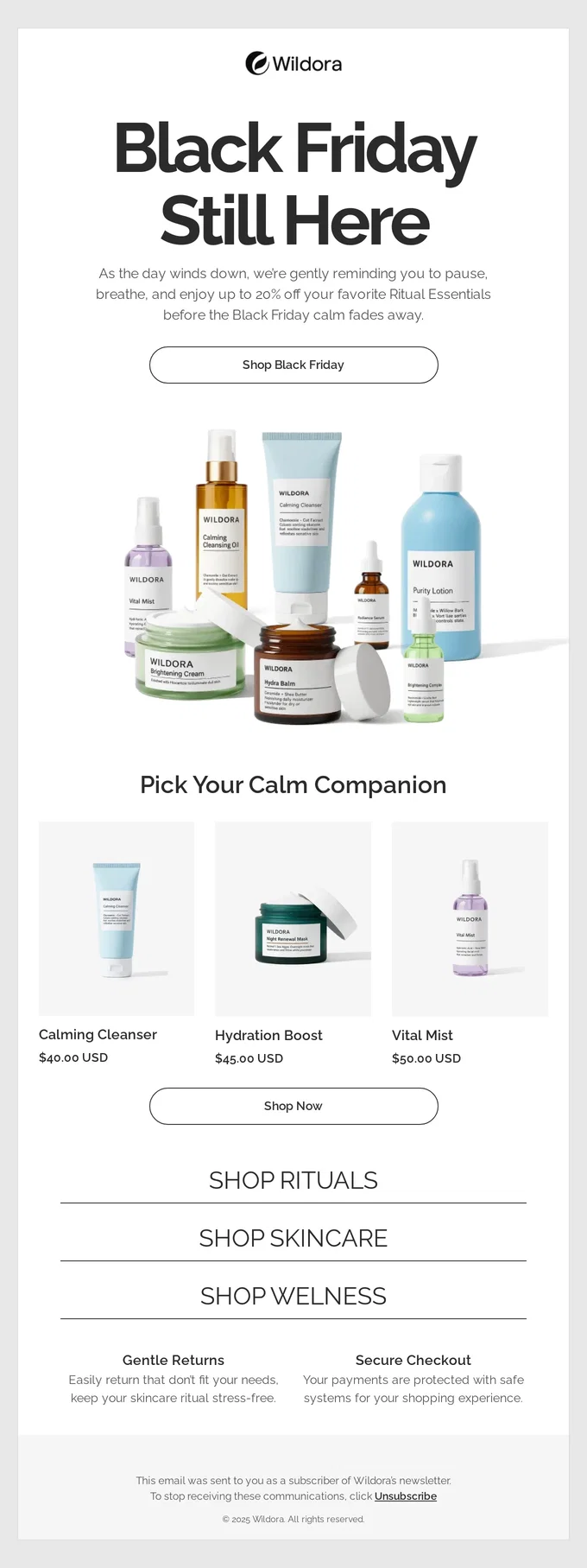 PreviewCosmetic Black Friday Reminder
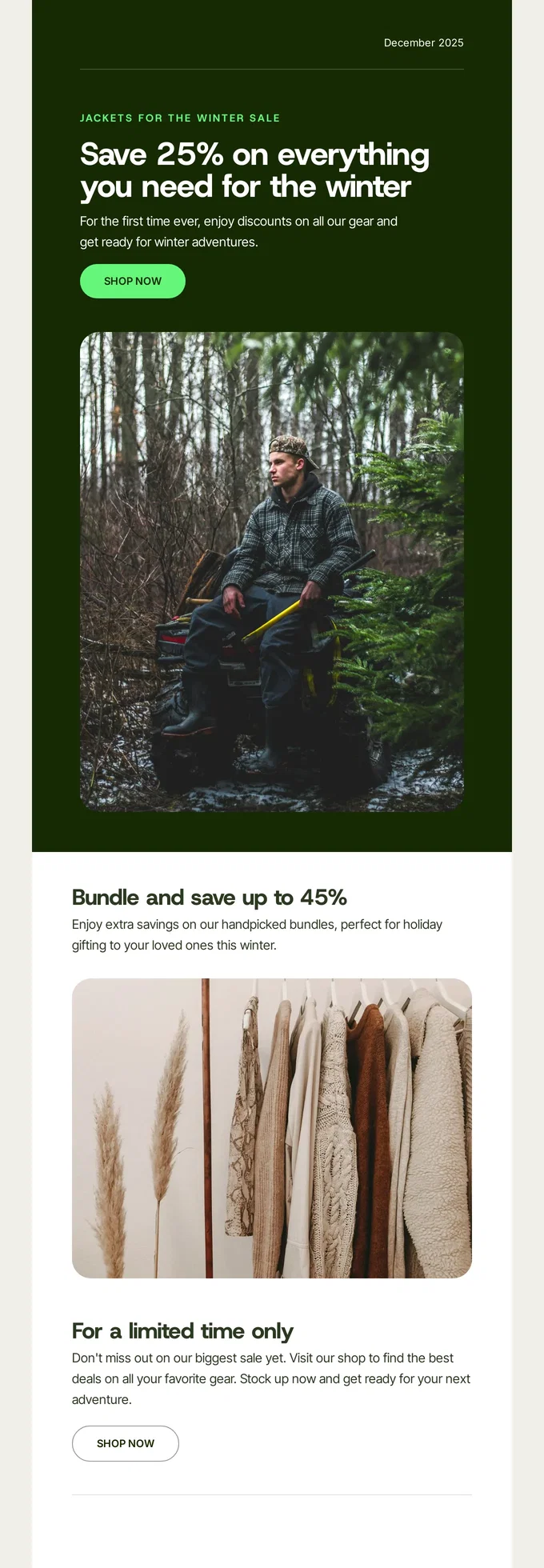 PreviewWinter Sale
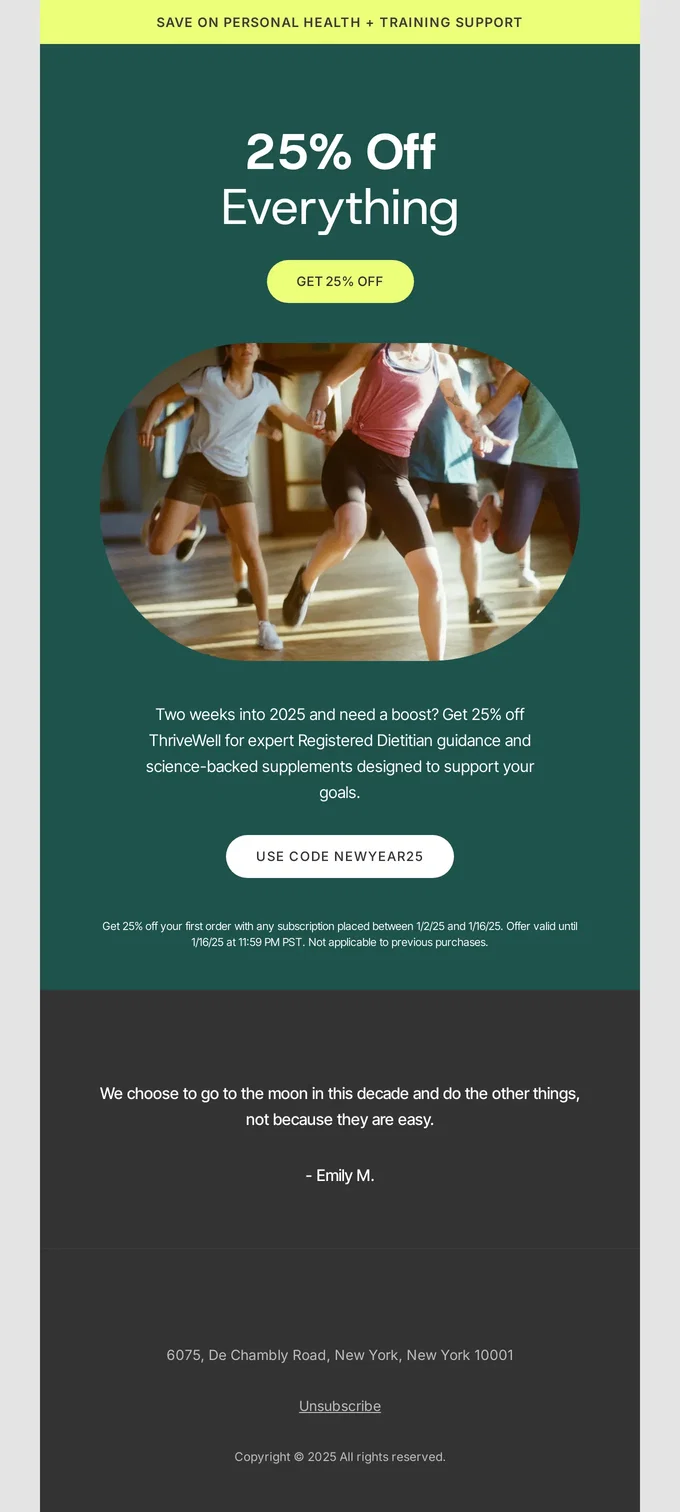 PreviewNew Year Discount Offer Deal
 PreviewNew Year Sale discount offer
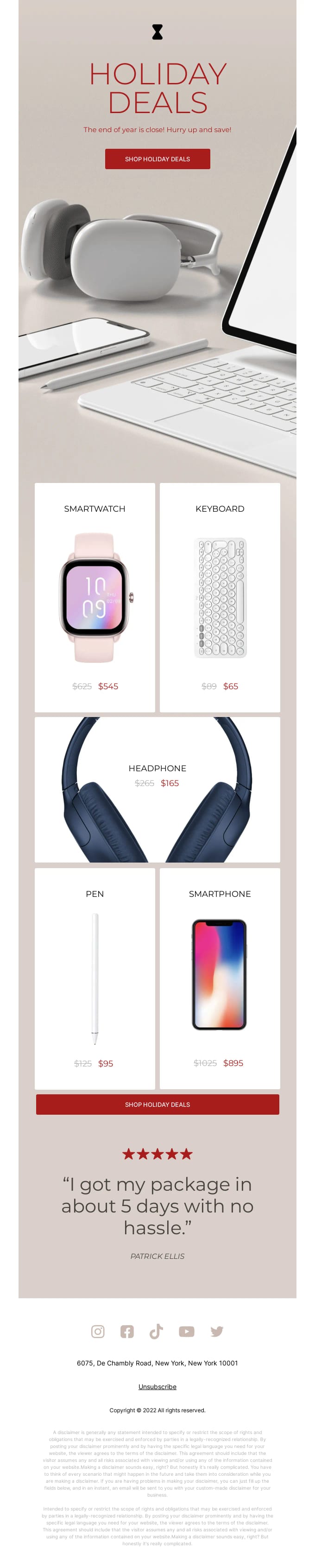 PreviewHoliday Product Deals
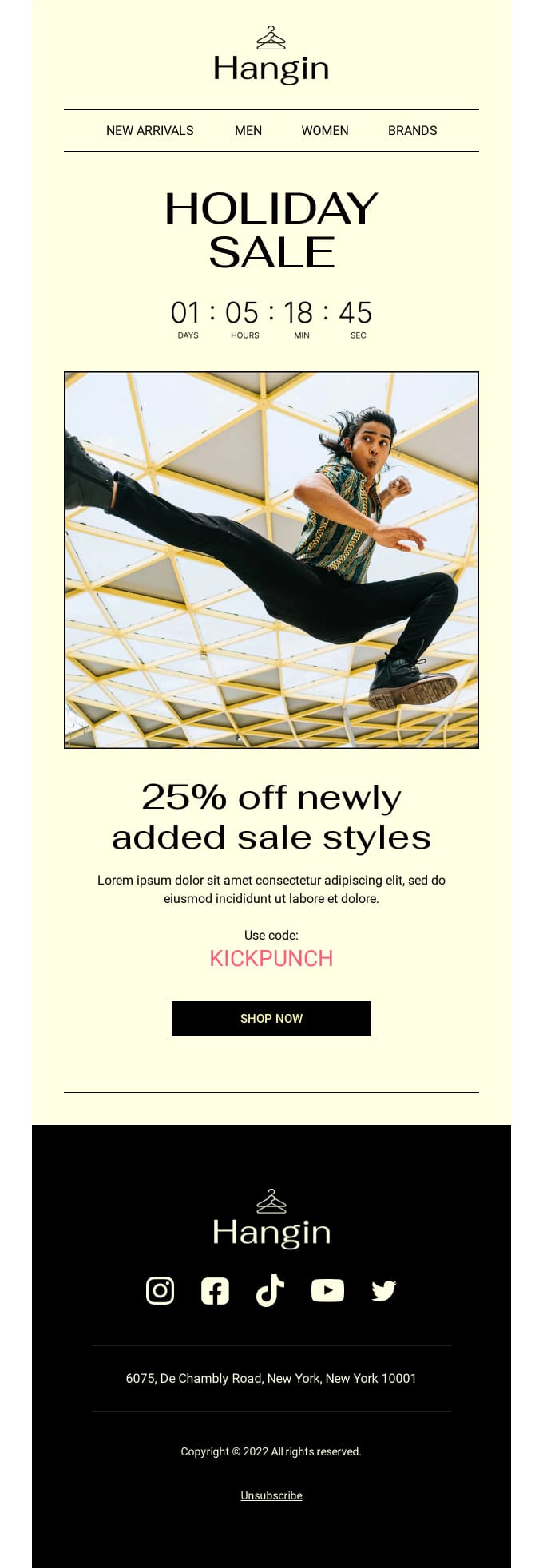 PreviewHoliday sale offer
What makes a promotional email work
- 1Lead with the offer
Put the discount or the news in the first screen.
- 2One call to action
Every extra button splits attention.
- 3Built from your components
Product cards and footers from your design system keep every sale on brand.
Promotional Email Templates from Tabular Email Builder
An Email Builder That Gives You Everything Figma Does, Without Sloppy HTML Exports
The most repeated technical complaint about html email template design is that people design in Figma but “the conversion to the ESP was not 100% loyal to the design.” Tabular email builder offers professionally designed html email templates you can import to every major esp platform.
Works with Klaviyo, Mailchimp, HubSpot and 23 moreDrag-and-drop builders are simultaneously too limited and too janky
The HubSpot thread is the archetype: no HTML skills, hired a designer, still stuck at “simple.” Recurring specifics — outdated template design systems, multi-column layouts that “always look janky,” no way to set dark-mode fallbacks, no accessibility controls, can’t inject a double head tag to target Yahoo/Outlook, no HubL support in third-party builders. Users feel trapped between “too basic to look good” and “too technical to code.”
The solution: Tabular email builder
abular offers an easy to use, modern drag and drop email builder for designers and developers who want to create reliable email templates quickly.
Time cost is brutal and universal
1–3 hours per email cited repeatedly; agency designers producing only 3–6/day at ~$25k/mo per team; a media org spending 30–60 min per newsletter in Dreamweaver copying titles/thumbnails by hand. Crucially, several people identify the real bottleneck as not the build but the surrounding work: copy, design decisions (“decision fatigue disguised as creative block”), and cross-client testing.
Tabular offers professionally designed modules, so you don’t have to build every email from scratch. Simply customize a block, save it to your Teamspace, and reuse it whenever you need. Tabular’s organizational spaces make it easy to manage email assets, collaborate with your team, and scale workflows, even for the biggest companies.

A coder in an agency chain (copywriter → designer → coder → review) literally doesn’t know what happens to the email after he codes it. People are stitching together Figma + plugin + ESP + testing tool + code editor, “learning lots of tools and in all of them you do the same thing, every single time — add brand, add logo, add address.”
Tabular makes collaboration easy for teams of any size. Create Teamspaces and Workspaces with advanced collaboration features, leave comments directly on specific email blocks for teammates, manage shared assets, and streamline feedback without leaving the editor. Whether you’re working with a small team or a large organization, Tabular helps everyone stay aligned and build emails faster.
Your Emails Break in Outlook. Not with Tabular’s Email Templates.
Table-based layouts, mandatory inline CSS, no web font support, dark-mode breakage in Gmail, ancient CSS support in Outlook 2010. “A lot of testing to see just how badly it falls apart in Outlook, then rinse and repeat.” Treated as the hardest, least glamorous part of the entire craft.
Tabular email builder’s templates have been tested across 50+ email clients, including older versions of Outlook. HTML export is engineered for performance and reliability. With Tabular email builder HTML templates, you don’t need to worry about deliverability or your brand image.
Web fonts basically don’t work.
Restricted to ~10–15 system fonts in most ESPs. Even the MJML/hand-code camp admits fallback stacks shift spacing and break the layout for the majority who never see the brand font — and there’s a genuine fight in the thread about whether using a brand webfont for the 20% who can see it is worth breaking it for the 80% who can’t.
With Tabular email builder, you can create custom fonts that you can save and reuse in every email within your teamspace. This is helpful for if you want to use font files hosted on platforms like Adobe Fonts, CDNFonts, or if you want to use font files that you’re hosting on your own servers.
File size / clipping / accessibility. The 102kb Gmail clipping threshold, image-blocking (do recipients even see your design?), alt-text obligations, and disability accessibility all come up as things builders don’t help you manage and image-heavy emails actively worsen.
Tabular Email Builder is engineered to produce lightweight code that complies with Gmail and other email clients’ requirements.
The pretty-vs-performs war. The loudest unresolved debate. One large camp (11-year marketers, deliverability specialists) insists plain-text or near-plain emails outperform designed ones because they feel personal and land in the inbox.
Tabular Email Builder offers advanced personalization features that enable you to create email templates that don’t look like templates. Send personalized messages, transactional emails, or product recommendations.
Aren’t You Tired of Generic, Same-Looking, Off-Brand Emails?
Agency owners hear from clients that templated emails “look so similar” or come out “kinda off-brand.” This is the tension under the custom-vs-template debate — templates carry a stigma even though everyone admits they’re faster and more testable.
You can create your brand kit, make every email template compliant in a few clicks, create reusable custom blocks, and share them with specific Teamspaces. Tabular Email Builder offers everything you need for branded, professional, and authentic emails.
People want modules, not whole templates. A recurring sophisticated ask: reusable component/block libraries with brand identity baked in, so users assemble on-brand emails rather than picking a monolithic template.
Tabular provides exactly that, with a professional UI for designers and developers, offering the best modules so you can create branded, personalized email templates by combining different components. Original, fast, and professional.
Editing a chosen template, not designing from scratch. A specific unmet need: “I don’t want to design templates. I want to choose a template and then hand-edit it.” Builders push you toward either full design freedom or locked templates, not “start from this good one and tweak.”
Migrating from a platform is hard, we know.
“No — we can’t change platforms unfortunately.” People are stuck inside HubSpot/ERPNext/their ESP and forced to make the built-in editor work no matter how bad it is.
Tabular offers direct integrations with all major ESP platforms, including HubSpot, Mailchimp, and MailerLite, so you can design in the Tabular Email Builder and easily export your emails to your ESP platform.
Tips for creating well-designed promotional email templates
Create well-designed promotional email templates that capture attention, drive engagement, and deliver results in your marketing campaigns, by following our tips.
Make it visually appealing
- Clarify the objective and target audience to ensure your emails are effective and relevant.
- Define a clear objective that guides the design and content of your email.
- Understand your target audience’s preferences and interests to create tailored and personalized experiences.
- Conduct research and collect data on your audience’s demographics and interests.
- Incorporate visuals and colors that evoke positive emotions and match your brand identity.
- Use easy-to-read fonts and pay attention to the layout and organization of your email.
- Find the right balance between visuals and text for a visually appealing and well-structured design.
Thoughtful typography
- Select fonts that align with your brand’s personality and the promotional message.
- Pair fonts that complement each other and create visual harmony.
- Use font sizes that provide optimal readability on different devices and screen sizes.
- Create hierarchy by emphasizing important information with different font sizes, styles, and colors.
- Ensure appropriate line and paragraph spacing for improved readability.
- Test your email design across various devices and email clients.
Use whitespace
- Incorporate whitespace strategically to create a clean and uncluttered design.
- Use whitespace to enhance readability, direct attention, and create visual balance.
- Provide ample margins and padding to give elements room to breathe.
- Establish a clear hierarchy by giving more space to important content.
- Use whitespace to highlight key content and create a visually appealing layout.
- Test your email design on different devices and screens.
Optimize your call to actions
- Create clear and persuasive CTAs to drive conversions.
- Make CTAs visually distinct and strategically placed to prompt action.
- Use bold colors or prominent buttons to make CTAs stand out.
- Use compelling and action-oriented language to communicate the benefit of taking action.
- Create a sense of urgency with time-limited offers or limited availability.
- Test different designs, colors, and copy to optimize CTAs.
Showcase promotions and offers effectively
- Effectively showcase promotions and offers to capture attention and drive engagement.
- Use high-quality product images to visually represent your offerings.
- Highlight discounts or limited-time offers to grab attention.
- Create a sense of urgency with limited availability or stock updates.
- Prioritize compelling offers and use clear and concise messaging.
- Organize content in a visually appealing and easy-to-understand manner.
- Provide clear and visually distinct CTAs to guide recipients to take action.
Utilize personalization and dynamic content
- Personalize emails based on recipient data and preferences for increased relevance.
- Use dynamic content to deliver personalized recommendations or tailored offers.
- Ensure accurate and reliable recipient data for effective personalization.
- Segment your audience based on relevant criteria to create targeted content.
- Utilize dynamic content tools or email marketing platforms for customization.
- Test and optimize personalized email campaigns based on key metrics.