Free small Business Email Templates
Build email templates for your small business with Tabular. Use your designs anywhere with direct integration to your ESP or as HTML/PDF. Welcome new customers, promote products; use Tabular Email Template Builder for your small business. Customise them in our email template builder.
 PreviewTechnology Black Friday - kern
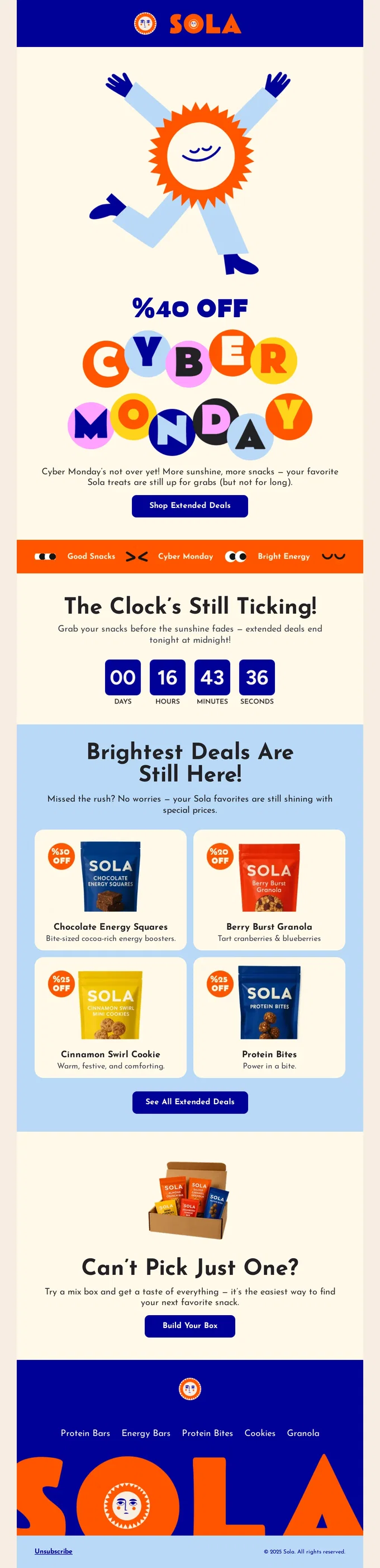 PreviewCyber Monday Extended - Sola
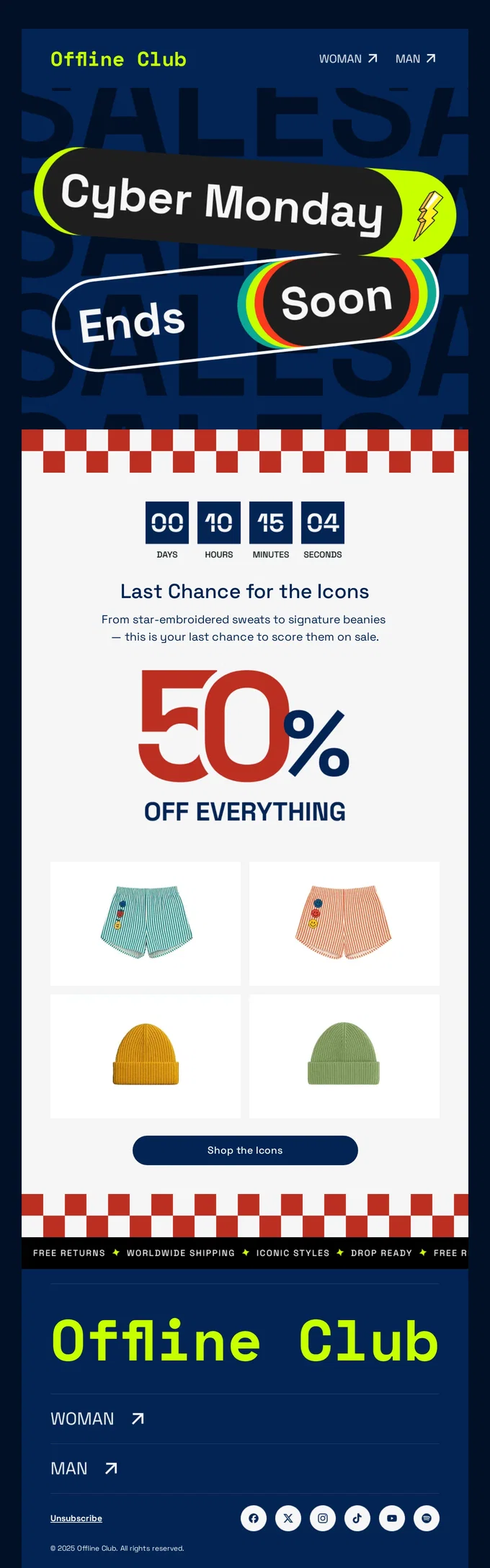 PreviewFashion Cyber Monday Reminder - Offline Club
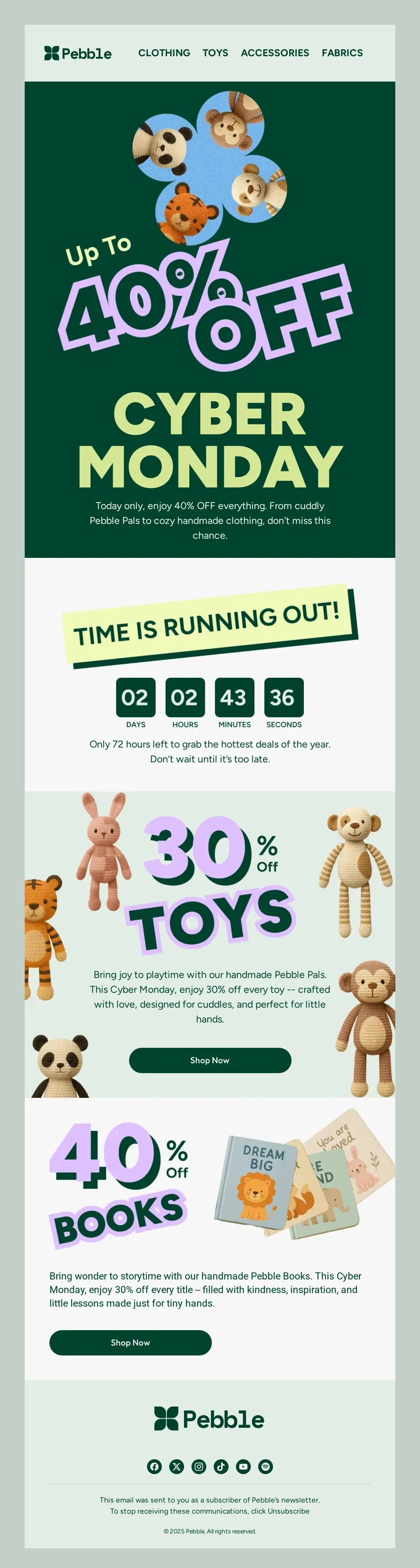 PreviewCyber Monday - Pebble
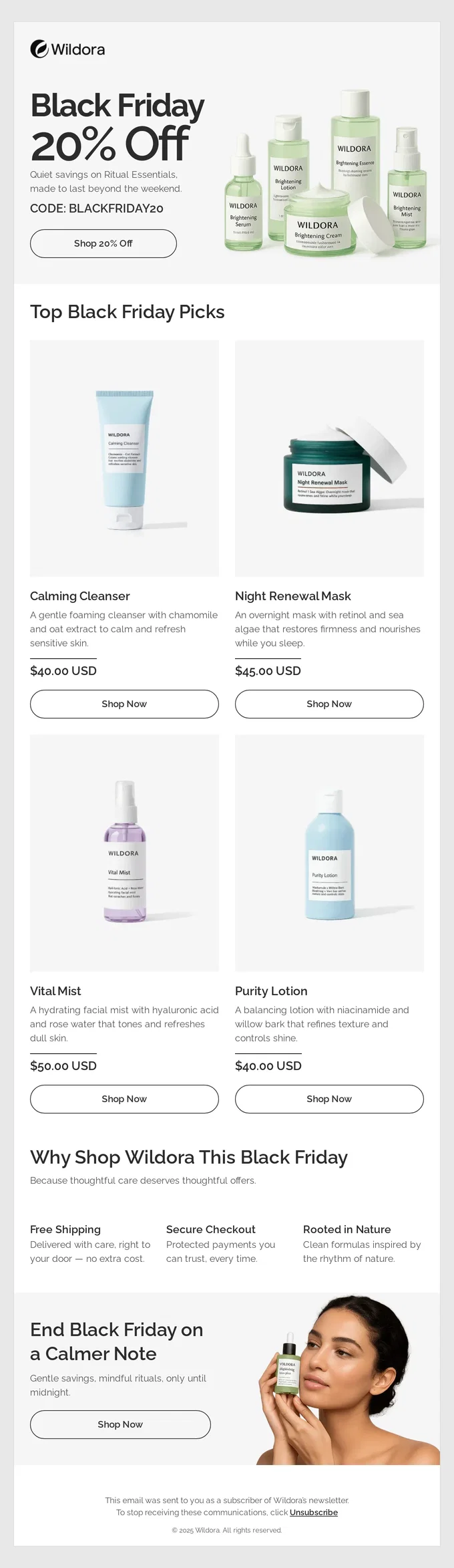 PreviewCosmetic Black Friday
 PreviewWinter Gift Guide
 PreviewTechnology Cyber Monday Reminder - kern
 PreviewTechnology Cyber Monday - kern
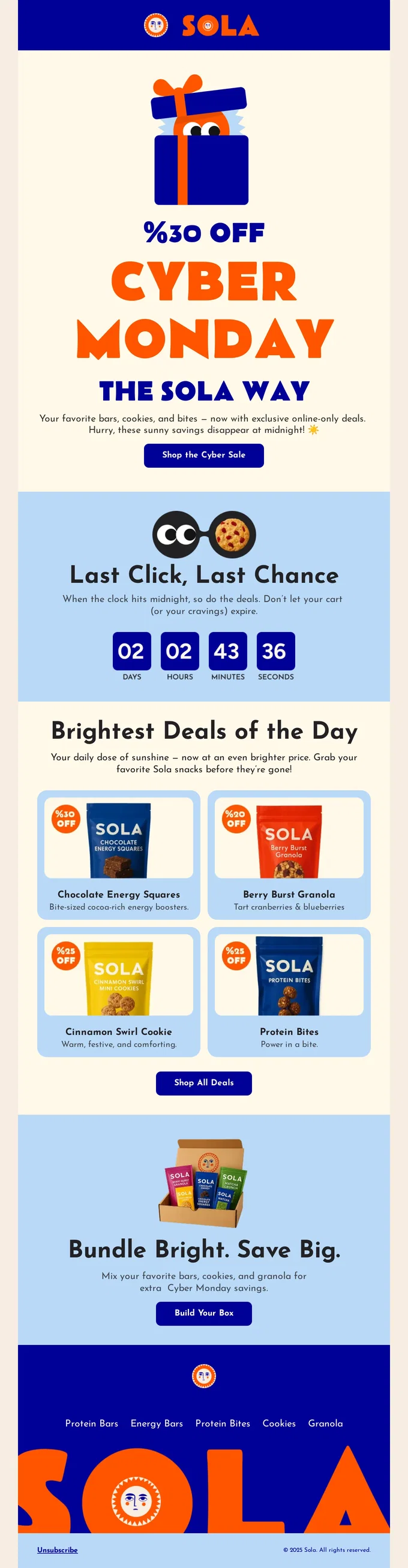 PreviewCyber Monday - Sola
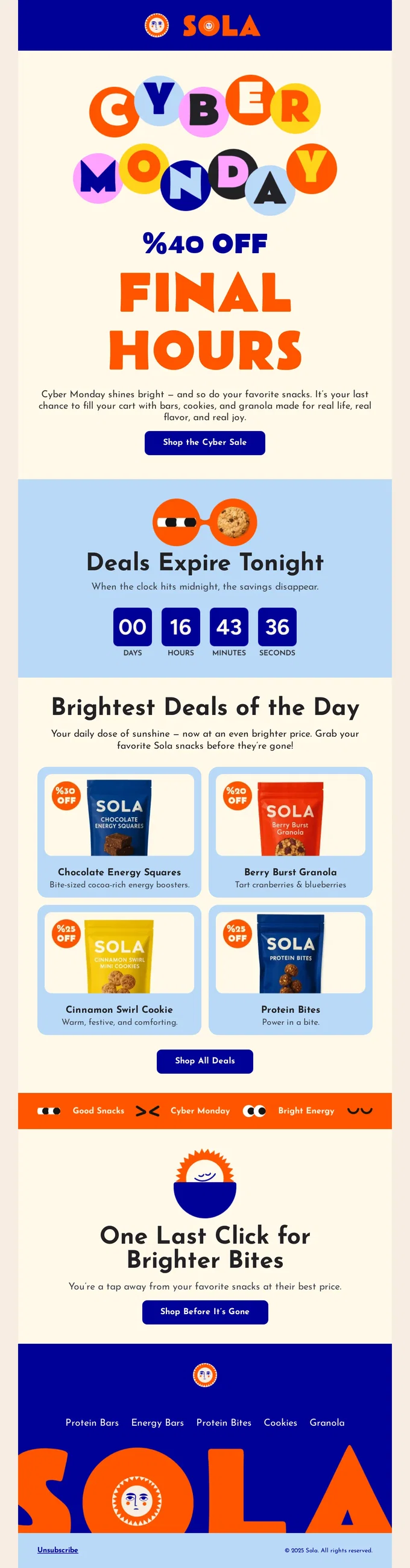 PreviewCyber Monday Reminder - Sola
 PreviewCyber Monday Reminder - Hausen
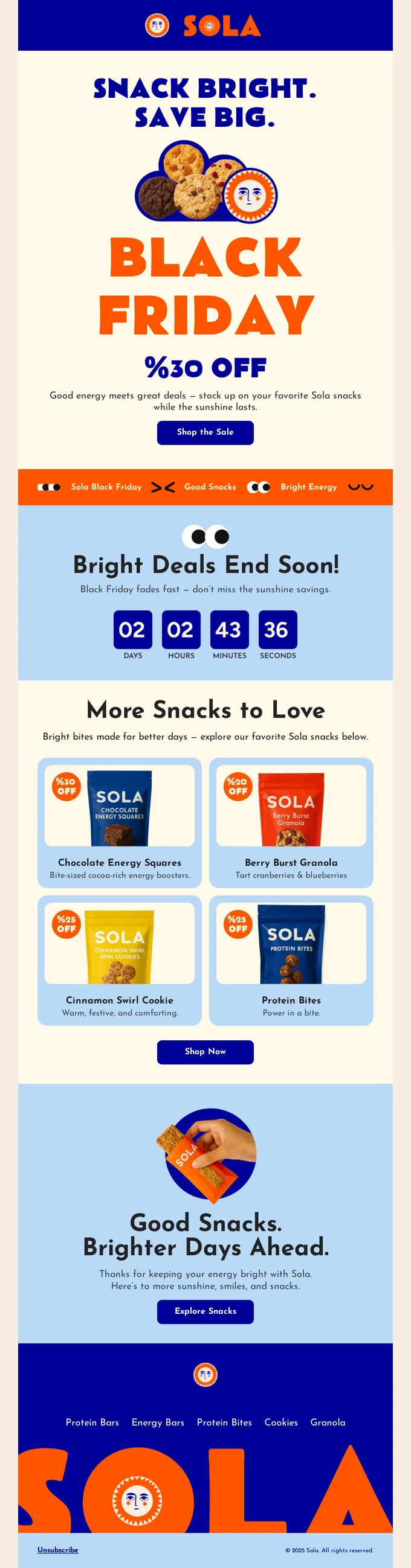 PreviewFood Black Friday - Sola
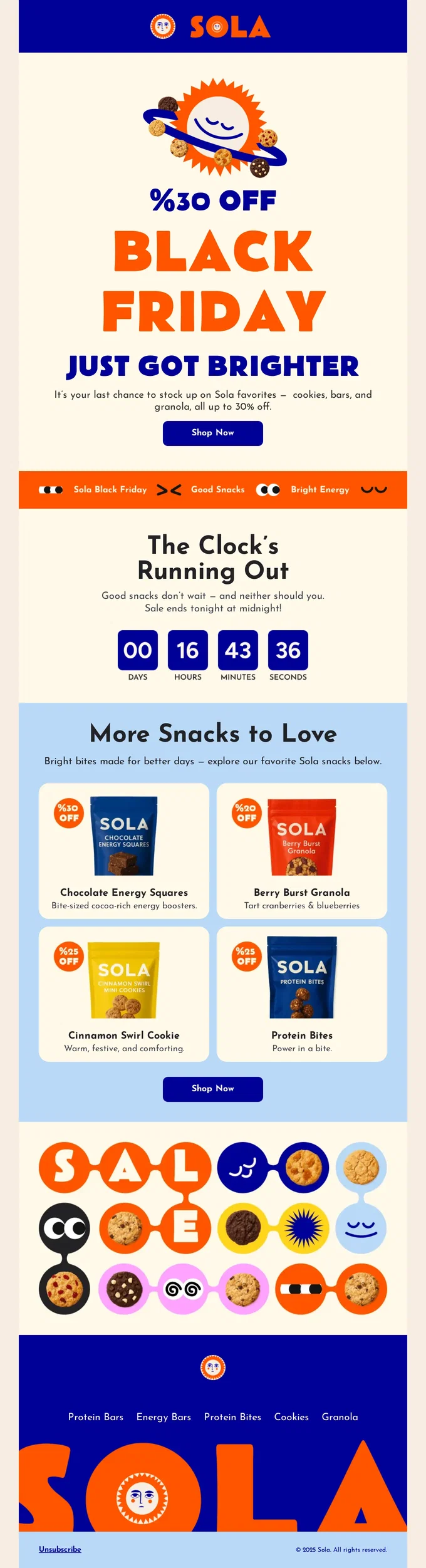 PreviewBlack Friday Reminder - Sola
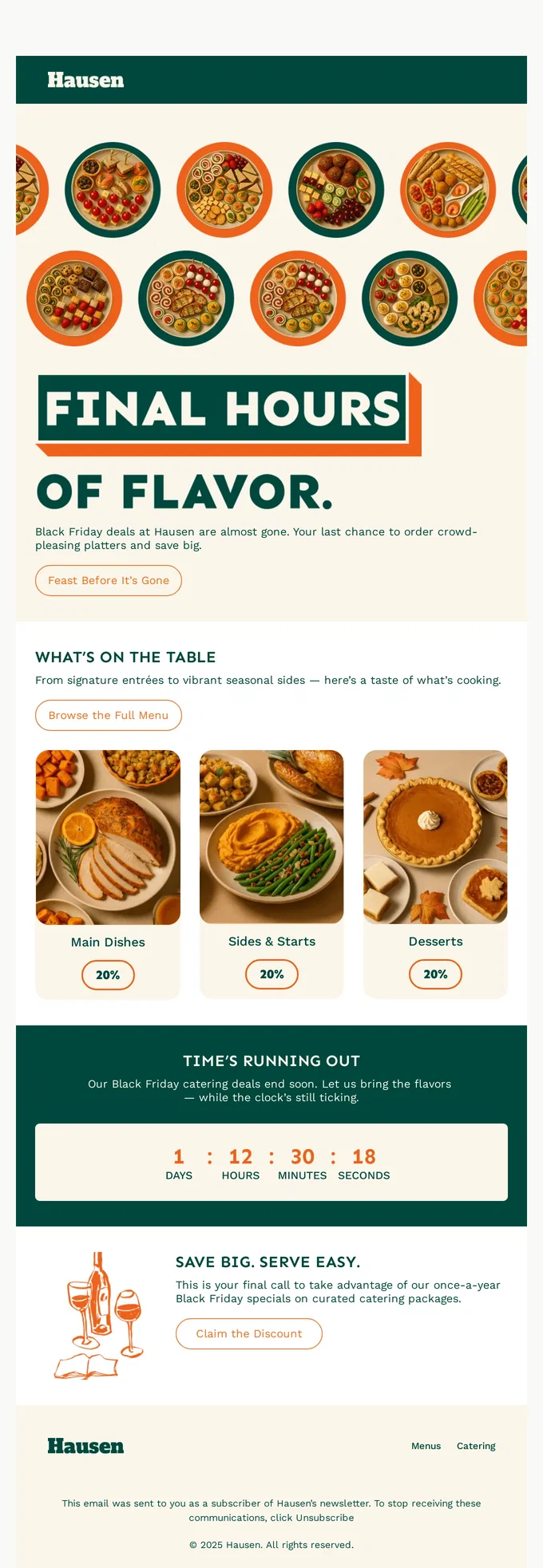 PreviewBlack Friday Reminder - Hausen
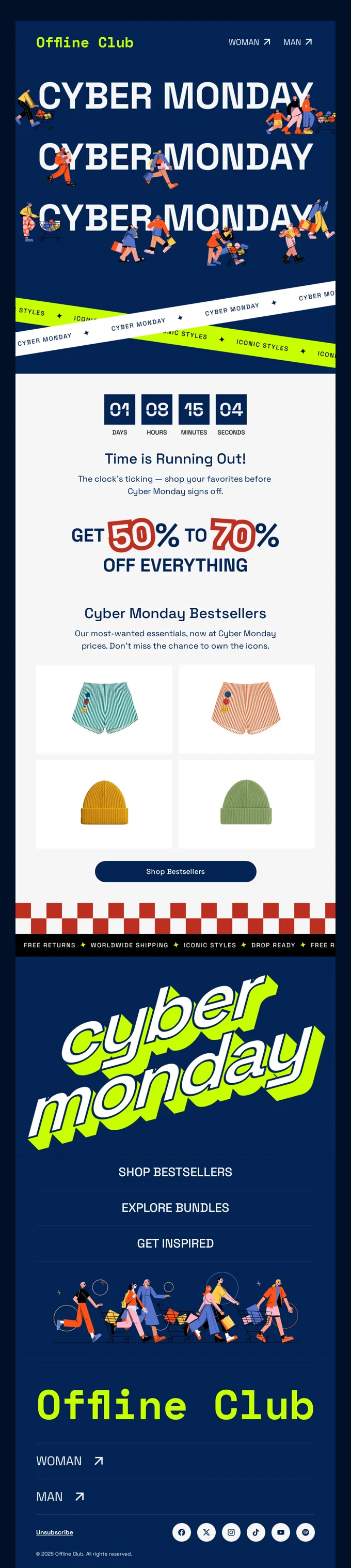 PreviewFashion Cyber Monday - Offline Club
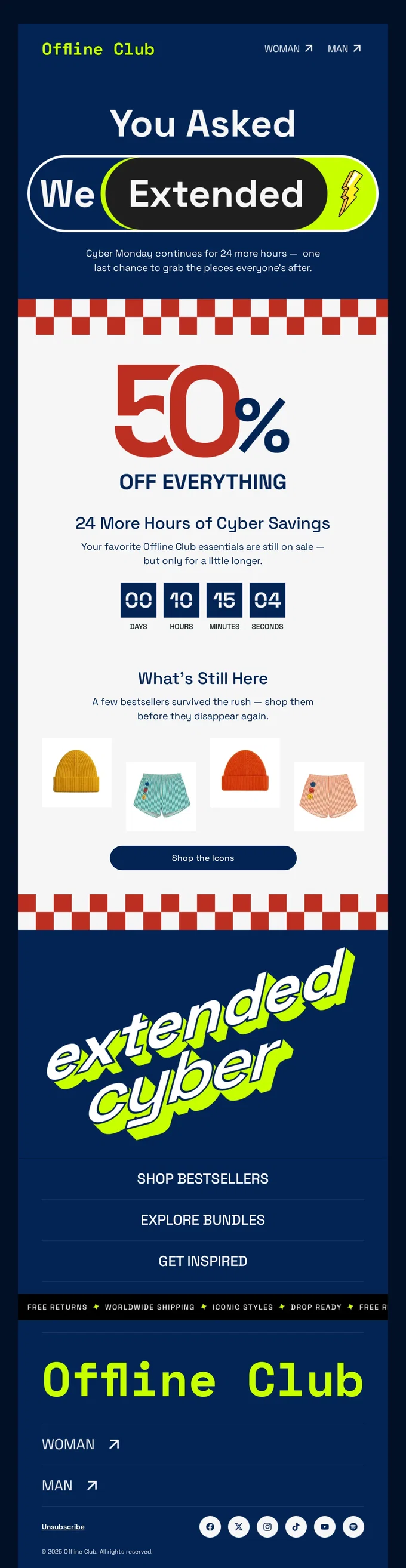 PreviewFashion Cyber Monday Extended - Offline Club
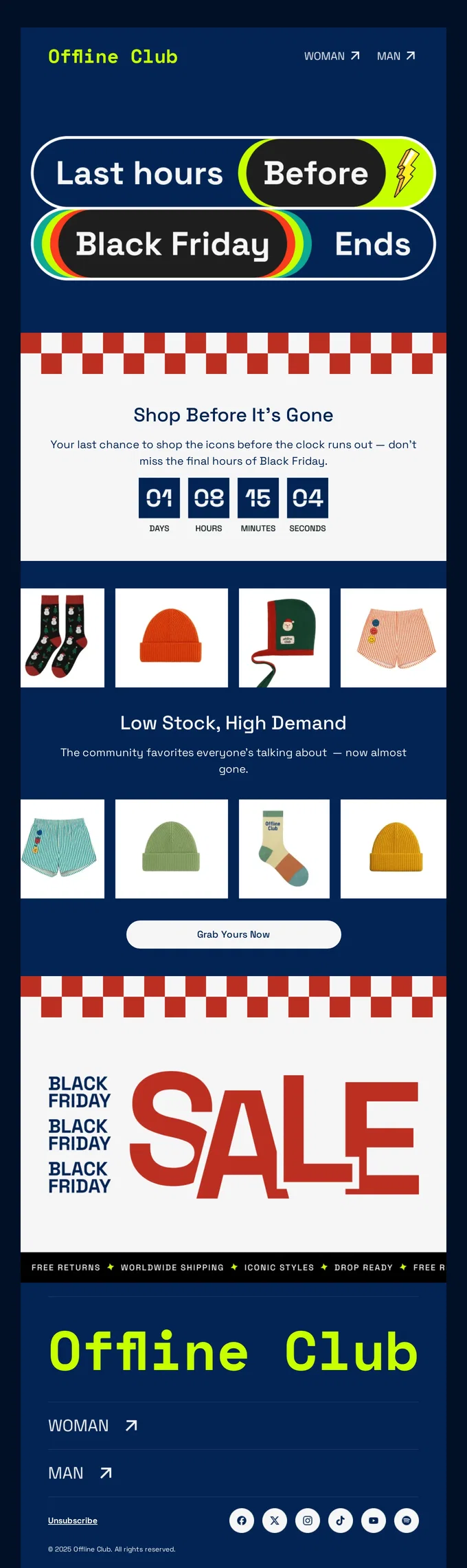 PreviewFashion Black Friday Reminder - Offline Club
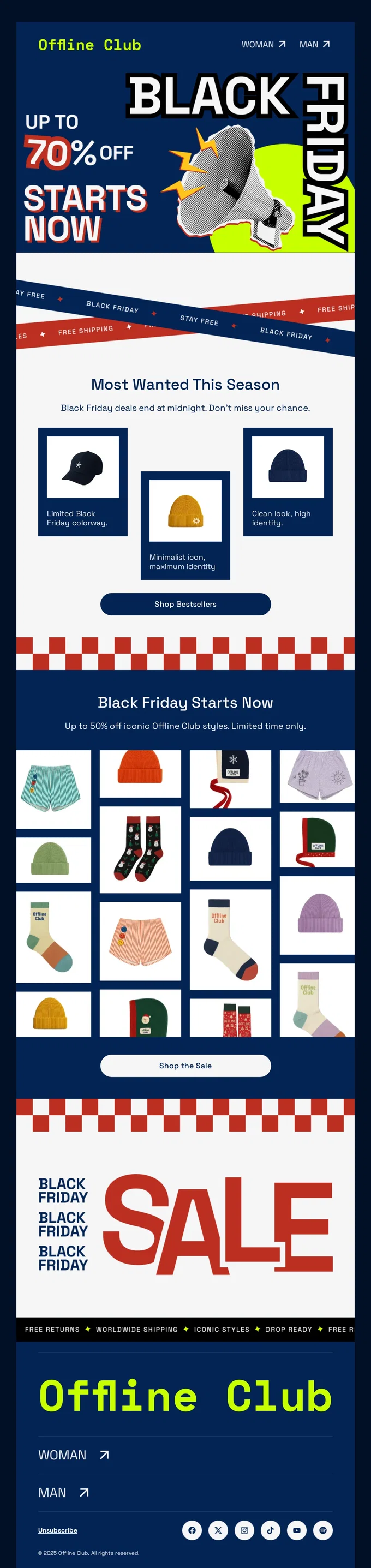 PreviewBlack Friday - Offline Club
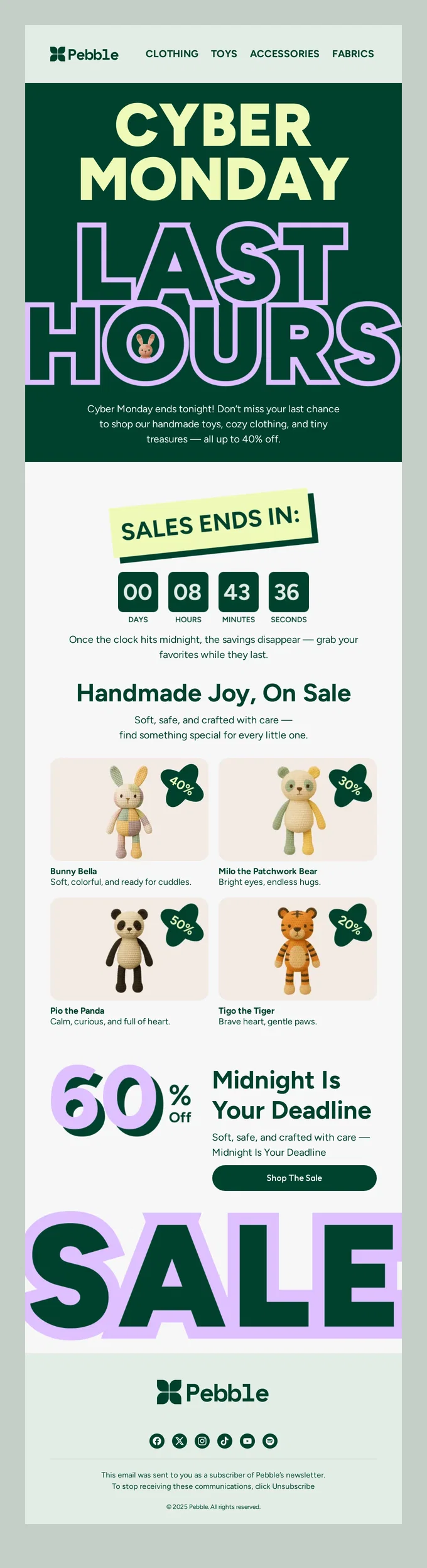 PreviewCyber Monday Reminder - Pebble
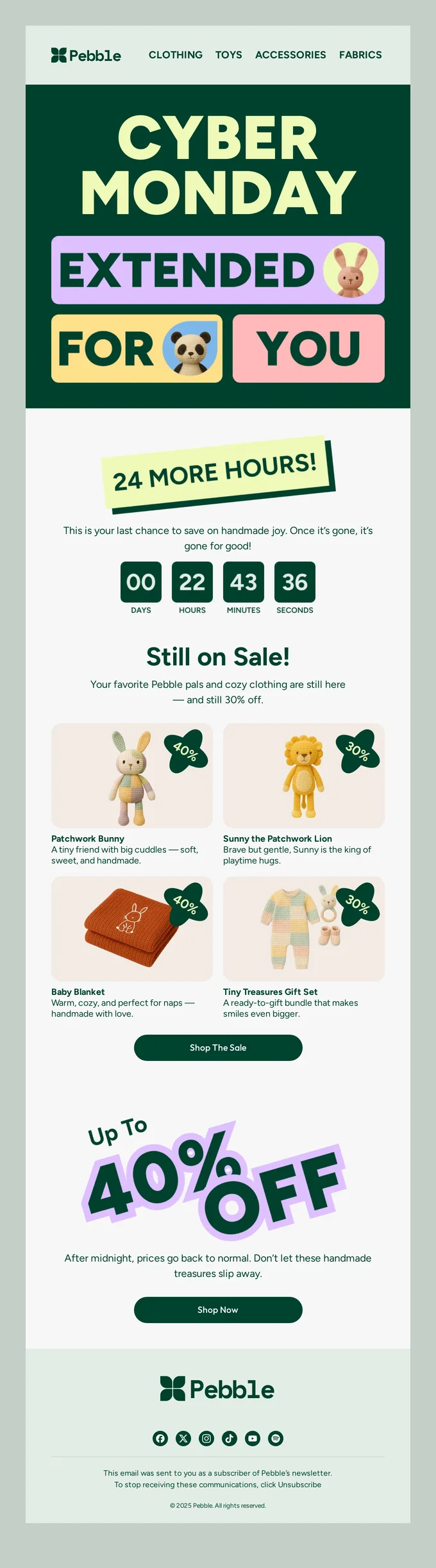 PrevieweCommerce Cyber Monday Extended - Pebble
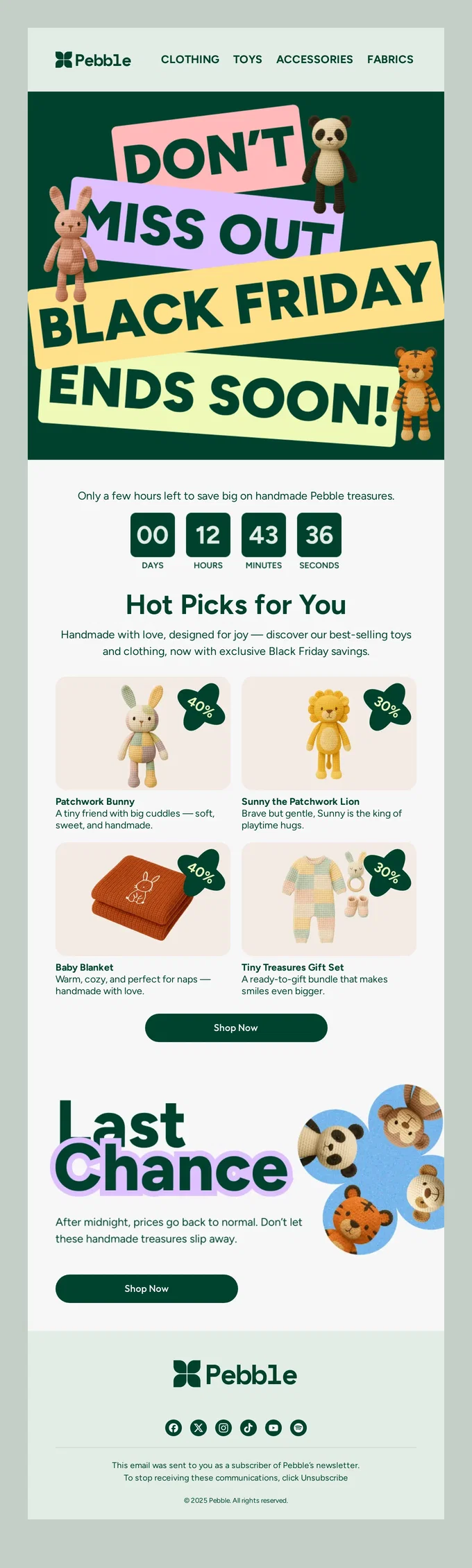 PrevieweCommerce Black Friday Reminder - Pebble
 PrevieweCommerce Black Friday - Pebble
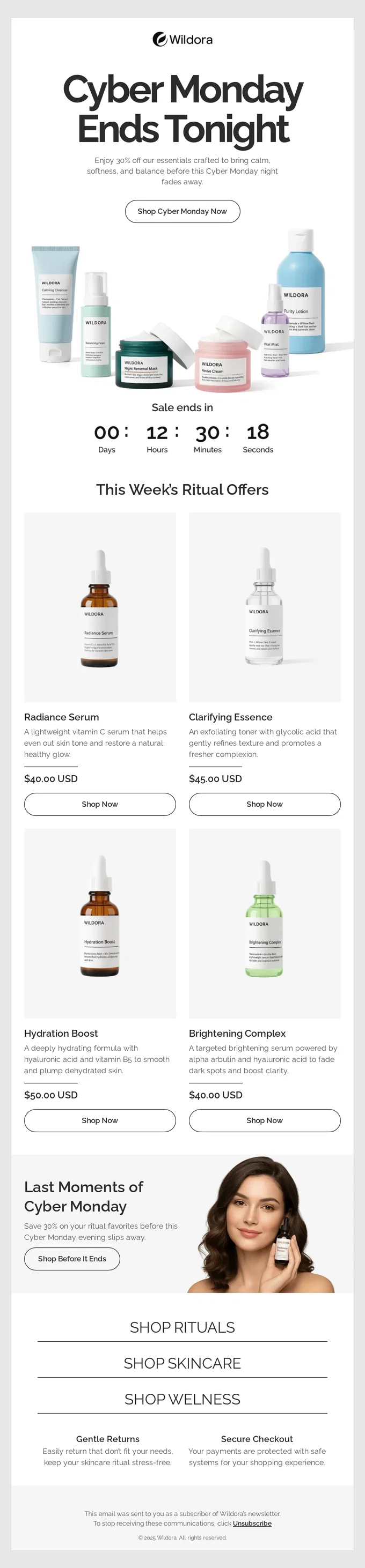 PreviewCosmetic Cyber Monday Reminder
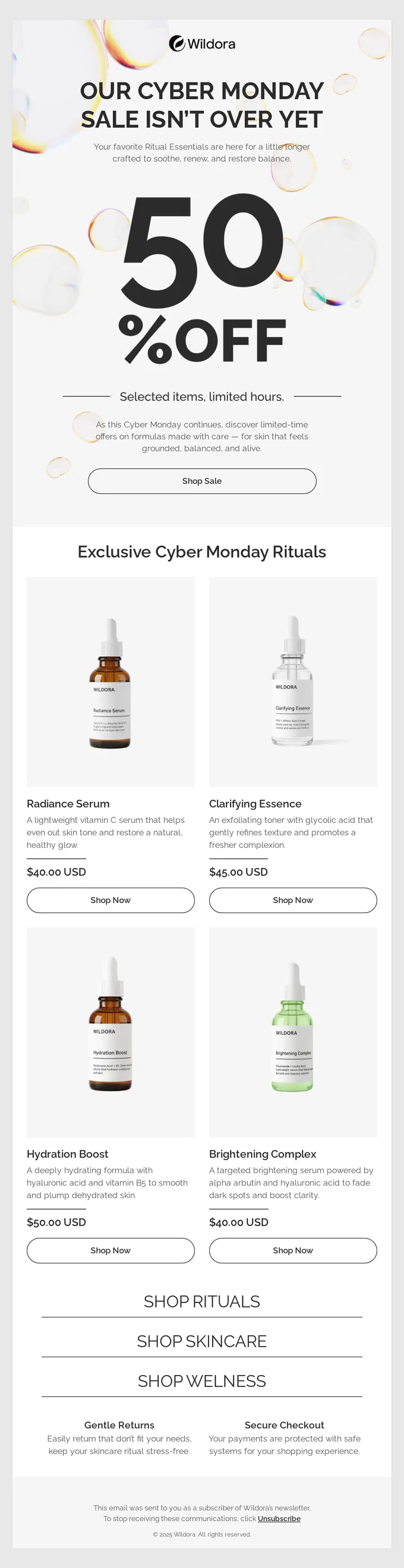 PreviewCosmetic Cyber Monday Extended
 PreviewFashion products
About these small Business Email Templates
- 1Free and responsive
Every template works on desktop and on phones.
- 2Edit without code
Change text, images and colours on a real canvas.
- 3Send it anywhere
Export the HTML, or send it to 26 email platforms.
Create Beautiful and Effective Small Business Email Templates with Tabular Email Builder
What small businesses need more than anything is direct sales, right? And what is better than email marketing? Email marketing brings $36 revenue for every $1 spent, with a 3600% return on your marketing investments. It’s unmatched in its effectiveness in direct sales. Plus, with email marketing, you don’t need social media influencers or an expensive digital presence. It’s a low-cost, high-effect marketing channel. You just need good small business email templates, not even a professional designer or a developer; well, if you are using Tabular Email Builder.
Tabular is a no-code email template builder that allows small businesses to create high-converting, beautiful email templates for sales promotions, newsletters, transactions, confirmations, and anything you can think of.
Beautiful Emails and Direct Sales with Tabular’s Small Business Email Templates
With Tabular Email Builder, you can create beautiful, responsive emails easily without prior knowledge of design tools or programming languages. Just design your template in Tabular or customize a pre-made email template, export it as HTML or PDF, and use it anywhere. Plus, you can integrate Tabular with your ESP platforms like HubSpot, Mailchimp, and many more for better email marketing campaigns.
Why Every Small Business Should Create Emails with Tabular’s Email Builder
Running a small business can be hard due to limited time and resources. You have to deal with customer service, promotions, operations; and it’s a lot. Not every small business owner has time to learn coding or use design tools, and they may not have the resources to hire someone either. Tabular Email Template Builder solves that problem with its easy-to-use drag-and-drop editor. Everyone can create email templates for their small businesses with Tabular Email Builder.
No-Code Email Editor Every Small Business Owner Can Use
Tabular’s easy to use editor lets you build emails just by dragging and dropping content blocks like text, images, buttons, product grids, and more. You don’t need any technical experience.
- No learning curve: It works like building with LEGO blocks, just chose the content block you want to use and experiment with different variations.
- Ideal for teams of one: Perfect if you’re the marketer, designer, and CEO all in one.
You are a small boutique owner? You can launch a product email in under 15 minutes, using Tabular Email Template Builder.
With Professionally Designed Templates and Content Blocks, Email Design Is as Simple as Playing with Legos
Need to launch a flash sale? Welcome new subscribers? Tabular offers a growing library of beautifully designed professional email templates suitable to every small business and enterprises.
Small business email templates for common use cases like:
- Discount Offer Email Templates
- Welcome Email Templates
- Holiday Email Templates
- New Year Email Templates
- Ecommerce Email Templates
- Transactional Email Templates
- Black Friday Email Templates
- Email Newsletter Templates
- Confirmation Email Templates
Each of Tabular’s email template designs are built modularly, meaning you can remove, rearrange, or add sections as needed.
Create Responsive Email Templates with Tabular Email Builder
Over 70% of emails are opened on mobile devices, and a poor mobile experience can mean missed sales. With Tabular Email Template Builder, you can create mobile version, every email you create is automatically optimized for smartphones, tablets, and desktops.
- Preview your design in mobile and desktop views while editing
- Make sure CTAs, images, and layout always look clean and readable
- Test different elements across designs.
For a busy shop owner or service provider, this means peace of mind, something that can’t be replaced. Your emails will look great everywhere.
Create Your Email Templates with Tabular, Use It Anywhere with Direct Integrations and Easy HTML and PDF Downloads
Are you a small business owner that mostly uses Gmail or Outlook? Tabular generates the cleanest HTML for your email templates so you can use it on every platform without worrying about whether it will break or not.
Are you using Shopify for your online store and running all your email marketing on Klaviyo? Integrate Tabular, use stunning email templates that work on every device smoothly, and make sure you don’t compromise on quality.
Or maybe email marketing is the channel for you now; no worries. Whatever you are using HubSpot, Mailchimp you can integrate Tabular Email Builder with all major ESPs.
- Export as HTML: Paste into any platform that accepts HTML code
- Download and reuse: Save templates for future campaigns
- Use with Gmail or Outlook: Great for those sending emails manually or using basic CRM systems
This flexibility gives you full control over where and how you send your emails.
Works with Klaviyo, Mailchimp, HubSpot and 23 moreDynamic Content & Personalization
Personalized emails perform significantly better than generic ones. With Tabular, you can easily add dynamic variables like:
- Customer names (Hi [FirstName]!)
- Product categories ([ProductName] you may like)
- Region-based content or offers
And you don’t need to code or configure anything complex; it’s built right into the editor. For small businesses, this turns a basic email into a relationship-building tool.
Small Business Email Templates Ready in Minutes
Every small business owner knows that time is money. Tabular’s modular design means:
- You can save custom blocks or templates and reuse them later
- No need to rebuild layouts from scratch
- Templates adapt across campaigns just add different modules for different types of emails
Test every part of your email, find the the best design for your campaigns, make sales.
Built for Non-Tech Teams (But Powerful for Pros Too)
While Tabular is beginner-friendly, it’s also powerful enough for more advanced marketers.
- Add custom HTML blocks if needed
- Control padding, spacing, and styling at a granular level
- Preview and test email responsiveness across devices
So whether you’re a solopreneur or working with a freelance marketer, Tabular adapts to your workflow.
Tabular Promises You a Faster, Cheaper, and More Reliable Email Template Design Process
Hiring designers or subscribing to bulky marketing platforms can get expensive fast. Tabular offers a leaner, more cost-effective way to maintain professional communication with your audience. Whether you’re a local bakery, online store, or neighborhood fitness studio you can create high performing responsive email templates with Tabular.
You get enterprise-level design tools without the enterprise price tag.
Tabular is an email template builder that is built with small businesses in mind. From the offered extra materials like modules and free templates to the flexibility in export options and many more features—like creating multilingual email templates for international email marketing, commenting, sharing, and collaborating on designs; Tabular is the email template builder for businesses of all sizes.
Do you want to promote a new product? Use Tabular to create the most professional product emails. Running a sales campaign? Use Tabular to create dynamic emails with personalized product offerings.
Tabular helps small businesses create AAA-level email templates without having the resources AAA firms have.